
Computer file: organization, formats, storage, and common uses
Overview of computer files: what they are, common types and formats, how they are stored and accessed, and their everyday and technical roles.
Overview
A computer file is a named unit of digital information that a computer stores and manipulates as a single object. Files group related bits and bytes so they can be recreated, shared, or processed together. Programs open, read, and write files to present data to users or to carry out automated tasks; such programs vary from simple text editors to complex databases. Files are normally kept on persistent media and managed by a file system, though they may also exist temporarily in memory.
Image gallery
4 Images


Common kinds and structure
Files can contain many types of information. Common categories include:
- Text files - plain or marked-up human-readable text.
- Audio files - sound recordings and music.
- Video files - moving images and associated audio.
- Image files - photographs, diagrams, and icons.
- Binary data - executable programs and app-specific data (binary data).
How data is laid out inside a file is its file format. Formats define headers, metadata, compression, and encoding so compatible software can interpret the contents.
Storage, naming and metadata
Files live within directories (folders) and are identified by names and often extensions that hint at their format. A file system tracks each file's location on storage media, its size, timestamps, permissions, and other metadata. Modern systems support features such as access control, journaling, and redundancy to protect file integrity.
History and development
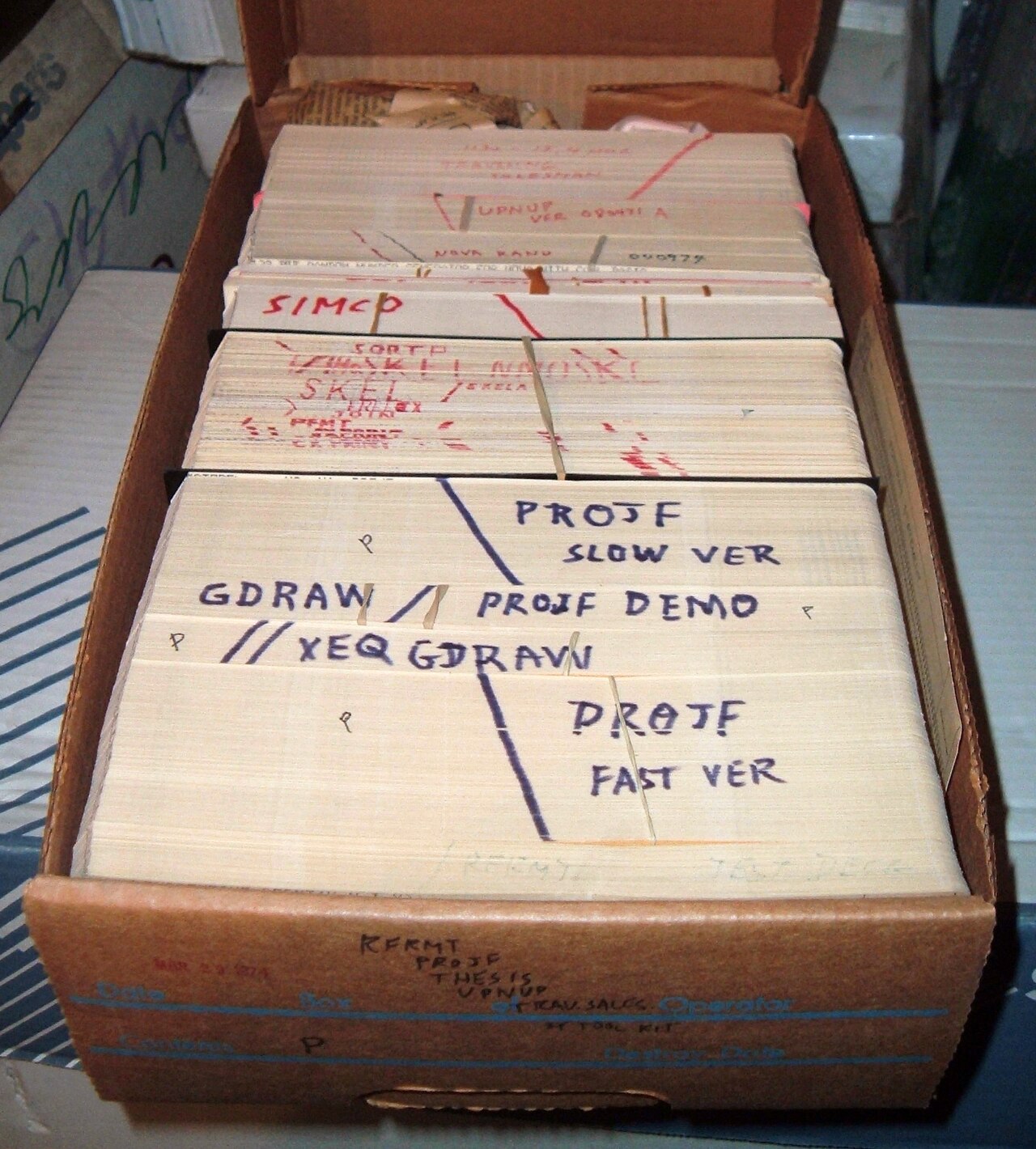
File concepts date to early computing, when punched cards and tapes represented grouped data. As disk drives and operating systems developed, more sophisticated file systems and hierarchical directories emerged. Standards for common formats and interchange, such as plain text, JPEG, MP3, and PDF, helped files become portable between platforms.
Uses, examples and important distinctions
Files are the basic unit of user data and application state: documents, photos, media collections, program binaries, configuration, and logs. Distinctions to note include the difference between a file (a stored object) and a stream (data in transit), or between a container format (which can hold multiple items) and a simple data file. Understanding formats and metadata helps users and developers choose appropriate tools for viewing, editing, and preserving files.
For additional technical details and best practices see resources on storage and file management through authoritative references and platform documentation.
More about information • Programs that open files • File systems explained • Audio file formats • Video containers • Image types • Binary file examples • File format standards
Related articles
Author
AlegsaOnline.com Computer file: organization, formats, storage, and common uses Leandro Alegsa
URL: https://en.alegsaonline.com/art/22312