
Computer mouse: overview, design, history, and common uses
An input device that controls a pointer on a display. Covers design types (mechanical, optical, laser, wireless), key features, historical development, typical uses and notable variations.
Overview
A computer mouse is a handheld input device used to control a pointer or cursor on a computer display. By moving the device across a flat surface or by using on-board sensors, the mouse translates physical motion into coordinates that let users point, click, drag and scroll on a graphical screen. It connects to a computer through wired or wireless interfaces and is one of the most common desktop peripherals.
Image gallery
10 Images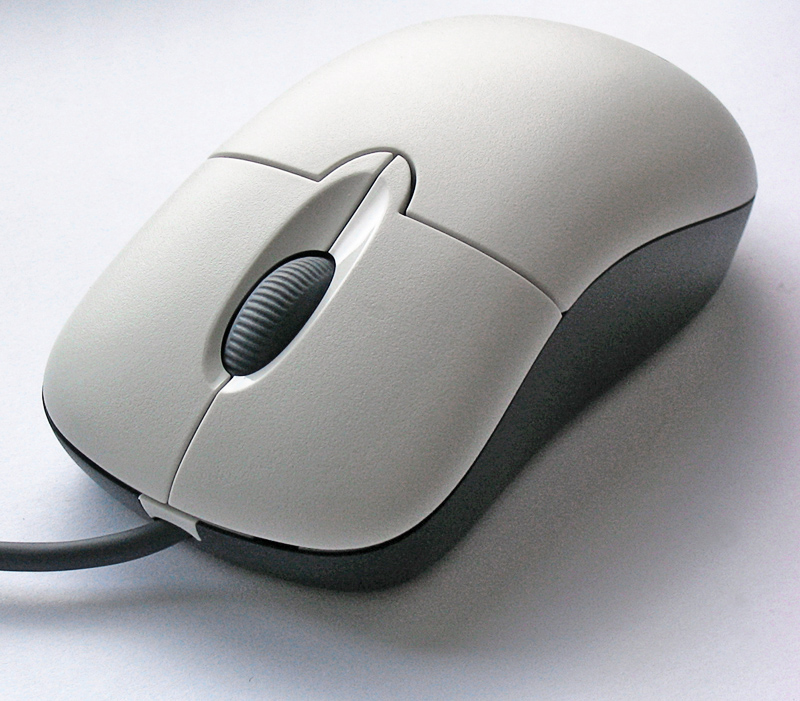



Design and common components
Modern mice combine a few standard elements with optional extras. Typical parts include left and right buttons, a scroll wheel or touch surface, a motion sensor and an interface. Characteristics that distinguish models include sensitivity, button count, and ergonomics.
- Motion sensors: mechanical ball (historical), optical LED, or infrared/laser sensors.
- Connectivity: USB cable, radio dongle, or Bluetooth wireless.
- Adjustable features: DPI sensitivity, polling rate, extra programmable buttons, and weight tuning on some gaming models.
History and development
The device emerged in the 1960s and became widely known after public demonstrations and later integration into graphical user interfaces. Early mechanical designs evolved into optical and laser systems that offered more reliability and precision. As personal computing spread, manufacturers refined form factors for everyday, ergonomic and gaming use.
Uses and variants
Mice are used for general navigation, office productivity, graphic design, 3D modeling and gaming. Specialized variants include vertical and ergonomic mice for reduced wrist strain, trackballs that remain stationary, and compact travel mice for portability. Touchpads and styluses are common alternatives on laptops and tablets.
Notable facts
Performance is often described by resolution (DPI) and responsiveness (polling rate). Gaming mice typically offer high DPI, extra buttons and on-the-fly settings. Wireless models trade convenience for battery dependence, while wired mice remain popular where low latency and uninterrupted power are priorities. For more technical details see related resources: surface tracking, input devices overview, and compatibility notes in device manuals.
Related articles
Author
AlegsaOnline.com Computer mouse: overview, design, history, and common uses Leandro Alegsa
URL: https://en.alegsaonline.com/art/22323
Sources
- foldoc.org : "mouse from FOLDOC"
- computer.howstuffworks.com : How computer mice work
- sutori.com : sutori.com/story/history-of-the-computer-mouse--2KWUavjKLozs9P8VsV8znyoQ
- macworld.com : macworld.com/article/1137400/mouse40.html
- 10hotdeals.com : "Computer Mouse - 10HD"
- wordnetweb.princeton.edu : "WordNet Search - 3.1"