
Computer printer
A computer printer is a device that produces physical copies of digital text and images. This article explains types, key parts, history, common uses, and practical distinctions.
A computer printer is an output device that produces physical copies of digital documents, images or other content stored on a computer or other electronic device. Printers vary in size, speed and capability — from small home units to large industrial machines — but all convert electronic data into marks on a medium, most commonly paper. A printer typically works under the control of a computer or mobile device and may require a device-specific driver or software.
Image gallery
10 Images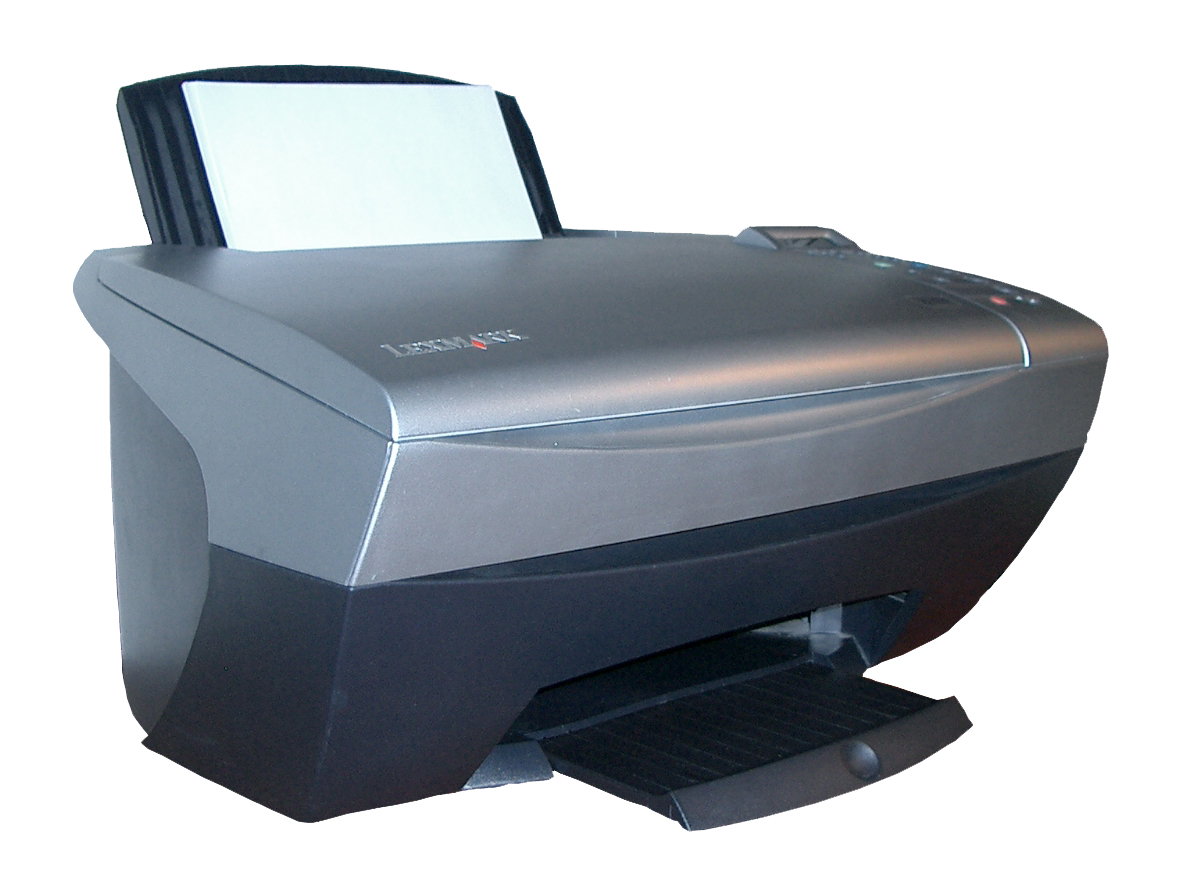


Common types and characteristics
Printers are commonly grouped by printing technology and intended use. Typical categories include:
- Inkjet: sprays tiny droplets of ink onto paper and is popular for photo-quality colour printing.
- Laser: uses toner and a fusing process to produce fast, sharp text and graphics, often used in offices.
- Thermal: heats specially coated paper for receipts and labels.
- Impact/dot matrix: strikes an inked ribbon against paper and is used where multi-part forms are needed.
Key components and connectivity
Typical parts include the print engine, ink or toner supply, paper feed and control electronics. Resolution is described in dots per inch (DPI) while speed is measured by pages per minute (PPM). Modern printers offer multiple connectivity options such as USB, wired Ethernet, Wi‑Fi and direct mobile printing. Manufacturer support and detailed specifications are often available on the device page — see technical information and common computer resources at computer hardware guides.
History and development
Printing from computers evolved through the late 20th century as technologies improved. Early business environments used impact printers, while laser and inkjet technologies became widespread for desktop and office use. Advances in electronics, print heads and consumables have steadily reduced costs and increased quality.
Uses, examples and practical notes
Printers are used for letters, reports, photographs, labels, posters and receipts. Many devices are multifunctional and can copy, scan and fax; see models and comparisons at multifunction device resources. Direct printing from cameras or memory cards is supported by some models — information on that workflow is available at camera printing guides. Paper types and sizes influence output; suppliers and paper recommendations can be consulted via paper and media resources.
Distinctions and notable facts
When choosing a printer consider print quality, running cost, speed, connectivity and support. Environmental factors include power use, consumables recycling and noise. For specialized needs, industrial and large-format printers use different mechanisms adapted for high volume or wide media.
Related articles
Author
AlegsaOnline.com Computer printer Leandro Alegsa
URL: https://en.alegsaonline.com/art/22328