
Computer museum: collections, preservation, history and public display
An overview of computer museums: what they collect, how they preserve hardware and software, their history and roles, types (physical and online), notable examples and pointers for visitors and researchers.
Computer museums are institutions that collect, preserve, study and display computing artifacts and their stories. Their holdings commonly include historic hardware, original software, documentation, manuals, photographs and oral histories. By conserving both tangible items and related intangible knowledge, these museums aim to support research, education and public appreciation of how computing developed and shaped society.
Image gallery
2 Images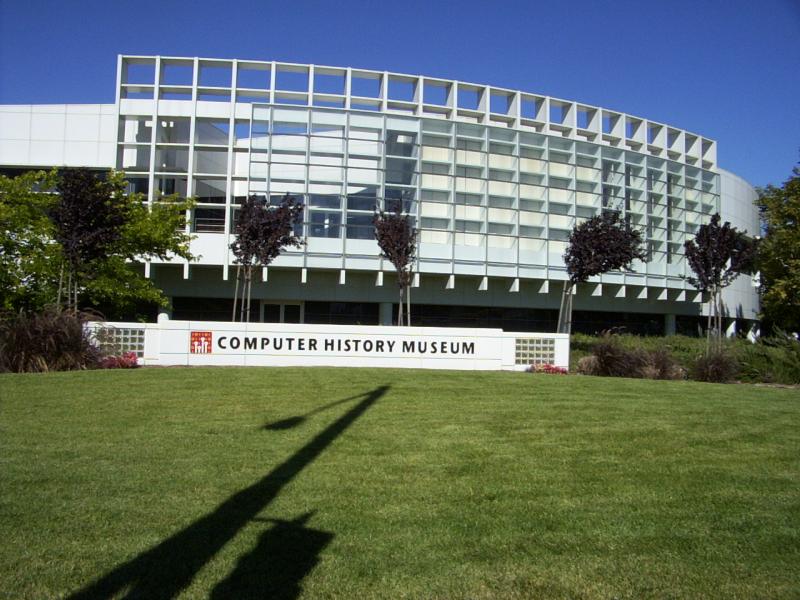
Collections and typical exhibits
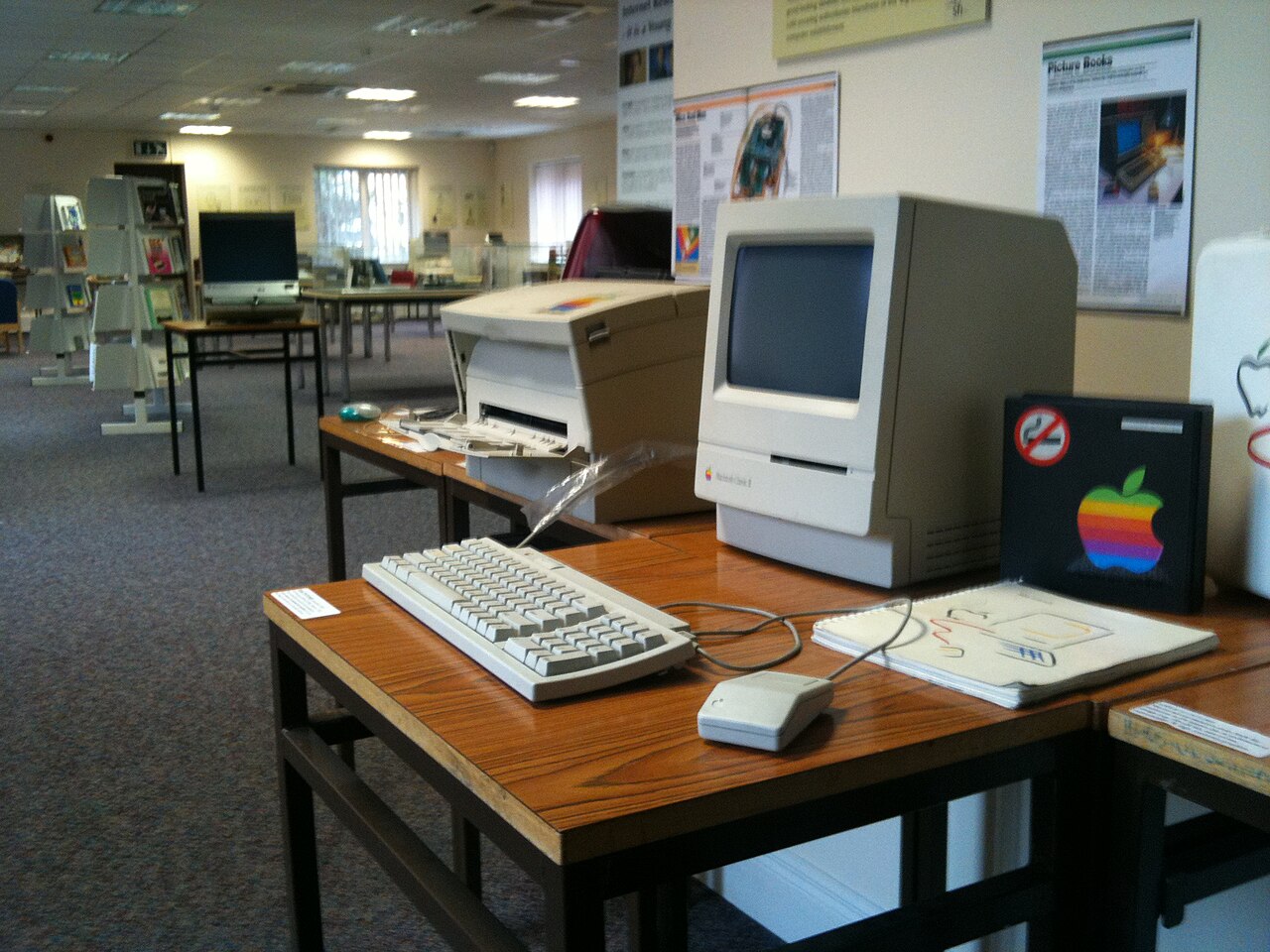
Exhibits range from early electro-mechanical calculators and mainframes to microcomputers, video-game consoles and pioneering software. Typical displays emphasize three complementary elements: the physical device, the software and its documentation, and contextual interpretation that explains how a machine was used. Many museums maintain working demonstrations of classic systems, repair workshops, and interactive galleries that let visitors experience historic interfaces.
Preservation, conservation and research
Conserving computer artifacts combines traditional museum practice with specialized technical work. Conservators stabilize fragile materials, migrate or emulate obsolete digital formats, and document provenance. Curators often collaborate with engineers and volunteers to restore hardware while retaining original components where possible. Research in these settings may produce digital archives, restoration reports and scholarly exhibitions that connect technical change to social and economic impact.
Types of computer museums
- Integrated science and technology museums that include computing within broader technology histories.
- Dedicated computing museums focusing exclusively on the history of information technology.
- Private collections and community-led archives that preserve local or niche computing cultures.
- Online museums and digital repositories that collect images, emulated systems and documentation for remote access.
Online collections expand access but differ from physical museums because visitors cannot touch original hardware; they often provide emulation, photographs and searchable catalogs instead. Practical conservation issues—such as failing capacitors, obsolete connectors and unreadable media—mean that many institutions combine physical conservation with digital preservation strategies.
History, public value and visiting
The idea of collecting computing technology grew alongside personal computing and the recognition that software and hardware rapidly become obsolete. Computer museums preserve this legacy so future generations can study design choices, user cultures and the material conditions of computation. For visitors, exhibits can illuminate everything from early scientific computation to the rise of personal computing, gaming history and the infrastructure behind the internet. Many museums offer educational programs, workshops and archives for researchers and hobbyists.
Examples and resources
Below are representative resources and institutions; these entries are provided as pointers to further information and do not imply official endorsement.
- Museum definition and standards
- Research collections overview
- Historic hardware categories
- Hardware conservation techniques
- International Council of Museums
- Institutional roles and missions
- Museums and public service
- Cultural development and heritage
- Conservation best practices
- Communication and outreach
- Exhibition methods
- Material and environmental contexts
- Educational programming
- Public enjoyment and engagement
- Science Museum example
- London science and technology collections
- Deutsches Museum reference
- Computer History Museum
- California computing archives
- MuseumsForum and regional networks
- National Museum of Computing resources
- Historic sites and computing heritage
- Curatorial focus areas
- Computing eras and timelines
- Early personal computers
- Classic Macintosh exhibits
- Commodore and home computing
- Amiga and multimedia history
- IBM PC lineage
- Online museum practices
- Virtual galleries and archives
- Quality and curation of online collections
- Digital preservation projects
- Photography-based online exhibits
Visitors planning a trip should check opening hours, accessibility and whether hands-on demonstrations or emulators are available. Researchers should contact curatorial staff in advance to arrange access to archives or to discuss collaborative conservation and emulation projects.
Questions and answers
Q: What is a computer museum?
A: A computer museum is a type of museum dedicated to the study and preservation of historic computer hardware and software.
Q: What does the International Council of Museums define as a "museum"?
A: The International Council of Museums defines a "museum" as a permanent institution in the service of society and its development, open to the public, which acquires, conserves, researches, communicates, and exhibits tangible and intangible heritage for educational purposes.
Q: Are all computer museums part of larger institutions?
A: No, not all computer museums are part of larger institutions. For example, the Computer History Museum in Mountain View California and The National Museum of Computing at Bletchley Park are independent entities that only deal with computing.
Q: What types of computers do some museums focus on?
A: Some museums focus on early history computers such as Apple I's or Altair 8800s while others may focus on more modern personal computers such as Apple IIs or IBM PCs.
Q: How do online museums differ from traditional ones?
A: Online museums differ from traditional ones mainly in that visitors cannot interact with or touch any exhibits in the traditional sense. They usually just show photographs or videos from other sources instead.
Q: Who owns private collections?
A: Private collections are owned by individuals or organizations who have an interest in preserving historic computers for research or entertainment purposes.
Related articles
Author
AlegsaOnline.com Computer museum: collections, preservation, history and public display Leandro Alegsa
URL: https://en.alegsaonline.com/art/22324
Sources
- icom.museum : "ICOM Statutes"