
Input device
Hardware used to provide data and control signals to a computer. Covers types, components, history, common examples and distinctions such as combined input/output devices.
Overview
An input device is a piece of computer hardware that lets a user or a sensor provide information to a computing system. Its role is to capture physical or human action and convert it into a digital form the computer can interpret, allowing data to be entered for processing and control. Input devices range from simple switches to complex multi‑sensor arrays and are essential for human–computer interaction.
Image gallery
10 Images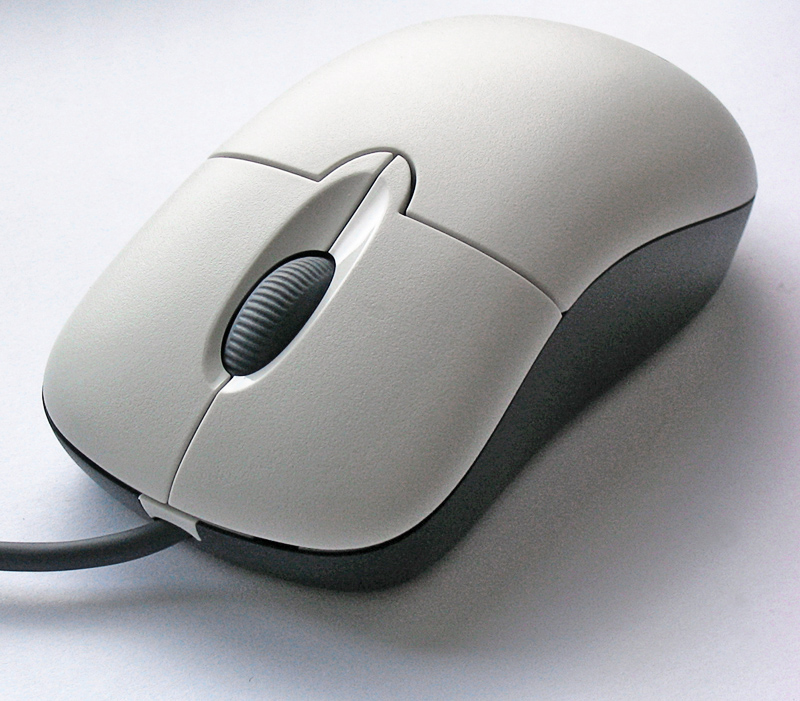


Characteristics and components
Most input devices include a sensing element (mechanical, optical, capacitive or electromagnetic), an interface to the host (wired or wireless), and firmware or drivers that translate signals into standard protocols. Important characteristics are accuracy, resolution, latency, and ergonomics. Devices may produce discrete events (key presses) or continuous data streams (analog joysticks, cameras).
Common types and examples
- Keyboard — text and command entry.
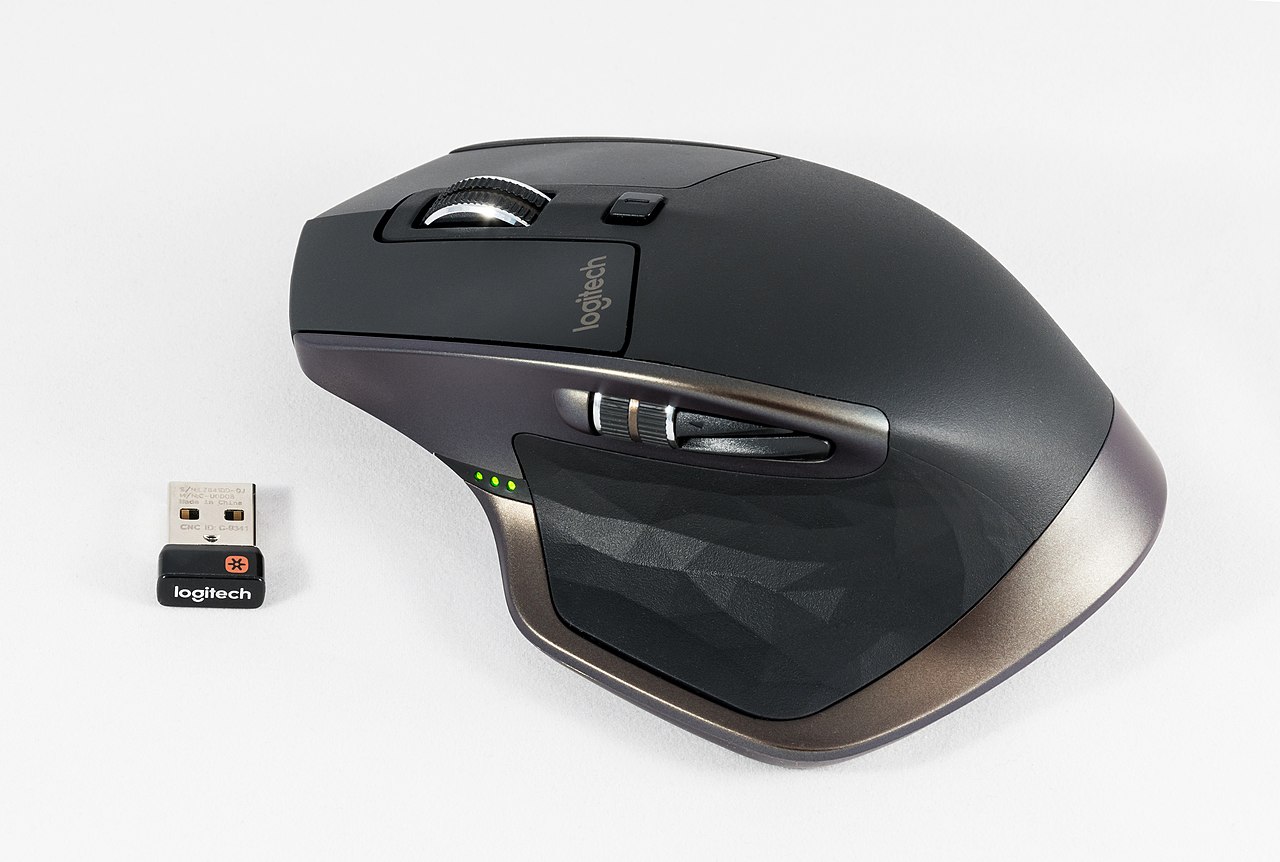
- Mouse — pointer control for graphical interfaces.
- Image scanner — converts printed material into digital images.
- Digital camera — captures photographs and video for input.
- Joystick — directional control common in gaming and simulation.
- Touchscreen — combines input and display by sensing touch.
History and development
Input devices evolved alongside computers: early systems relied on punch cards and paper tape for data entry, progressing to electromechanical and electronic peripherals as interactive computing developed. The rise of graphical user interfaces and mobile devices drove innovations in pointing devices, touch sensing and camera input. Today many input methods integrate multiple sensors and software to interpret gestures, speech and images.
Uses, importance and distinctions
Input devices enable a wide variety of tasks: document creation, data capture, control of applications, accessibility functions and immersive experiences in gaming and virtual reality. They are distinct from output devices, though some hardware such as touchscreens and multifunction printers serve both roles. Selection depends on context: accuracy and throughput matter for professional data entry, latency and ergonomics for gaming, and robustness and simplicity for public kiosks.
Notable considerations
Compatibility, driver support and communication protocols affect how an input device integrates with a system; many modern devices use standardized interfaces to improve interoperability. Accessibility features and alternative input technologies (speech recognition, eye tracking, switches) expand usability for people with different needs.
For further technical reference see manufacturer documentation and platform guidelines: input-processing standards.
Questions and answers
Q: What is an input device?
A: An input device is a computer hardware used to enter data for processing.
Q: What are some examples of input devices?
A: Some examples of input devices are the keyboard, mouse, image scanner, digital cameras, and joysticks.
Q: What is a touchscreen?
A: A touchscreen is a combined input and output device.
Q: Is a keyboard an input device?
A: Yes, a keyboard is an input device.
Q: Can a digital camera be used as an input device?
A: Yes, a digital camera can be used as an input device.
Q: What is the purpose of an input device?
A: The purpose of an input device is to enter data for processing in a computer.
Q: Is a touchscreen only an input device?
A: No, a touchscreen is a combined input and output device.
Related articles
Author
AlegsaOnline.com Input device Leandro Alegsa
URL: https://en.alegsaonline.com/art/47424
Sources
- computerhope.com : "Input device"