
X Window System (X11): networked windowing for Unix-like systems
X Window System (X11) is a network-transparent windowing protocol and toolkit layer widely used on Unix-like operating systems to manage graphical displays, input, and windowing.
Overview
The X Window System, commonly called X or X11, is a foundational protocol and suite of programs that provide the basic services needed to display graphical user interfaces on bitmap displays. Rather than prescribing how menus, icons or widgets must look, X supplies primitives for drawing, moving windows and communicating keyboard and pointer events. This separation lets many different desktop environments and toolkits be built on top of the same underlying display and input infrastructure. For general information about the project and its goals, see the official project resources and introductory notes on window management and bitmap displays.
Image gallery
9 Images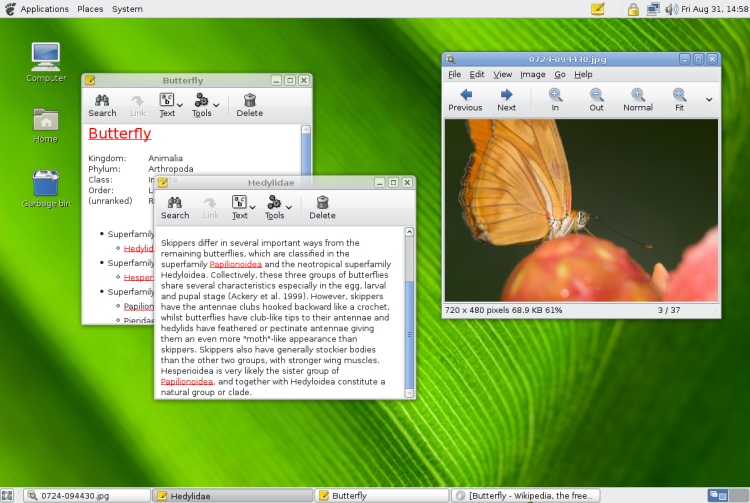
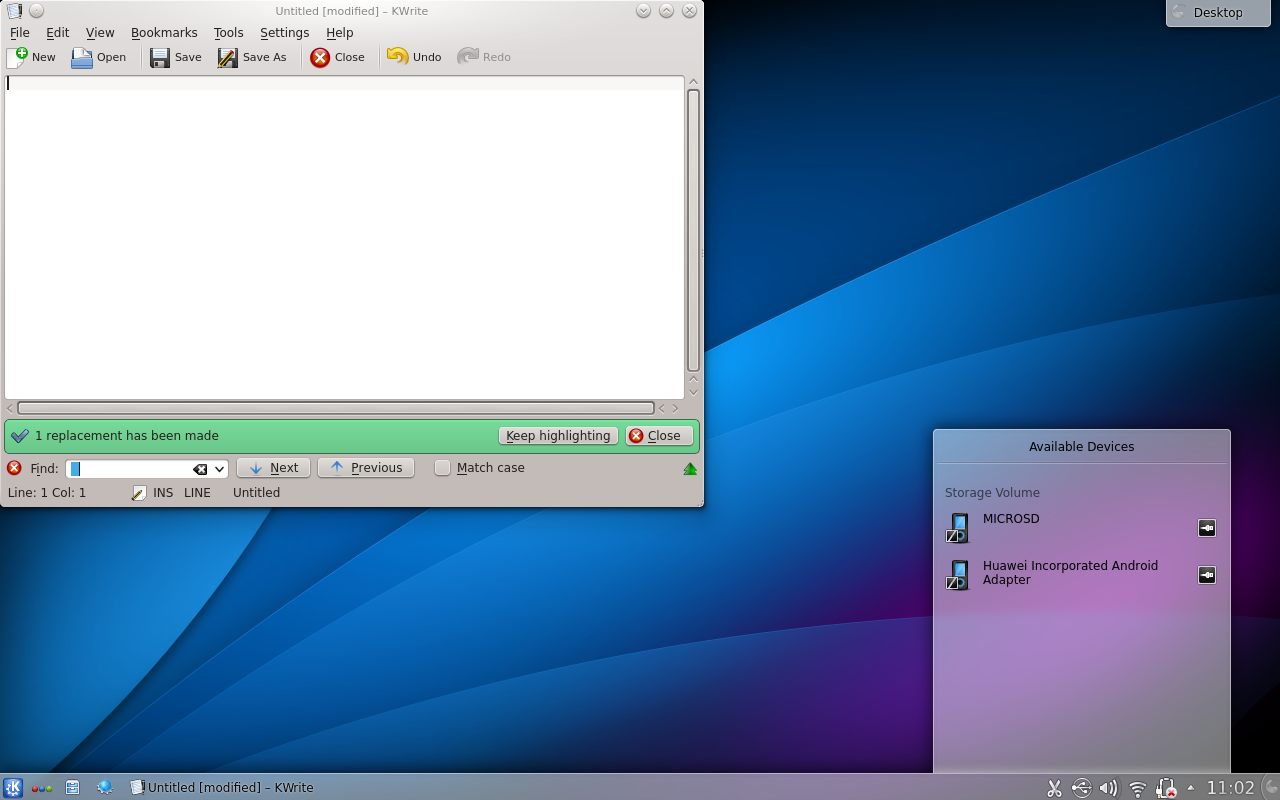
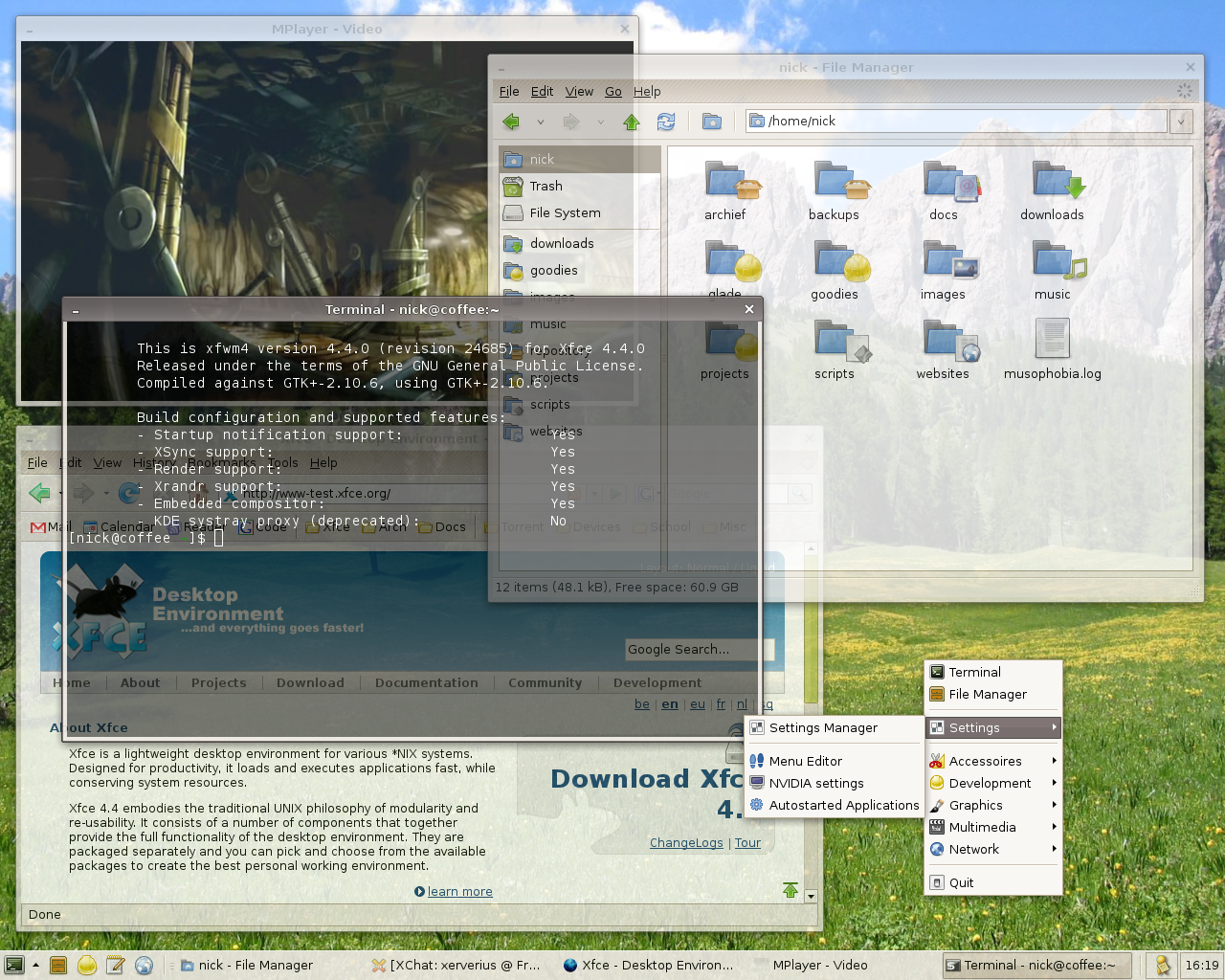


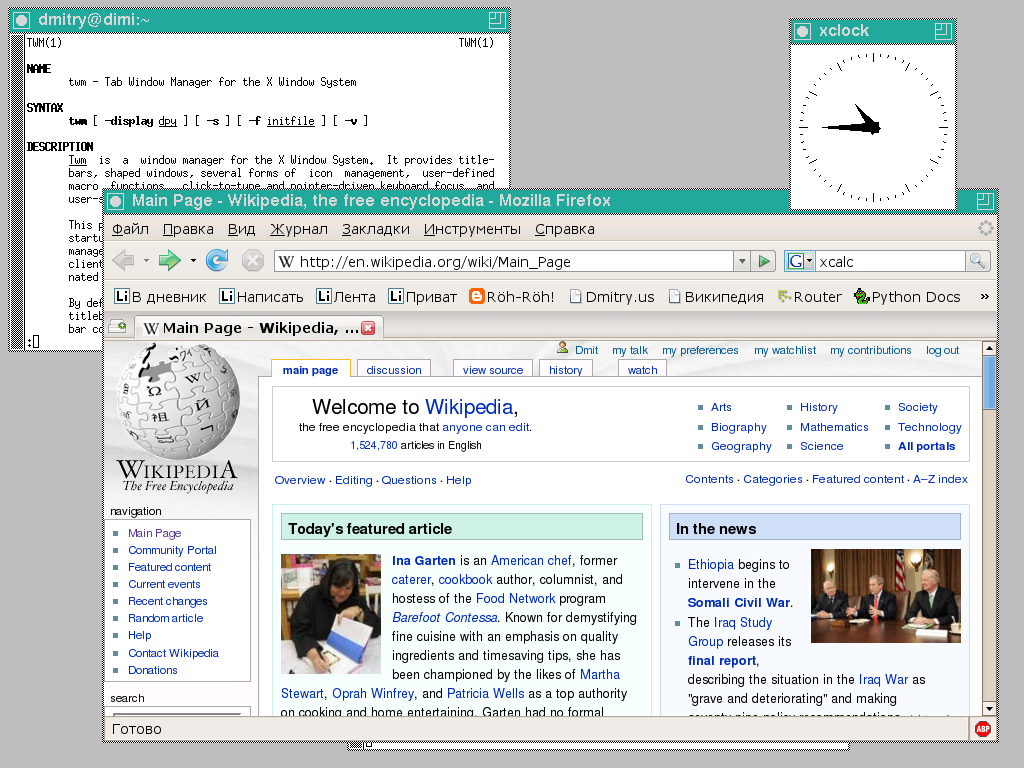
Architecture and characteristics
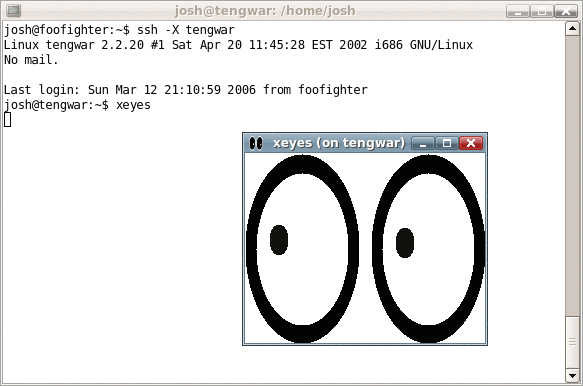
X is built around a client–server model. The X server controls the display hardware and input devices; it receives drawing requests and input events. Applications act as clients that connect to the server to create windows and render content. This model is intentionally network transparent: a client program can run on one machine while the server runs on another, allowing remote graphical applications to appear on a local screen. The system supports multiple screens, fonts, cursors and extensions for accelerated graphics; for implementation details, consult documentation on Unix-like platforms and operating system integration. Core roles such as window decoration and policy are handled by separate programs called window managers or compositors; additional examples and how they interact are described at window manager resources.
History and development
X originated at the Massachusetts Institute of Technology in the mid‑1980s as a flexible way to support graphics on workstations and over networks. The protocol known as X11 was released in 1987 and quickly became the standard windowing system used on many Unix and Unix-like systems. Development and stewardship moved through several organizations; today the X.Org Foundation is the community body that maintains the reference implementation and coordinates development. Historical and licensing background can be found in archived materials and foundation pages such as early MIT history, the X.Org Foundation site, and notes on software licensing and distributions at free software resources and license descriptions.
Uses, examples and importance
Because of its network transparency and modularity, X has been widely used in academic, enterprise and commercial environments. Typical uses include running graphical applications on remote servers, thin client setups, displaying legacy X applications on modern hardware, and forming the basis of full desktop environments such as GNOME and KDE. Administrators and developers often combine X with toolkits (for example, older X Toolkit Intrinsics or modern toolkits) and window managers to achieve different user experiences. Practical guides and examples of X in production contexts are available via tutorials and community pages at user interface guidance and operational notes at network deployment.
Limitations and modern alternatives
While powerful and flexible, X has grown complex through decades of extensions and backward compatibility requirements. Some challenges cited by implementers include performance characteristics for modern compositing graphics, corner cases in remote operation, and security considerations when exposing graphical services over networks. In response, newer display systems such as Wayland have been developed to simplify and modernize the graphics stack on Linux and other systems. Nonetheless, X remains widely supported and continues to be important for compatibility, remote display and legacy applications.
Further reading
Related articles
Author
AlegsaOnline.com X Window System (X11): networked windowing for Unix-like systems Leandro Alegsa
URL: https://en.alegsaonline.com/art/109415
Sources
- ftp.x.org : "Licenses"