
User interface: types, design principles, and safety considerations
A concise, neutral overview of user interfaces: definitions, common types, key design principles, accessibility and safety issues, with examples and brief history.
Overview
A user interface (UI) is the layer through which a person interacts with a machine, system or application. It mediates how humans supply information and commands and how a system returns information and responses. Typical UI functions include accepting input from a user (input), presenting results as text, graphics or signals (output), and guiding the operator so tasks are completed correctly and safely. The term is broad and applies equally to software, consumer electronics, industrial equipment and embedded devices (machine).
Image gallery
10 Images





Types and components
UIs can take many forms. Common categories include:
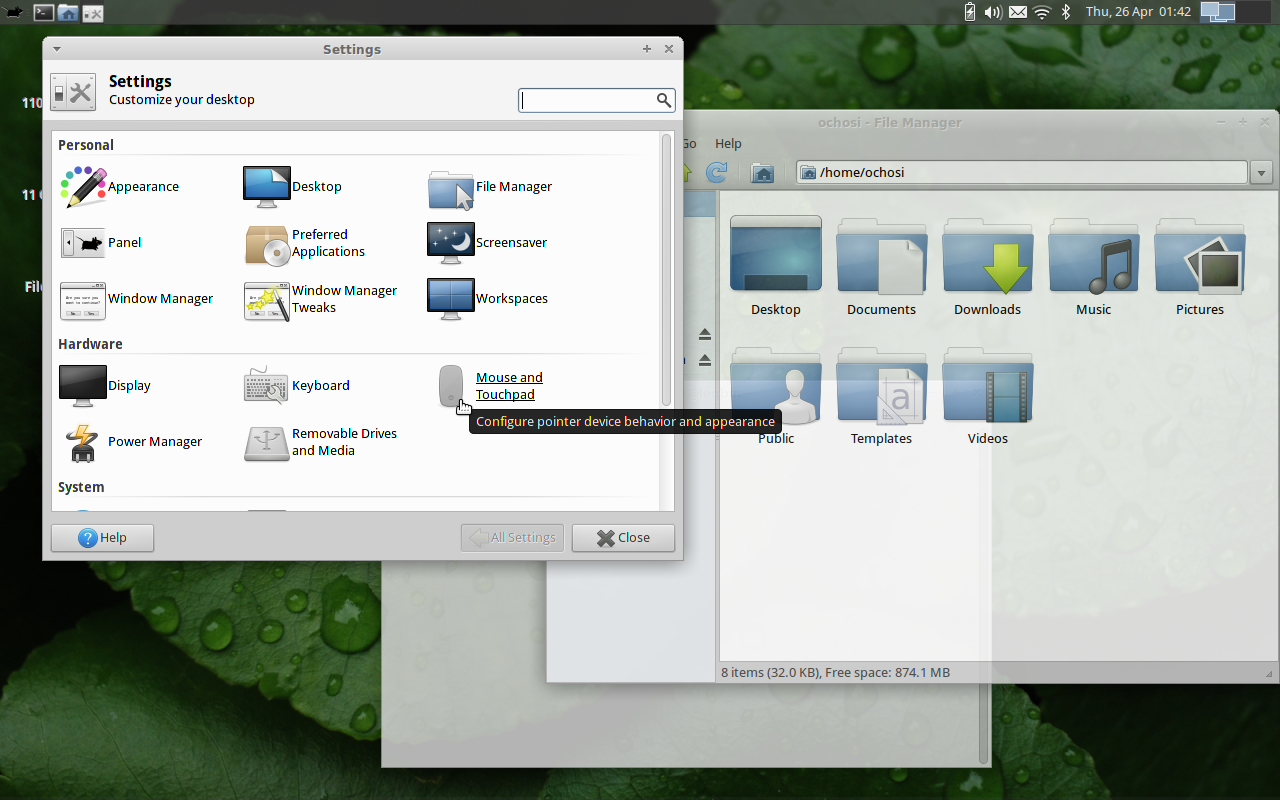
- Graphical user interfaces (GUIs) with windows, icons, menus and pointers that are typical on desktops and mobile devices.
- Command-line interfaces where text commands are typed; still common for system administration and development.
- Touch and gesture interfaces used on phones, tablets and kiosks.
- Voice and conversational interfaces that use speech recognition and synthesis.
- Haptic and tactile interfaces providing force or vibration feedback in controllers and accessibility devices.
- APIs and programmatic interfaces that let other software interact with a system.
Design principles
Effective UI design aims to make interactions predictable, efficient and resistant to error. Key principles include clarity, consistency, visible affordances (what elements invite interaction), timely feedback when actions complete, and graceful error handling so users can recover. Accessibility is essential: designers use shapes, icons or text in addition to color because some people are color blind. Familiar color conventions—derived in part from traffic signals—help communicate state and urgency (road signals).
Safety-critical interfaces
When UIs control machinery that can injure people, special rules apply. Emergency controls must be obvious and operable under stress. A dedicated emergency stop or kill switch is intended to halt dangerous motion or processes immediately. Such controls are distinct from routine shutdowns at the end of a work period (shift) and are designed to prevent injury or harm. Standards for emergency hardware specify appearance and behaviour to reduce hesitation and confusion.
History and evolution
User interfaces have evolved from early punched cards and text consoles to graphical systems and now to multimodal interfaces that combine touch, voice and gesture. Innovations in human–computer interaction emerged from academic and industrial research and have been popularized by consumer products; this evolution emphasizes making complex systems accessible to more people.
Importance and examples
Good UI design improves productivity, safety and satisfaction. Examples range from smartphone apps and web pages to industrial control panels, vehicle dashboards and medical devices. In every domain, designers balance user needs, context of use and potential risks. Symbols, redundant signals and clear labelling help users act correctly even under pressure, reinforcing both usability and safety.
For further reading and standards guidance, consult authoritative sources and specialized references on human–machine interaction and safety standards (machine). Practical work in UI design combines research, prototyping and user testing to achieve reliable, accessible interfaces.
Related articles
Author
AlegsaOnline.com User interface: types, design principles, and safety considerations Leandro Alegsa
URL: https://en.alegsaonline.com/art/103669