
Live USB
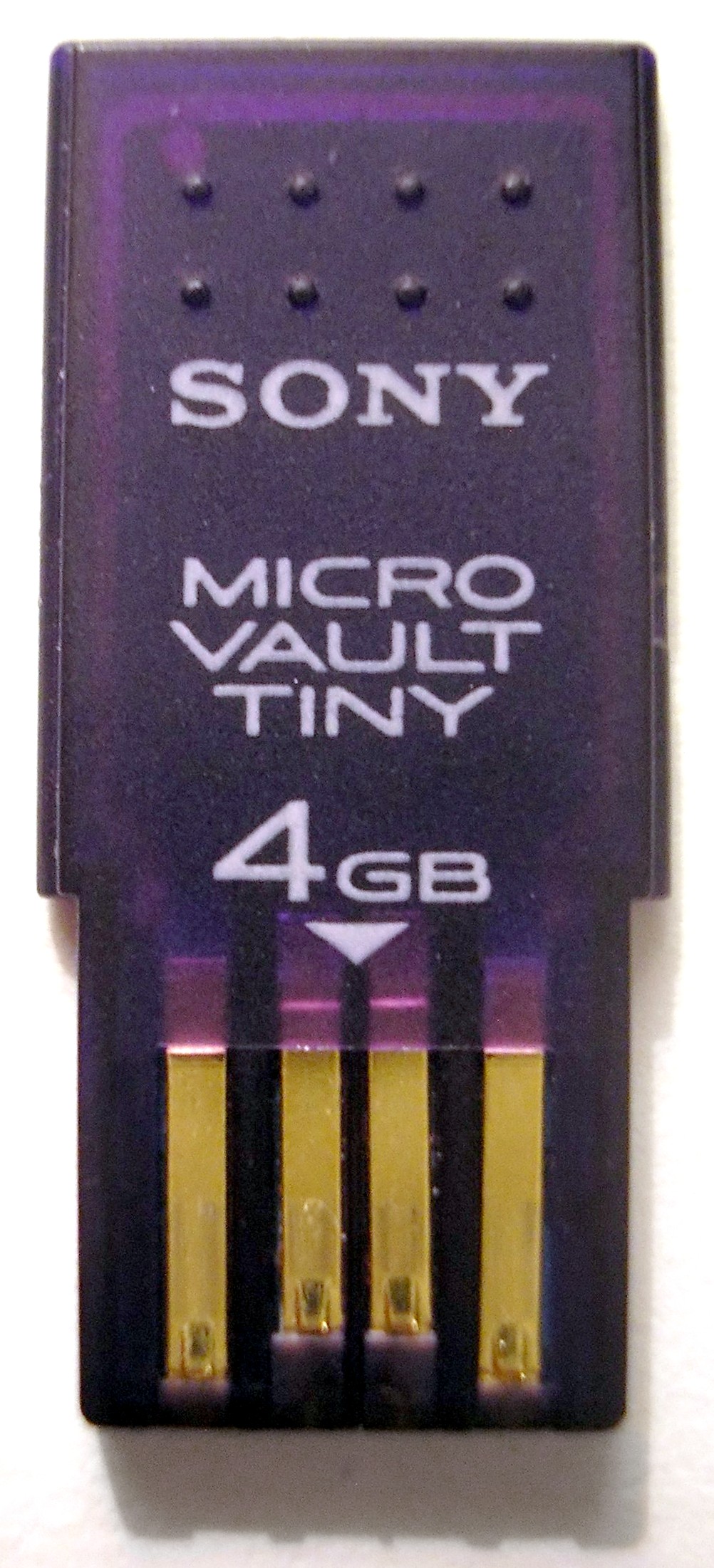
A Live USB is a bootable USB flash drive that contains a complete operating system. It runs without installation, can offer persistent storage, and is used for testing, recovery, portability, and secure computing.
Overview
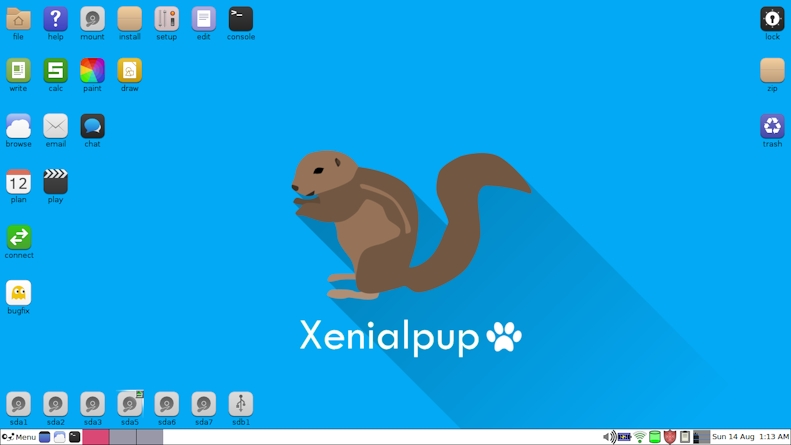
A Live USB is a USB flash drive device prepared so it contains a complete operating system environment and can start a computer as a boot device directly. Unlike a conventional installation, a Live USB runs the OS from the removable medium and the system it boots, leaving the host machine's internal disk unchanged unless the user intentionally modifies it.
Image gallery
4 Images

Key characteristics
- Bootable: includes a boot loader (for BIOS or UEFI) so machines can start from the USB.
- Runnable without installation: full or minimal OS image runs without touching internal storage by default.
- Persistence: optional writable area or partition lets settings and files survive reboots.
- Portability and security: ideal for carrying a personal environment or for forensic and recovery tasks.
- Variations: read-only live images, persistent overlays, and full installations onto the USB.
History and development
Live systems originated with Live CDs and DVDs, which proved the concept of running an OS without installation. As USB flash drives became common, creators adapted live images to flash media because USBs are faster and rewritable. Tools and standards evolved to handle partitioning, persistence, and new firmware models such as UEFI and Secure Boot.
Common uses and examples
Live USBs are widely used to try Linux distributions without installing, recover data from malfunctioning systems, perform system administration, run disk utilities, or provide a portable work environment. Commercial and community tools can create Live USBs; some vendors have offered branded solutions like Windows To Go for enterprise portability, while many Linux distributions provide official live images.
Notable distinctions and limitations
Compared with Live CDs, USBs are reusable and often faster, but they have finite write cycles and can be affected by hardware compatibility and Secure Boot policies. A Live USB differs from a full installed system: live setups emphasize portability and safety, while full installs aim for permanent performance and feature completeness.
Related articles
Author
AlegsaOnline.com Live USB Leandro Alegsa
URL: https://en.alegsaonline.com/art/58591