
iPad: Apple's Line of Multi‑Touch Tablet Computers
Overview of the iPad family: design, hardware and software characteristics, development history, common uses, and how it differs from laptops and earlier tablets.
The iPad is a family of tablet computers designed and marketed by Apple Inc.. Introduced in 2010, the iPad occupies a space between smartphones and laptops: larger than most phones yet smaller and generally lighter than conventional notebook computers. It relies on a capacitive multi‑touch display as the primary input method and runs a variant of Apple's mobile operating system that has evolved features and interface elements specifically for larger screens.
Image gallery
8 Images



Core characteristics
iPad models share several defining traits: a slate form factor with a touch‑sensitive glass display, a system‑on‑chip designed by Apple, integrated cameras, wireless radios (Wi‑Fi and often cellular options), and an app ecosystem distributed through the App Store. The device substitutes a physical keyboard for an on‑screen "virtual keyboard," though many users attach optional keyboards or keyboard cases. Compared to a typical smartphone, an iPad provides a bigger viewing area and more potent thermal and power budgets, enabling longer creative and productivity sessions.
Hardware and accessories
Over time Apple expanded the iPad product range to include different sizes and performance tiers. Common accessories and extensions include stylus input (sold as Apple Pencil), detachable keyboards and folio cases, and adapters for external displays and storage. While earlier tablets and personal digital assistants depended heavily on buttons or styluses, modern iPads emphasize finger gestures, multi‑finger interactions and pressure‑sensitive pencil input for drawing and handwriting.
Software and platform
The iPad originally ran the same operating system as the iPhone, but Apple has progressively added features tailored to larger screens. Before 2015 and later releases, the platform lacked native multi‑window multitasking; features that allow split screens, Slide Over panels and picture‑in‑picture viewing arrived in later updates to make the iPad better suited for simultaneous tasks. In 2019 Apple started shipping a distinct operating system identity for tablets, further optimizing the user interface and app behavior for the iPad’s display and capabilities.
History and development
Apple’s work on pen‑based and handheld computing dates back decades. An early example is the Newton MessagePad from the 1990s, an experimental line of personal digital assistants discontinued before the iPad era. Apple re‑entered the broader mobile market with the introduction of the iPhone in 2007, building a touch interaction model that later applied to tablets. Rumors about an Apple tablet circulated for years; during a keynote presentation in January 2010 the company unveiled its first iPad model. The initial generation began shipping in April 2010 and helped bring tablets into mainstream consumer use. The first device is often referenced as the first‑generation iPad.
Uses and impact
iPads are used for a broad range of activities: web browsing, media consumption, reading and note‑taking, education, graphic design, music production, and business productivity. The App Store hosts tablet‑optimized programs for painting, video editing, document authoring and more. Educational institutions and enterprises frequently adopt iPads for classroom tablets, point‑of‑sale terminals and fieldwork because of their portability, battery life and wide software library.
Distinctive points and compatibility
- Input model: touch and optional stylus versus the traditional keyboard‑and‑mouse laptop paradigm; physical keyboards are available as accessories (virtual keyboard concept).
- Browser and multimedia: Apple historically did not support Adobe Flash on its mobile platform, a stance that affected how some websites displayed content until the web moved away from Flash (Flash support).
- Multitasking evolution: native multi‑window features were progressively added, notably in system updates such as those introduced around iOS 9 and later releases (multitasking updates).
- Legacy and antecedents: the iPad followed earlier PDA and tablet concepts, which often relied on styluses or buttons (personal digital assistants, stylus).
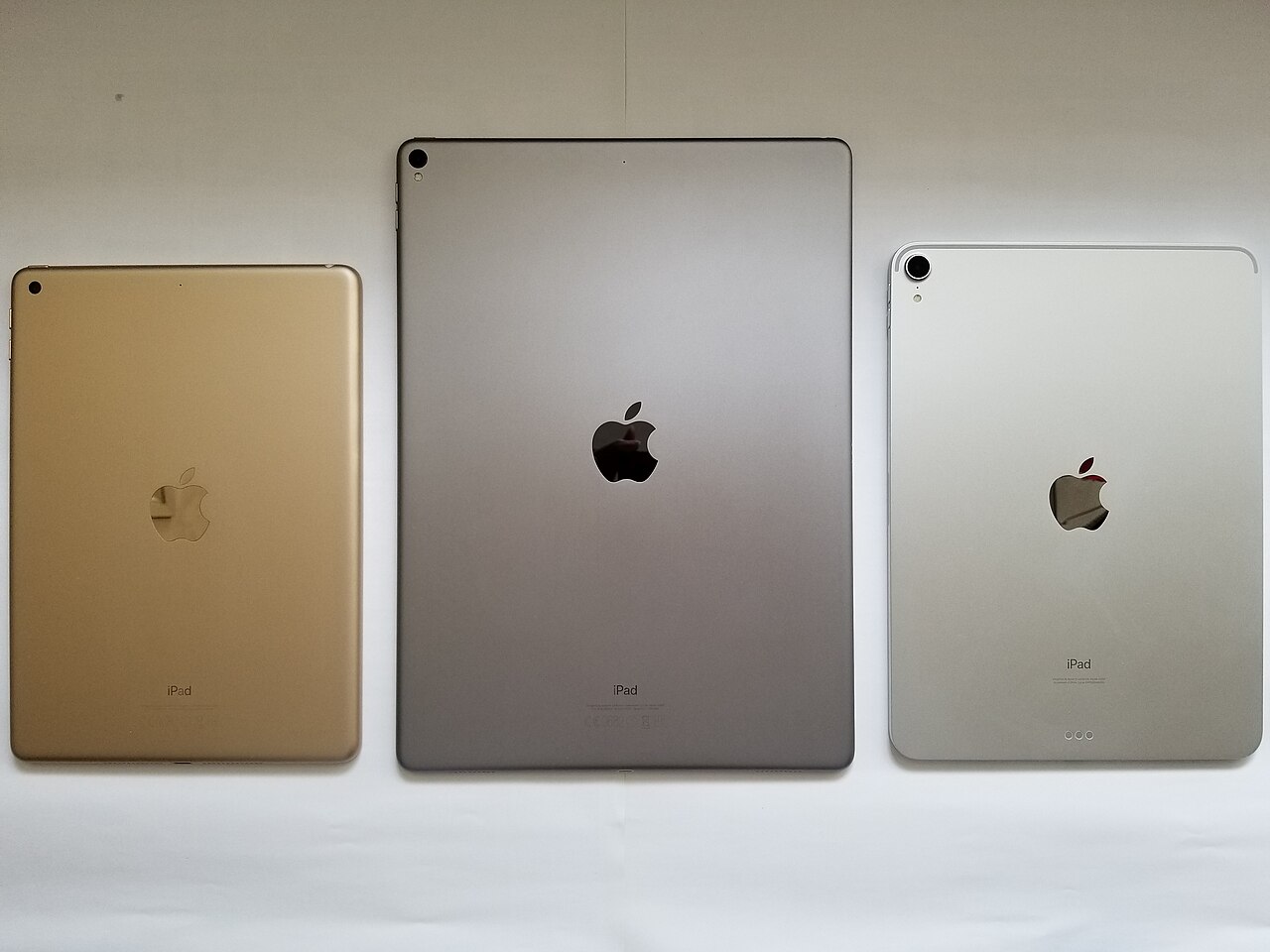
Because Apple refreshed the iPad line frequently, there are several model families—entry‑level iPad, iPad mini, iPad Air and iPad Pro—each targeting different combinations of price, size and performance. These branches reflect Apple’s strategy to address casual users, students, and professionals who need higher processing power or advanced display and accessory support.
The iPad’s influence extends beyond hardware: it helped normalize touch‑first interfaces for larger devices, inspired a wave of tablet hardware across the industry, and became an important platform for education, creative apps, and lightweight computing. For more details about specific models and technical specifications, consult manufacturer resources or a dedicated product comparison guide.
Related articles
Author
AlegsaOnline.com iPad: Apple's Line of Multi‑Touch Tablet Computers Leandro Alegsa
URL: https://en.alegsaonline.com/art/48031
Sources
- commons.wikimedia.org : IPad
- apple.com : "iPad – Technical specifications and accessories for iPad"
- news.cnet.com : "Inside the iPad: Apple's new 'A4' chip"
- ifixit.com : "iPad Wi-Fi Teardown"
- ifixit.com : "iPad 2 Wi-Fi Teardown"
- ifixit.com : "iPad 3 teardown – iFixit – Page 3"
- mashable.com : "Apple's 128GB iPad Now on Sale"
- anandtech.com : "Apple iPad 2 GPU Performance Explored PowerVR SGX543MP2 Benchmarked"
- reviews.cnet.com : "iPad Mini review"
- apple.com : Apple press release library
- mactracker.ca : mactracker.ca