
Adobe Photoshop — overview, features, history and common uses
Comprehensive overview of Adobe Photoshop: what it is, main features, common uses, editions, file support, platform availability and its role in professional image workflows.
Overview
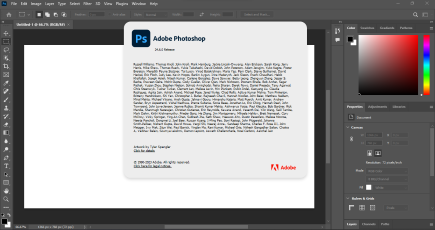
Adobe Photoshop is a widely used raster graphics editor and image manipulation software package developed by Adobe Inc. It is regarded as a professional standard for tasks that require detailed pixel editing, compositing and image preparation for print, web and multimedia. Photoshop provides an extensible environment for retouching photographs, creating complex digital art, preparing assets for design projects and automating repetitive image tasks.
Image gallery
6 Images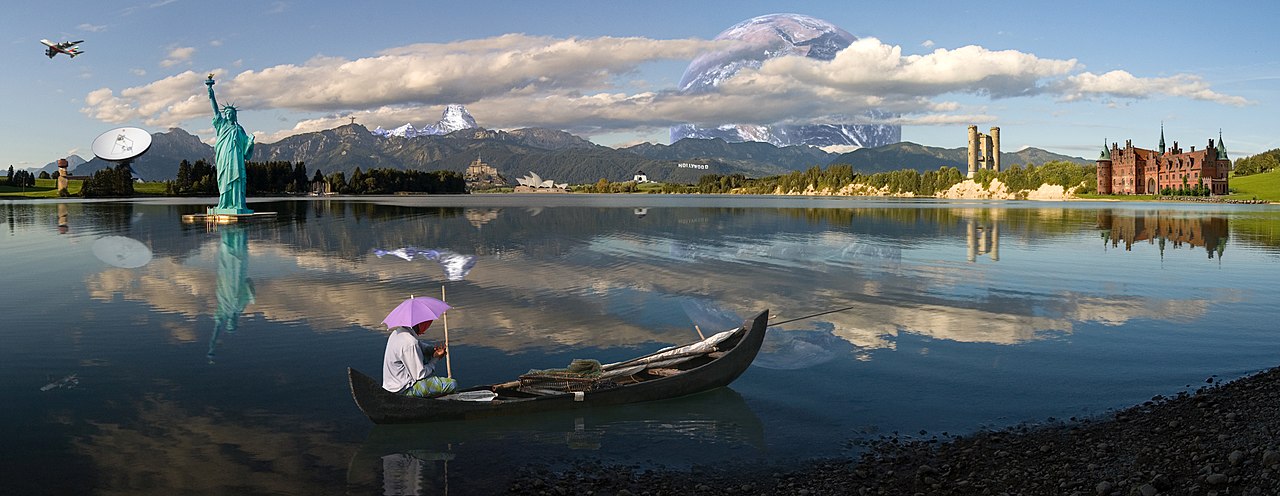


Core features and workflow
At its core Photoshop offers a layered, non‑destructive workflow: layers, masks and adjustment layers let users make changes without permanently altering original pixels. Selection and masking tools enable precise isolation of image areas. Retouching tools such as the healing brush, clone stamp and content‑aware fill support cleanup and reconstruction of image detail. Filters, blending modes and smart objects expand creative control and allow integration of vector artwork and external assets.
- Layers and masks: organize image elements and apply selective edits.
- Selection and masking: tools for precise cutouts and refinements.
- Adjustment layers: non‑destructive color and tonal corrections.
- Retouching & restoration: remove blemishes, repair damage and restore detail.
- Filters and plug‑ins: stylize images, reduce noise and apply creative effects.
- Automation: actions, scripts and batch processing for repetitive tasks.
Common uses and typical workflows
Photoshop is widely used by photographers for tasks in the photographic workflow including raw conversion, color correction and detailed photo editing such as exposure adjustments, retouching and compositing. Graphic designers and web designers often use Photoshop to create mockups, design web graphics, prepare raster assets and export optimized images for delivery. Other applications include restoration of historical images, creation of marketing materials, digital painting and layout preparation for multi‑media projects.
File formats and color management
Photoshop's native PSD and large‑document PSB formats preserve layers, masks, channels and other document state used in complex projects. Export options include common formats such as JPEG, PNG, GIF and TIFF for distribution. The program supports multiple color spaces, ICC color profiles and basic proofing tools to help ensure consistent color across devices and printing processes.
Editions, platforms and distribution
Photoshop is available for mainstream desktop platforms including Windows and macOS. Adobe also offers companion and simplified applications for mobile and web environments. Consumer‑oriented editions such as Photoshop Elements target hobbyists, while Photoshop Express provides lightweight, often mobile or web‑based editing. The desktop application is distributed through Adobe's Creative Cloud subscription, and different plans are available for individuals, businesses and educational institutions. For details on supported hardware and operating systems consult official system and compatibility information.
History and development
Photoshop began as an image editor in the late 1980s and saw its first public release in 1990. Developed from early work by independent developers, it was acquired and expanded by Adobe and continuously developed into a comprehensive imaging application. Over time it added tools for advanced compositing, color management, vector shapes, video frame editing and integrations with other creative applications. In the 2010s Adobe transitioned releases and licensing toward a cloud subscription model that provides more frequent updates and tighter integration with online services.
Ecosystem and integration
Photoshop is frequently used alongside other applications in a creative pipeline: vector design tools, page layout software, 3D modeling and video editors. Adobe maintains an ecosystem of companion apps and cloud services for asset libraries, fonts and collaborative workflows. A large third‑party ecosystem of plug‑ins, brushes and extensions further extends functionality for specialized tasks such as advanced noise reduction, color grading and digital painting.
Learning resources and community
Because Photoshop is widely adopted, a substantial body of learning materials exists: official documentation, tutorials, video courses and community forums. Users can learn general concepts—layers, masks, color correction—and progressively adopt more advanced techniques like frequency separation, HDR compositing and nondestructive workflows. Community resources and user groups are valuable for practical tips, troubleshooting and discovering new workflows.
Alternatives and positioning
While many image editors and open‑source programs provide overlapping capabilities, Photoshop's combination of features, industry adoption and integration with a broader creative suite makes it a primary choice for many professionals. Smaller projects or specific tasks may be handled by lighter tools or specialist applications, but Photoshop remains central where detailed pixel control, complex compositing and robust export options are required.
For users evaluating Photoshop for their work, consider the specific tasks, platform compatibility and licensing model that best fit your needs, and consult the vendor's product pages for the most current specifications and plan options.
Related articles
Author
AlegsaOnline.com Adobe Photoshop — overview, features, history and common uses Leandro Alegsa
URL: https://en.alegsaonline.com/art/1037