
Command-line interface
A text-based method for controlling software and operating systems by typing commands. Widely used for scripting, administration, development, and automation.
Overview
A command-line interface (CLI) is a text-based way to interact with a computer program or operating system by entering successive lines of commands. Instead of manipulating graphical elements with a mouse, users type instructions that the system parses and executes. CLIs are valued for precision, automation and low resource usage, and remain common in system administration, development and embedded systems.
Image gallery
10 Images



Core elements and behavior
Typical components of a CLI session include:
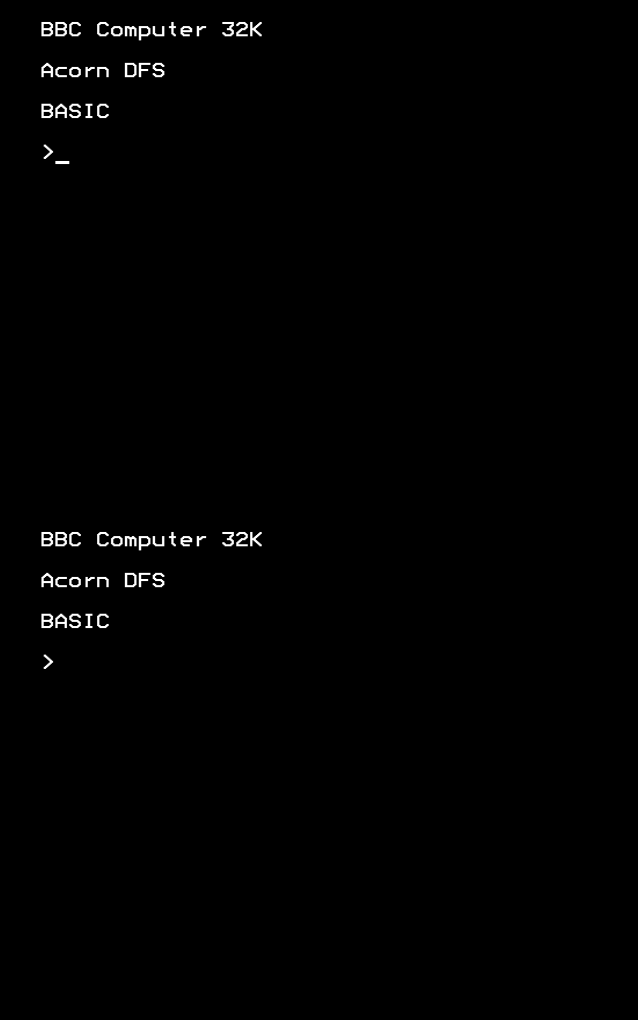
- Prompt: a short string indicating the system is ready for input.
- Command: the program or internal instruction to run.
- Arguments and options: parameters that modify the command's behavior.
- Output: text produced by the command, often sent to standard output or errors.
- Piping and redirection: mechanisms to chain commands or send output to files.
Commands may be built into the shell or external executables; many CLIs include history, tab completion, scripting, and environment configuration to speed repeated tasks.
History and evolution
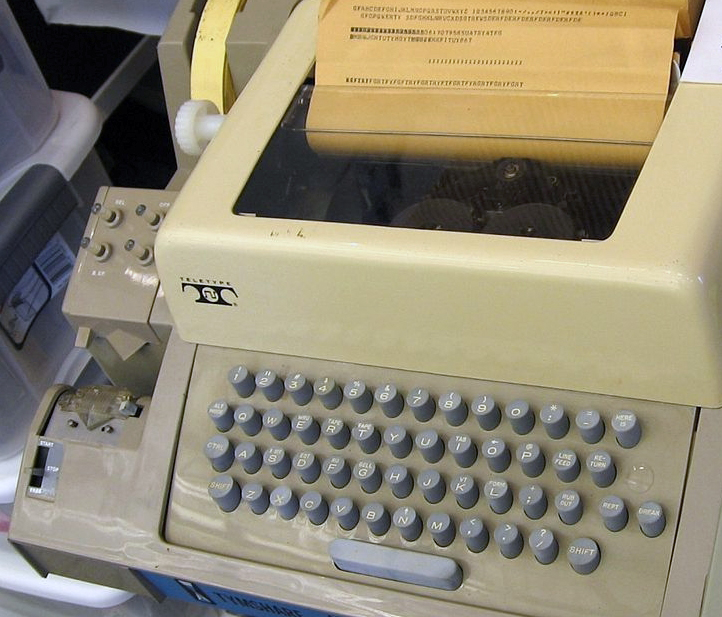
CLIs evolved from early computing interfaces such as teletypes and batch processing. Over decades they developed into interactive shells and command interpreters that run on mainframes, minicomputers and personal computers. Modern shells added features like scripting languages, programmable completion and improved error reporting, while graphical interfaces grew alongside them.
Uses and advantages
Common uses include system administration, software development, text processing, network diagnostics and automated scripts. Advantages of CLIs are compactness, reproducibility of tasks via scripts, remote access over low-bandwidth connections, and fine-grained control. They are often preferred for tasks that are repetitive, complex or require chaining of simple tools.
Variants and notable facts
There are many implementations and dialects, including Unix-like shells (sh, bash, zsh), Windows command processors (cmd.exe, PowerShell) and specialized REPLs for programming languages. While CLIs can have a steeper learning curve than GUIs, experienced users can perform powerful operations with brief commands. For further reading and examples consult documentation and tutorials: reference material.
Related articles
Author
AlegsaOnline.com Command-line interface Leandro Alegsa
URL: https://en.alegsaonline.com/art/21936