
Integrated development environment (IDE): overview, features, history and uses
A concise guide to integrated development environments (IDEs): definition, main components, evolution, common features, types, and why developers use them.
An integrated development environment (IDE) is a software application that consolidates tools required for writing, building, testing and debugging computer programs. Rather than using separate utilities, developers can work inside a single interface that combines a source code editor, build automation, and debugging facilities. IDEs streamline routine tasks and reduce context switching, which can speed development and lower the chance of simple errors.
Image gallery
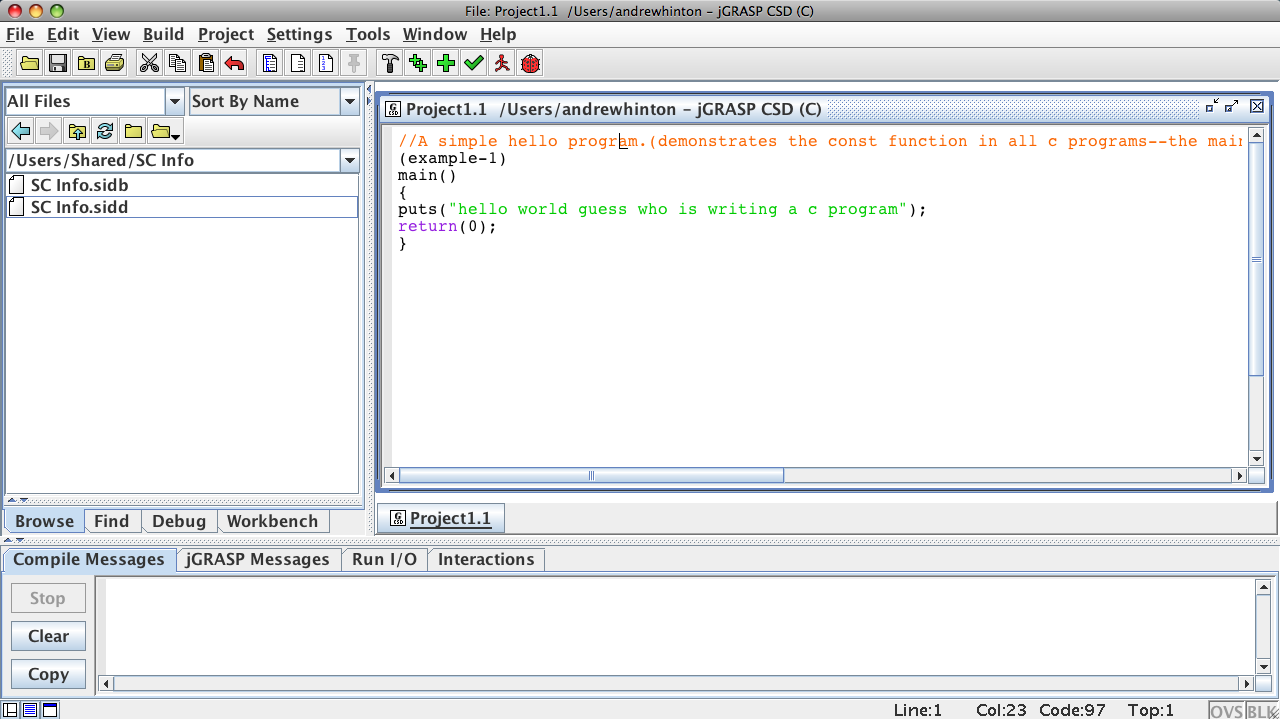
3 Images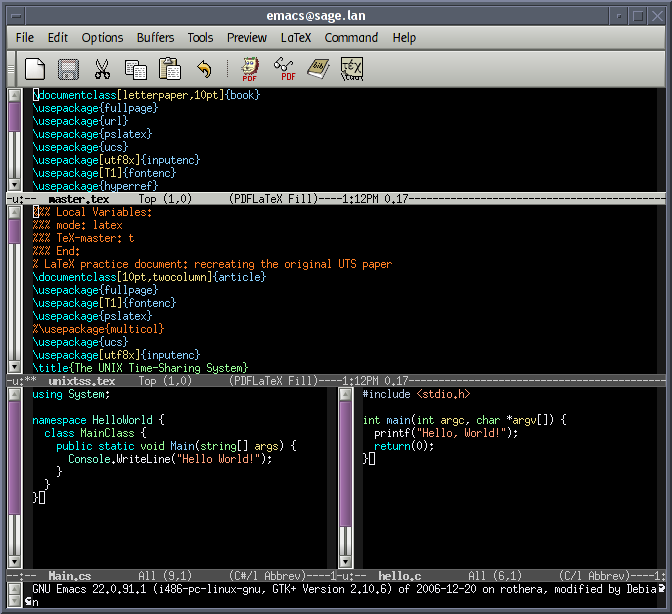

Core components and common features
Most modern IDEs provide a combination of the following capabilities. The exact mix varies, and extensions often expand functionality.
- Source editor: a text editor tailored for programming with syntax highlighting, bracket matching and code folding.
- Build tools: integrated compilers, interpreters or build systems so code can be compiled or run from inside the environment.
- Debugger: facilities to step through code, set breakpoints, inspect variables and trace execution.
- Intelligent code assistance: features such as code completion, inline documentation, refactoring helpers and static analysis.
- Version control integration: support for systems like Git to commit, branch and review changes without leaving the IDE.
- Project and dependency management: tools to manage libraries, configuration and build scripts.
How IDEs differ from editors and tooling
Text editors focus primarily on editing files; some are extensible and can approximate IDE behavior with plugins. A true IDE emphasizes tight integration between editing, building and debugging. For example, instead of manually running a compiler in a terminal, many IDEs let users compile and capture errors inside a single window. For learners and professional teams alike, that integration is often the convenience that matters most. To explore comparisons and community resources, see links for users and editor comparisons: user guide and editor comparisons.
History and evolution
Integrated environments appeared as programming tools matured. Early influential systems combined editing, immediate execution and object browsers in research and commercial products. Over time, vendors and open-source communities produced specialized IDEs for particular languages and large general-purpose IDEs supporting multiple languages. Recent years have seen the rise of lightweight, extensible editors and cloud-based IDEs that run in a browser or provide remote development containers.
Types and notable examples
IDEs come in several forms:
- Language-specific IDEs tailored for a single platform or language (for example, tools focused on C/C++, Java, or Swift).
- General-purpose IDEs that support many languages through plugins.
- Cloud or web-based IDEs that let developers code via a browser and often integrate remote build and runtime environments.
Well-known examples that illustrate different approaches include traditional desktop suites and newer lightweight editors with rich extension ecosystems. Many of these products provide plugin ecosystems to extend debugging, testing and deployment capabilities; additional resources are available at further reading.
Uses, benefits and caveats
IDEs help developers be more productive by automating repetitive work: completing code, managing builds, running unit tests, profiling performance and integrating with issue trackers. They are especially helpful for large codebases and teams where refactoring or cross-file navigation saves substantial time. However, IDEs can be resource-intensive, and some developers prefer minimal editors for speed or custom workflows. The line between editor and IDE has blurred as editors gain IDE-like features; many teams choose tools based on project size, language ecosystem and personal preference.
Practical workflow and extensibility
A typical workflow in an IDE might include creating or importing a project, writing code with immediate syntax feedback, running automated tests, using the debugger to inspect runtime behavior, and committing changes to version control. Most modern IDEs support extensions or plugins for unit testing frameworks, code linters, language servers and continuous integration hooks. For community plugins and shared extensions consult extensions index.
In summary, IDEs remain central tools in software development because they combine multiple stages of the development lifecycle into a cohesive environment. Whether choosing a full-featured desktop IDE, a lightweight editor with plugins, or a cloud-based solution, the right tool depends on the language, project requirements and the developer's workflow.
Related articles
Author
AlegsaOnline.com Integrated development environment (IDE): overview, features, history and uses Leandro Alegsa
URL: https://en.alegsaonline.com/art/47534