
Text editor: purpose, types, features, history and practical uses
A text editor is software for creating and modifying plain or formatted text. This article explains common features, types (plain, rich, code), historical development, and typical uses and distinctions.
Overview
A text editor is a software program run on a computer that lets a person create, view and modify textual content. Text editors operate on character data and typically save their output as a text file, though some also produce formatted documents. Because text editors expose raw text they are widely used for general writing, note taking, and for technical tasks such as writing source code in languages like HTML or C++. Their simplicity and low overhead make them an essential tool across computing platforms.
Image gallery
5 Images



Common features and user interface elements
Modern text editors share a core set of functions that speed common editing tasks and reduce errors. Typical features include:
- Editing commands: insert, delete, select, and move text; support for copy, cut and paste.
- Navigation: keyboard shortcuts for moving by character, word, line or paragraph; line numbers for reference.
- Search and replace: find occurrences of text and optionally replace them across a selection or the whole file.
- Undo and redo: the ability to reverse recent changes, often for many steps back and forward.
- Basic formatting: some editors can handle rich text features (bold, italic, lists) while others work strictly with plain text.
- Extensibility: plugins, macros, and configuration options that add functionality such as syntax highlighting, code completion, or version control integration.
Types and distinctions
Text editors are not all the same. A few useful distinctions are:
- Plain-text editors: edit raw characters and produce plain files (for example .txt, .md or source files). They are ideal for programming and configuration files because they avoid hidden formatting.
- Rich-text editors: provide formatting controls and save styled content (bold, fonts, colors) in formats such as RTF or HTML. These are more like lightweight word processors.
- Source-code editors: specialized for programming, offering syntax highlighting, bracket matching, indentation tools and integrations with build systems or debuggers. They sit between simple editors and full integrated development environments (IDEs).
- Terminal and modeless editors: classic editors that run in a text terminal and use keyboard-driven modes for efficiency, favored by users who prefer minimal interfaces or need remote access.
History and development
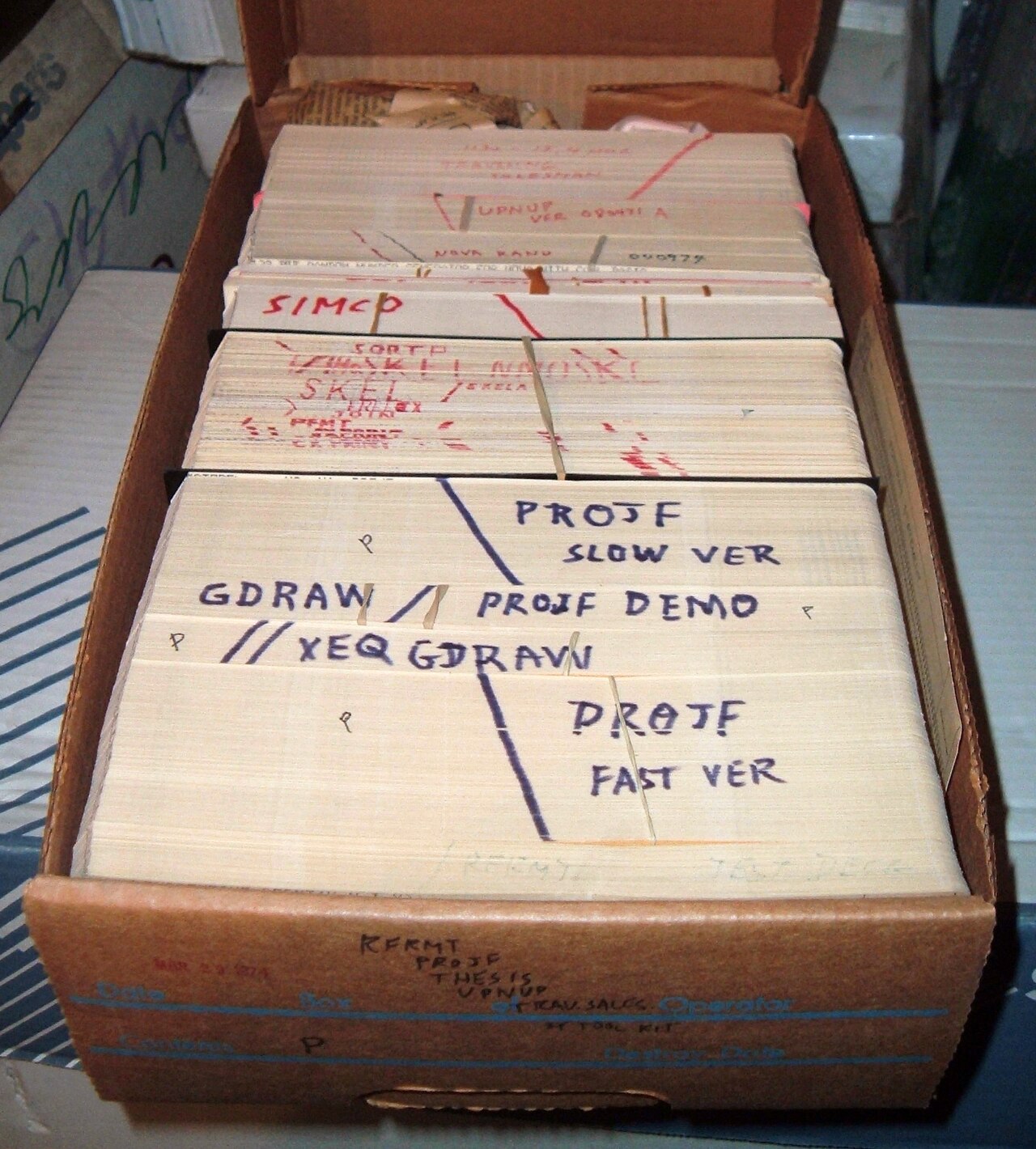
Text editing dates back to the earliest computers, first as line-oriented tools and later as interactive, screen-based editors. Over time editors evolved from basic utilities into highly customizable tools. Development followed broader computing trends: the move from batch to interactive systems, the rise of graphical user interfaces, and the growth of programming languages that shaped editor features such as syntax coloring and project navigation. Many design ideas from early editors persist in modern tools.
Uses, examples and importance
Text editors are used in writing, technical documentation, scripting, system administration, and software development. They are essential for editing configuration files on servers, composing quick notes, and authoring source code. Because they can run on minimal hardware and work with plain text, editors are also important for interoperability: plain text files are portable across platforms and time. Examples of how people use editors include drafting articles, editing web pages (HTML), and composing code in languages such as C++.
Practical tips and notable facts
Choosing an editor often depends on workflow: some users prefer a fast, lightweight editor for small changes; others select a feature-rich editor or IDE for large projects. Learning keyboard shortcuts and features like search-and-replace, macros, and version control integration can dramatically speed work. Finally, because different editors prioritize different trade-offs — simplicity, extensibility, or integrated tooling — it is common for users to maintain several editors for different tasks.
For further reading on programs and file formats, consult resources linked from this article: program, computer, text file, HTML and C++.
Related articles
Author
AlegsaOnline.com Text editor: purpose, types, features, history and practical uses Leandro Alegsa
URL: https://en.alegsaonline.com/art/97312