
WordPress: overview, architecture, history, and common uses
WordPress is a widely used open-source content management system written in PHP, notable for themes, plugins, and an extensive ecosystem supporting blogs, sites, and e-commerce.
WordPress is an open-source content management system (CMS) that enables people and organizations to create and manage websites without building from scratch. Written mainly in PHP and commonly paired with MySQL or MariaDB databases, WordPress provides a web-based administration interface, a theming system and a plugin architecture. For the official project resources see WordPress project.
Image gallery
6 Images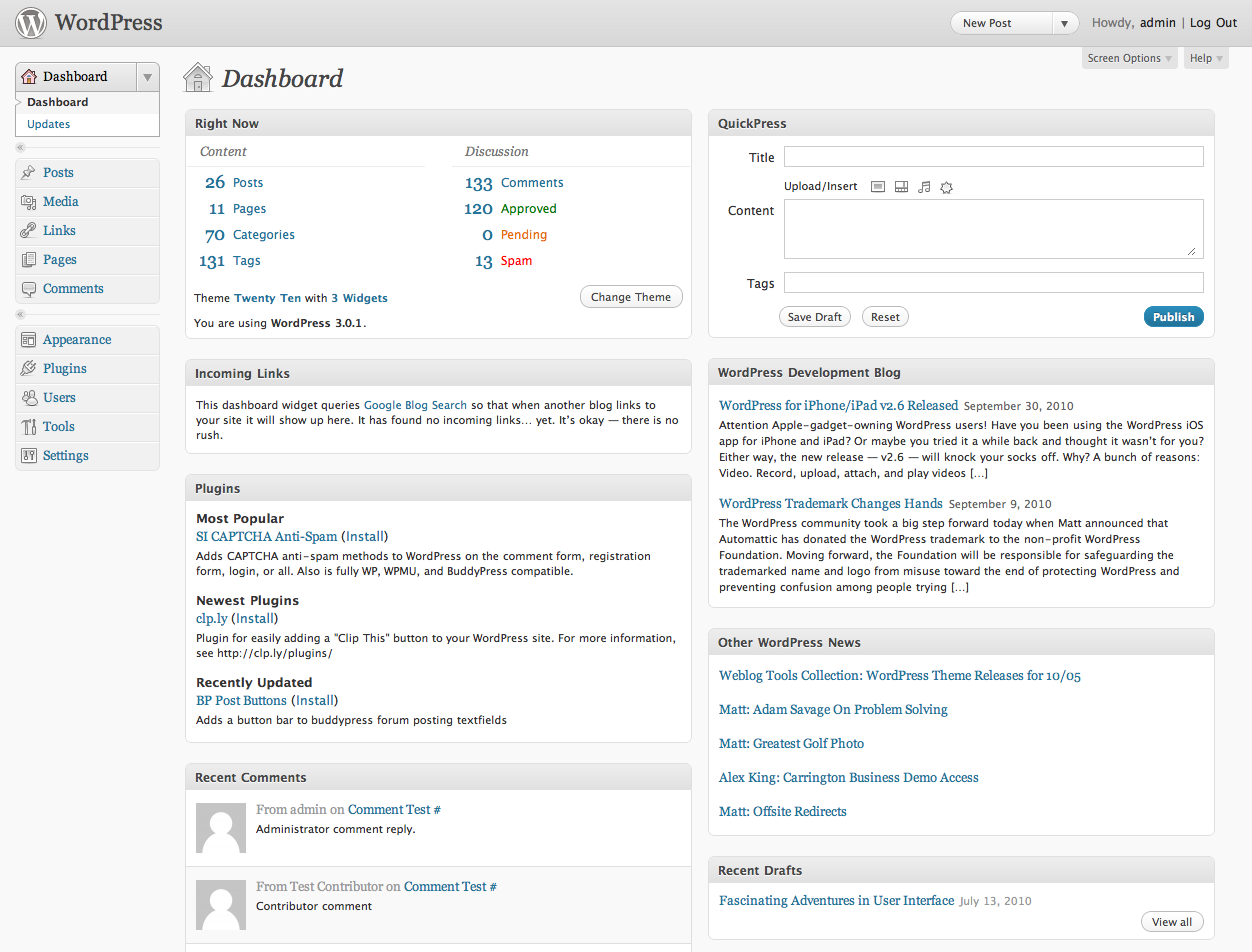


Core features and architecture
The platform is built around a small core that handles content storage, user accounts and rendering, and a large ecosystem of optional extensions. Key components include:
- Core: the PHP codebase that manages posts, pages and settings.
- Themes: control visual design and layout.
- Plugins: add functionality such as SEO, analytics or e-commerce.
- Database: stores content, users and configuration.
- Editor and APIs: the block-based editor and REST API enable modern content workflows and integrations.
History and development
WordPress began as a fork of the b2/cafelog project and was first released in the early 2000s by its initial developers. Since then it has evolved through many releases, community contributions and third-party projects. A significant milestone was the introduction of a block-oriented content editor which changed how content is constructed and extended through blocks.
Common uses and examples
Although WordPress started as a blogging tool, it now supports a wide range of sites: personal blogs, corporate sites, news portals, portfolios, educational sites and online stores (often via add-ons such as WooCommerce). Organizations choose WordPress for its flexibility, the availability of themes and plugins, and the large community of designers and developers.
Distinctions, licensing and maintenance
WordPress is distributed under a free software license; consult the GPL license for details. There are two common ways to run WordPress: self-hosting the software obtained from community sources, or using a hosted service that provides managed instances. Keeping sites up to date, securing plugins and maintaining backups are important maintenance tasks to reduce risk.
For beginners looking to publish a blog or learn how to use themes and plugins, introductory guides and hosted options are widely available at getting started pages. Developers seeking APIs, coding standards and extensibility docs can find technical references and community support at developer resources.
Related articles
Author
AlegsaOnline.com WordPress: overview, architecture, history, and common uses Leandro Alegsa
URL: https://en.alegsaonline.com/art/109042
Sources
- wordpress.org : WordPress 5.1.1 Security and Maintenance Release
- wordpress.org : "WordPress › About » GPL"
- wordpress.org : WordPress Download Counter
- en.wordpress.com : The Features You'll Love -- WordPress.com