
Webcam: overview, types, uses, and privacy
A webcam is a small video camera that provides live images to a computer or network. This article covers what webcams are, how they work, their history, common uses, and privacy or security considerations.
Overview
A webcam is a compact video camera designed to provide real-time visual input to a computer or a network. It can be built into a device or exist as a separate peripheral that typically connects to a computer. Webcams are used to transmit live video over the Internet or local networks for communication, recording, or monitoring purposes; for general context and specifications see technical information.
Image gallery
10 Images




Characteristics and components
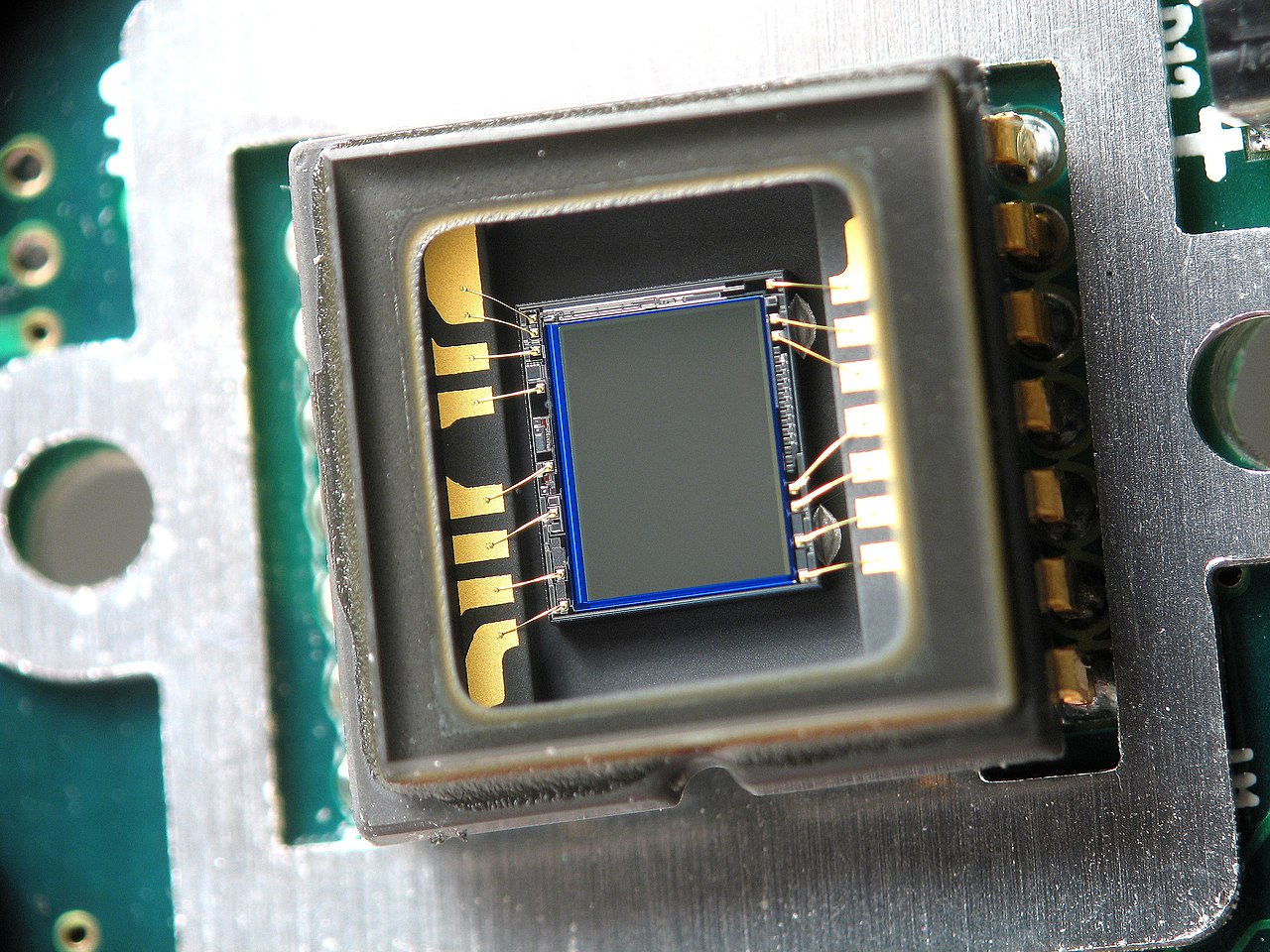
Modern webcams combine a lens, an image sensor, basic image processing and often a microphone. Important characteristics include resolution, frame rate, field of view, low-light performance and focus behavior. Some models add features such as autofocus, privacy shutters and built-in microphones. Typical connection methods are USB, built-in interfaces on laptops and wireless links, while networked cameras use standard networking protocols.
History and development
Early uses of webcams emerged when researchers and hobbyists placed cameras online to share live images; a commonly cited example from the early 1990s monitored a coffee pot at a research lab. As broadband Internet and consumer devices matured, webcams became widespread: they were added to laptops, external devices became affordable, and front-facing cameras on mobile phones extended real-time video to handheld devices such as smartphones.
Main uses and examples
Webcams serve many everyday roles. Common applications include:
- Video calling and conferencing for personal and business communication.
- Live streaming and content creation, including recording videos and video blogs.
- Remote monitoring and simple security systems, sometimes overlapping with dedicated IP cameras.
- Education, telemedicine and remote collaboration tools that rely on live visual streams.
They can also be used as basic capture devices for recordings and online broadcasts; see guides to recording workflows for practical examples.
Privacy, security and distinctions
Because webcams transmit live images, they raise privacy and security concerns. Users should be cautious about software permissions, firmware updates and network exposure. Physical shutters and clear status indicators help mitigate accidental activation. It is also useful to distinguish consumer webcams from networked IP/security cameras, which often include continuous recording, motion detection and separate management tools; for networked deployment considerations consult network security guidance and manufacturer resources at technical information.
Choosing and using a webcam
Select a webcam based on intended use: higher resolution and better low-light performance for streaming or recording; compact integrated cameras for casual calls; and networked models for permanent monitoring. Be mindful of software compatibility, whether you need built-in audio, and simple privacy features. For quick setup tips and device comparisons, see consumer guides and product manuals available through retailers and manufacturers at mobile and device pages and computer accessory resources.
Related articles
Author
AlegsaOnline.com Webcam: overview, types, uses, and privacy Leandro Alegsa
URL: https://en.alegsaonline.com/art/107071