
Ubuntu Studio — multimedia-focused official Ubuntu flavor
Ubuntu Studio is an official Ubuntu flavor tailored for audio, video and graphics production, providing a curated suite of creative applications, realtime/low-latency audio support, and workflow tools for content creators.
Overview
Ubuntu Studio is an officially recognized flavor of the Ubuntu operating system designed for multimedia content creation. It bundles a selection of audio, video and graphics software and outfits the base system with settings and utilities that are useful to musicians, video editors, digital artists and other creative professionals.
Image gallery
4 Images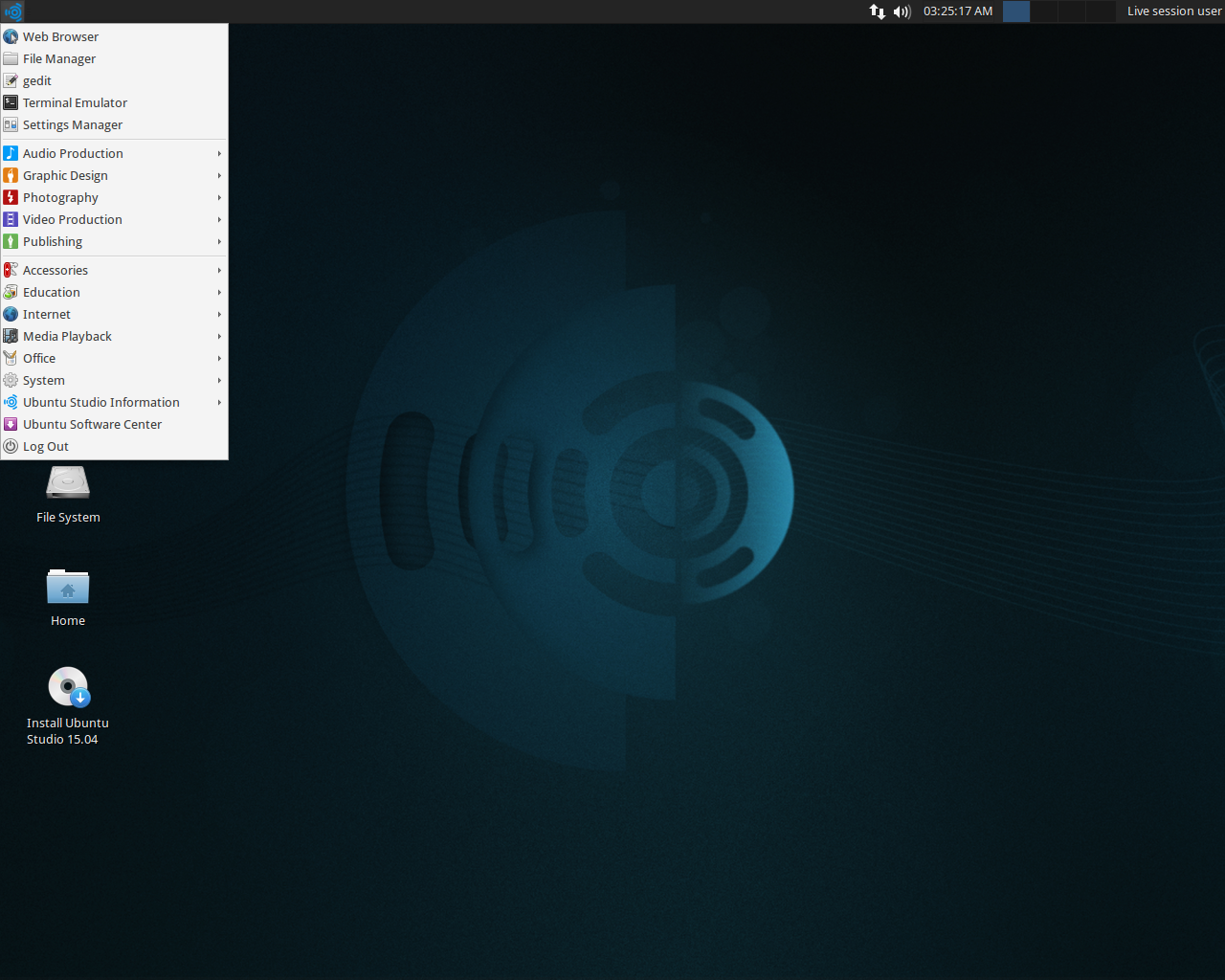


Key components and characteristics
Rather than being a generic desktop distribution, Ubuntu Studio focuses on delivering tools and configuration for producing media. Typical features include a curated application set for recording and editing, system-level options for lower audio latency, and utilities to manage audio servers and device permissions. The distribution aims to reduce the setup time creators often face when preparing a general-purpose Linux desktop for production work.
Included software and workflows
Software provided varies by release, but commonly covers these areas:
- Audio: multitrack recorders, digital audio workstations, synthesizers and audio servers (JACK-related tools).
- Video: non-linear editors, compositing and encoding tools for cutting and producing video projects.
- Graphics: raster and vector editors, painting and layout tools for illustration and design.
These packages allow end-to-end projects such as recording and mixing music, editing multi-camera video, or creating digital artwork without needing to manually assemble every component.
History and development
The first release appeared in 2007, based on Ubuntu 7.04, and the project has followed Ubuntu's release cadence since then. Over time it has evolved from a simple collection of packages into a more polished distribution with integrated controls and presets that help multimedia applications run reliably out of the box.
Availability and distinctions
Ubuntu Studio is distributed as an installable live image and is also available as a set of packages that can be added to an existing Ubuntu installation. Its main distinctions from standard Ubuntu are the preinstalled multimedia applications, tuned defaults for low-latency audio work, and specialized configuration utilities that simplify setup for creative workflows.
Use and audience
The distribution is aimed at hobbyists and professionals who prefer an open-source toolchain or who want a ready-made multimedia environment. It is commonly used for teaching audio production, independent video projects, and digital illustration, as well as for users who value a preconfigured system geared to creative work.
Related articles
Author
AlegsaOnline.com Ubuntu Studio — multimedia-focused official Ubuntu flavor Leandro Alegsa
URL: https://en.alegsaonline.com/art/102487
Sources
- ubuntu.com : Ubuntu Derivatives