
Optical disc drive
A device that reads and writes data on optical discs (CD, DVD, Blu-ray) using a focused laser. Covers operation, components, common formats, uses and differences from other storage types.
An optical disc drive is a hardware device that reads and, in many models, writes data stored on circular optical discs such as compact discs and digital versatile discs. The word "optical" refers to the use of focused light to detect patterns on the disc surface rather than magnetic or electronic sensing. Common consumer examples include drives for CD and DVD, and variants that handle Blu-ray discs. Optical drives appear as internal units in desktop computers or as portable external units connected by USB.
Image gallery
10 Images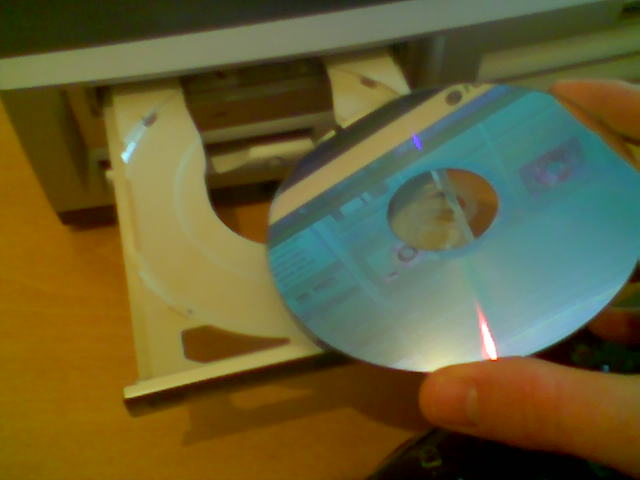




How it works
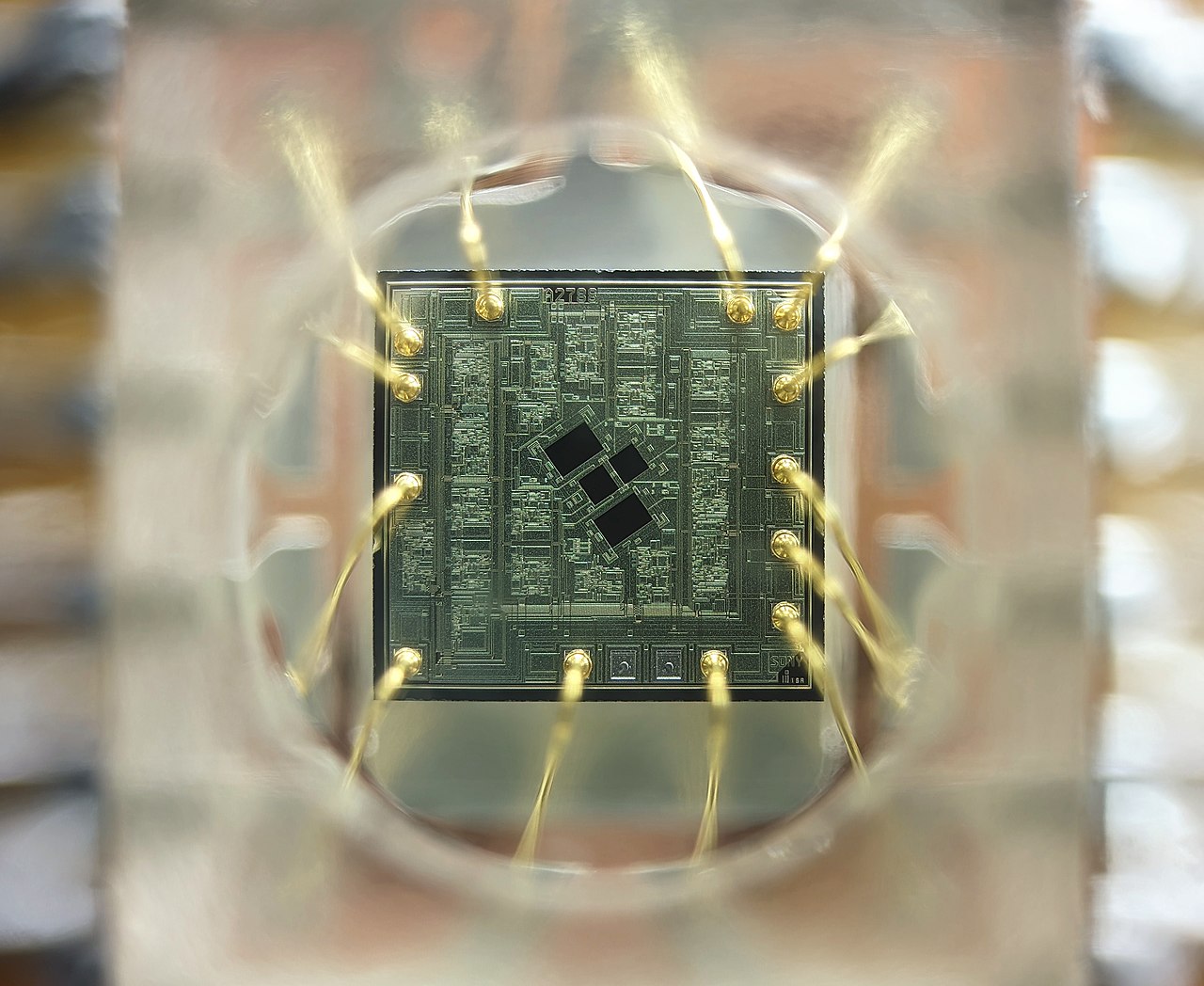
At the heart of the drive is an optical pickup that uses a small semiconductor laser to illuminate the disc surface. Data are encoded as microscopic changes in reflectivity—conventionally called pits and lands—arranged along a spiral track. Light reflected from these areas is collected by a lens and converted into electrical signals by a photodetector. Electronics inside the drive translate those signals into binary data, apply error correction, and pass the resulting information to the host computer over the interface connection.
Main components
- Spindle motor: spins the disc at speeds that vary with the read position.
- Optical pickup: contains the laser diode, focusing and tracking lenses and the photodetector; sometimes described as the "lens" assembly or optical head (optical pickup).
- Actuator and sled mechanism: moves the pickup radially to follow the spiral track.
- Digital controller and firmware: decode signals, manage error correction and communicate with the host system.
- Interface electronics: connect via SATA, USB or older interfaces and convert data to/from the computer.
Formats and brief history
Optical disc technology evolved in stages: compact discs were introduced for audio and later adapted for data as CD-ROMs; higher-density optical formats followed to increase capacity and support video and larger file collections. Recordable and rewritable variants (for example CD-R, DVD-R, CD-RW and DVD+RW) added the ability to write data at home or in production. Later formats such as Blu-ray increased capacity further to meet high-definition media needs. Throughout these changes the basic optical principles—laser, reflection and encoded microscopic marks—remain the same. Many modern systems continue to rely on error-correction methods to recover data from scratches or minor imperfections on the disc surface; these codes are part of the physical format and are read by the drive's electronics (data encoding).
Uses and notable facts
Optical drives have been used for a broad range of tasks: distributing software and games, playing audio and video, storing backups, creating media for cameras and music players, and archiving. Their advantages include stable, removable media and low cost per disc for mass distribution. As network delivery and flash storage became commonplace, built-in drives have become less common in ultraportable laptops, though external optical drives remain available for occasional use.
Distinctions and practical considerations
Compared with magnetic hard drives and flash memory, optical discs trade lower sustained transfer rates and lower random-access performance for portability and simple read-only distribution. Optical media are more sensitive to surface damage and environmental factors than many solid-state options, but proper handling and storage can make them useful for long-term archival purposes. When selecting or troubleshooting a drive, consider the disc formats supported, whether recordable or rewritable capability is needed, and the interface type; many external units provide universal connectivity via USB for easy compatibility with modern systems.
For more technical introductions and product details consult manufacturer guides or product pages for specific drive models and formats, and the references linked from this article's resources (CD overview, DVD overview, laser basics, optical storage encoding, optical pickup details).
Related articles
Author
AlegsaOnline.com Optical disc drive Leandro Alegsa
URL: https://en.alegsaonline.com/art/72887