
Google Chrome OS
A lightweight operating system from Google designed around the Chrome browser and web applications, used on Chromebooks, Chromeboxes and other devices with cloud-focused management.
Overview
Google Chrome OS is a purpose-built operating system created by Google that emphasizes web applications and cloud services over traditional desktop software. It presents a streamlined environment in which the browser is the primary user interface and many tasks are expected to run via the World Wide Web. Chrome OS is often described as a lightweight operating system because it places a high priority on speed, simplicity, and security rather than providing a broad set of local applications by default.
Image gallery
4 Images


Design and architecture
The system is built on top of a Linux-based kernel and core components derived from open-source projects; its low-level foundation relies on the Linux kernel. The visible user environment is closely tied to the Chromium-based browser engine, originally reflecting the look and behavior of the Chrome browser. Chrome OS uses a minimal application model that favors web apps, Progressive Web Apps (PWAs), and containerized or sandboxed native support where needed. Google also designed a display and application management layer that differs from traditional desktop window systems, sometimes referred to as a distinct windowing system approach for handling secure application containers and UI rendering.
History and development
The project was announced publicly in 2009 and evolved from an experimental, browser-centric concept into a commercial platform for education, enterprise, and consumer markets. Early releases targeted low-cost portable notebooks such as netbooks, and the platform was later extended to support a range of hardware. Chrome OS development has combined proprietary services with components released under permissive licenses; Google committed to an open source variant (Chromium OS) that allows other developers and manufacturers to inspect and build on the codebase.
Devices, hardware compatibility, and deployment
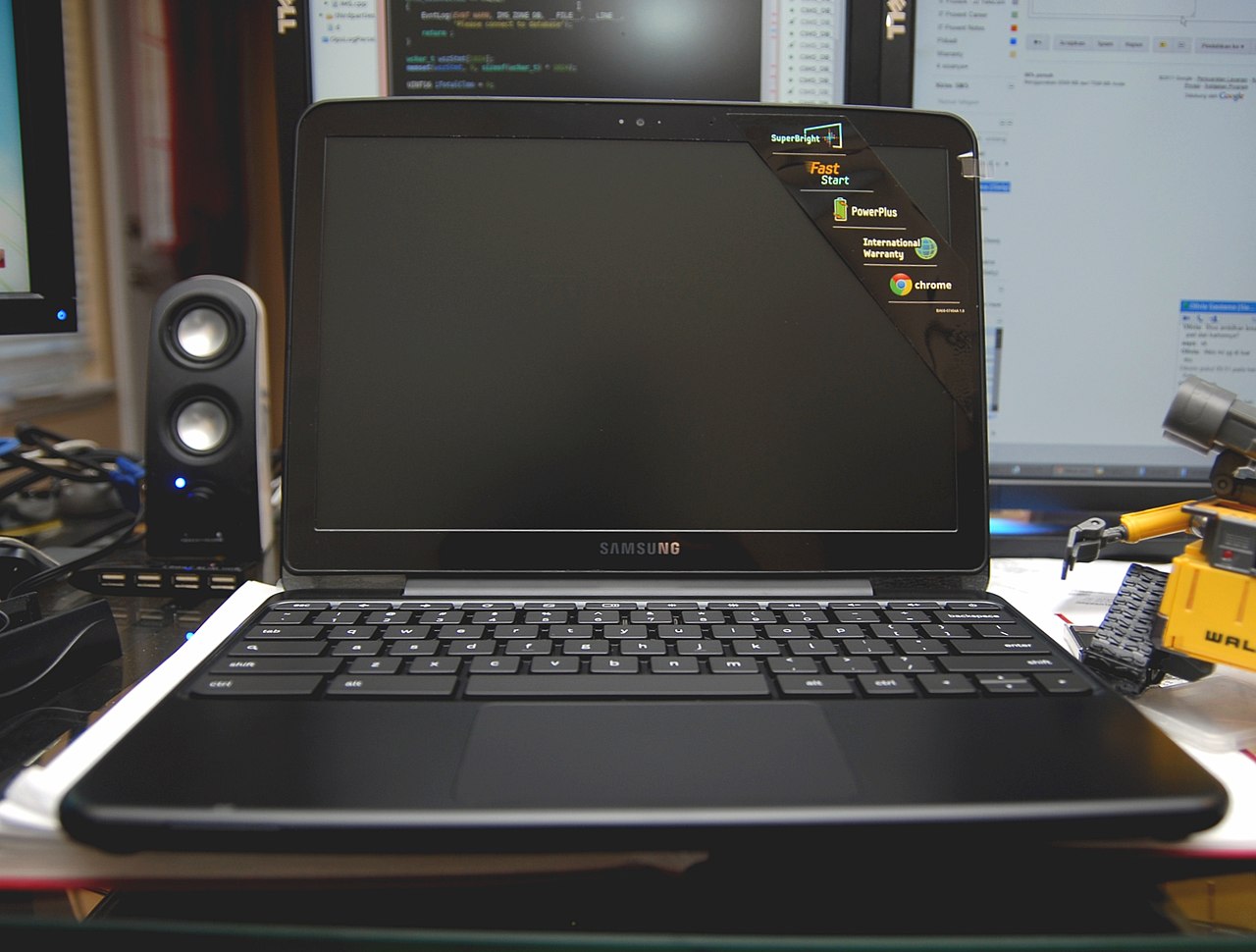
Chrome OS runs on multiple processor architectures, primarily on Intel and AMD processors (also known as x86) and on ARM-based systems (ARM). Hardware comes in several form factors, including laptops commonly called Chromebooks, small desktop units known as Chromeboxes, and integrated all-in-one systems sometimes marketed as Chromebases. Administrators can manage fleets of Chrome OS devices through web-based management consoles, making the platform attractive for schools and organizations that need centralized configuration and policy controls.
Typical uses and ecosystem
Chrome OS is popular in education and in scenarios where inexpensive, easy-to-manage endpoints are desirable. Users access productivity suites, learning platforms, and entertainment primarily through the browser or web apps; additional support for Android apps and containerized Linux applications has broadened usability. Its security model includes verified boot, sandboxing, and automatic updates to reduce maintenance overhead and limit exposure to many traditional desktop threats.
Distinctions and reception
Observers initially questioned whether Chrome OS offered meaningful advantages over running the Chrome browser on an existing Microsoft Windows or other desktop system. Over time, Chrome OS differentiated itself with rapid boot times, integrated management tools, and a simplified user experience focused on cloud-first workflows. Critics still note limitations when heavy local software or legacy applications are required, but proponents value the low total cost of ownership and straightforward maintenance model.
- Key features: fast startup, automatic updates, sandboxed apps, verified boot.
- Common form factors: Chromebooks, Chromeboxes, Chromebases.
- Architectural notes: Linux kernel base, web-centric UI, support for x86 and ARM processors.
For more details about the project, development builds, and commercial products, consult official resources and the open-source Chromium community and product pages maintained by Google and partners.
Further reading and references: product pages, developer guides, and comparative analyses often provide the latest information on supported hardware, enterprise features, and third-party integrations. Manufacturers and education vendors publish guidance for deployment and device selection.
Lightweight OS overview | Web application model | Browser foundation | Kernel details | Netbook history | x86 architecture | ARM architecture | Windowing approaches | Desktop comparisons | Google resources | Open-source project
Related articles
Author
AlegsaOnline.com Google Chrome OS Leandro Alegsa
URL: https://en.alegsaonline.com/art/39681
Sources
- chromium.org : "Kernel Design: Background, Upgrades"
- google.com : "Google Chrome OS Terms of Service"
- pcworld.com : "Google Announces Chrome OS" · webcitation.org
- guardian.co.uk : "Google targets Microsoft with new operating system"
- technology.timesonline.co.uk : Google takes on Microsoft with Chrome operating system · webcitation.org
- techno-crunch.com : Google is delaying to ship Chrome OS to mid of 2011
- bloomberg.com : "Google to Challenge Microsoft With Operating System"
- news.bbc.co.uk : "Google to launch operating system"
- techcrunch.com : "Google Chrome: Redefining The Operating System" · webcitation.org
- pcworld.com : "Google Chrome: Five Reasons the Google Chrome OS will Flop"