
Game controller: overview, parts, history, types and uses
A game controller is a handheld or mounted input device used to operate video games. This article explains common parts, major types, historical development, and practical uses.
A game controller is a hardware device used to interact with electronic games. It translates a player's physical actions into signals the game can read, enabling movement, camera control, menu navigation and other in-game commands. Controllers range from simple single-button units to complex, multi-axis devices with force feedback and wireless connections. For general information about hardware, see controller and for context about the medium it serves, see video games.
Image gallery
10 Images



Components and common features
Most controllers share a core set of parts and features designed to capture directional and action inputs. Typical elements include:
- Directional controls: D-pads, analog sticks, or joysticks that register directional intent.
- Action buttons: Face buttons, shoulder buttons and triggers for discrete commands.
- Sensors and feedback: Haptic motors, vibration, gyroscopes, and accelerometers for motion input and tactile response.
- Connectivity: Wired interfaces (e.g., USB), and wireless methods such as Bluetooth or proprietary RF links.
Types and typical uses
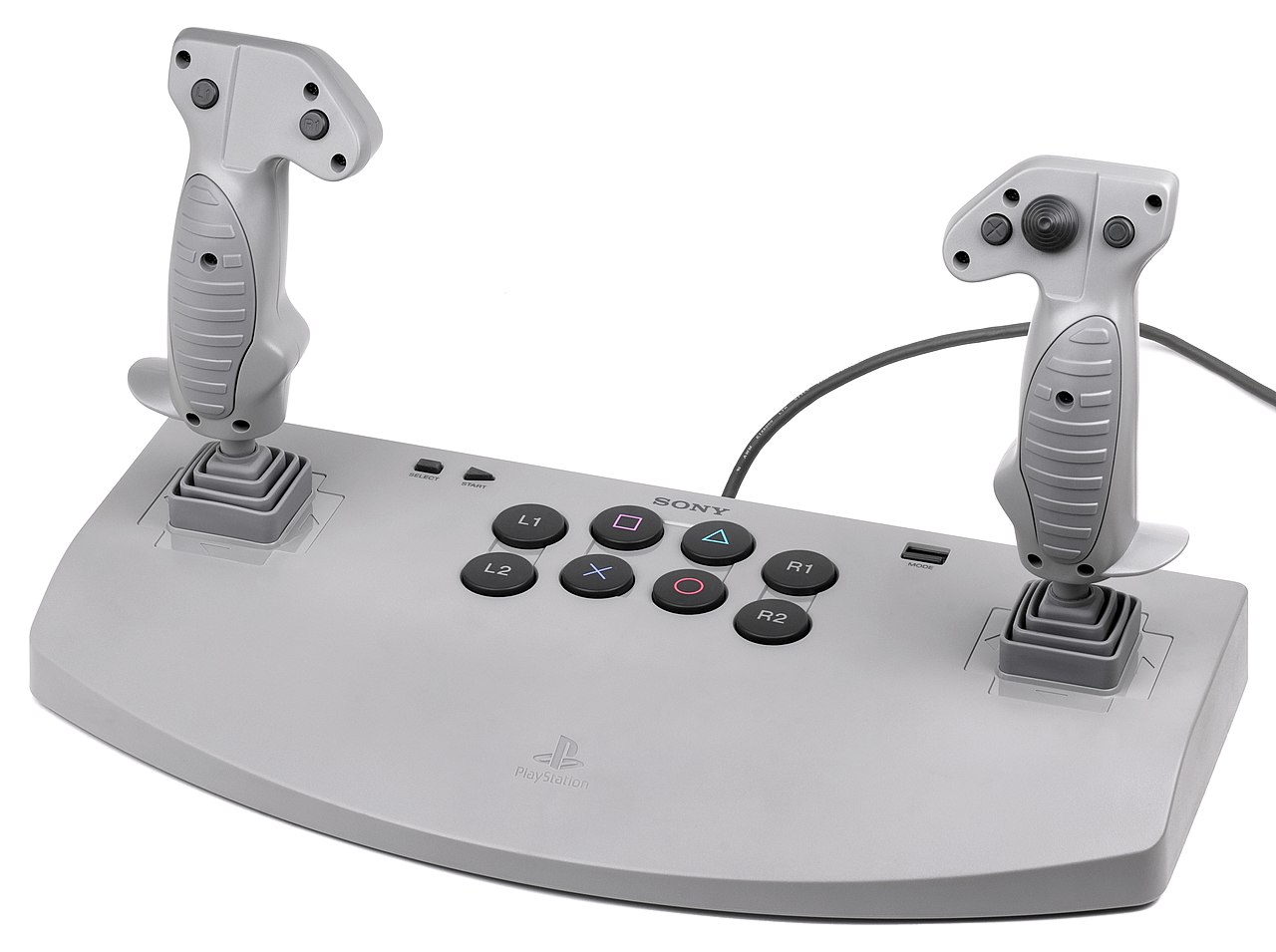
Controllers are shaped by the genres and platforms they serve. Common forms include gamepads for console and PC play, flight sticks and HOTAS setups for simulations, racing wheels with pedals for driving games, and motion-based controllers for gesture-driven titles. Mobile devices and touchscreens also act as controllers for many modern games. Specialized controllers can improve accessibility or emulate physical equipment for training and simulation.
History and development
Early video games used simple knobs and joysticks; as home consoles and arcades developed, manufacturers standardized controller layouts and added features such as multi-button gamepads and directional pads. Later advances introduced analog sticks for finer movement, wireless connectivity to reduce cables, and force feedback to simulate physical sensations. Recent innovations include high-precision sensors, adaptive triggers and sophisticated haptics that add realism and new design possibilities.
Notable distinctions
Controllers differ from other input devices like keyboards and mice by focusing on ergonomics, low-latency input and tactile layout suited to continuous play. Platform ecosystems and backward compatibility influence designs: some controllers are cross-compatible via adapters or standard protocols, while others rely on proprietary features. Competitive gaming often emphasizes minimal latency, consistent input mapping and hardware reliability.
Understanding the role of a controller helps players choose equipment that matches their games and play style, whether that means a compact gamepad for platformers, a precision stick for flight sims, or adaptive controllers designed for accessibility.
Related articles
Author
AlegsaOnline.com Game controller: overview, parts, history, types and uses Leandro Alegsa
URL: https://en.alegsaonline.com/art/37384