
Plug and Play (computing)
Plug and play describes systems that let an operating system detect, configure and use hardware peripherals automatically, minimizing manual driver installation and setup.
Plug and play is a term for hardware and operating system features that allow a computer to recognize and configure peripherals with minimal user intervention. Systems that support plug and play let you connect new devices and begin using them after a short initialization period. The operating system typically enumerates the attached hardware, selects an appropriate device driver if available, and makes the device accessible to applications.
Image gallery
8 Images
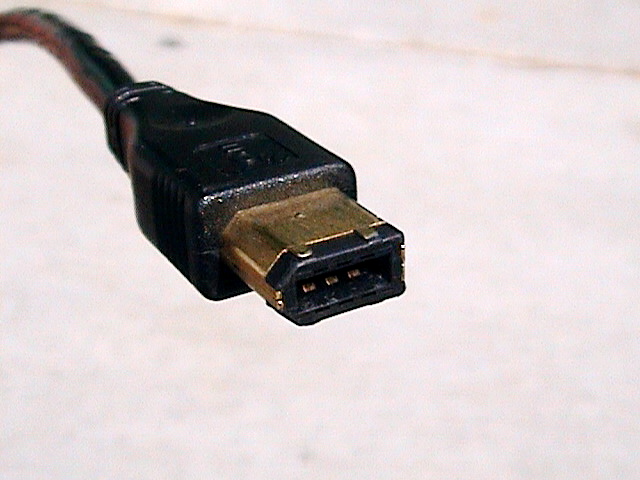


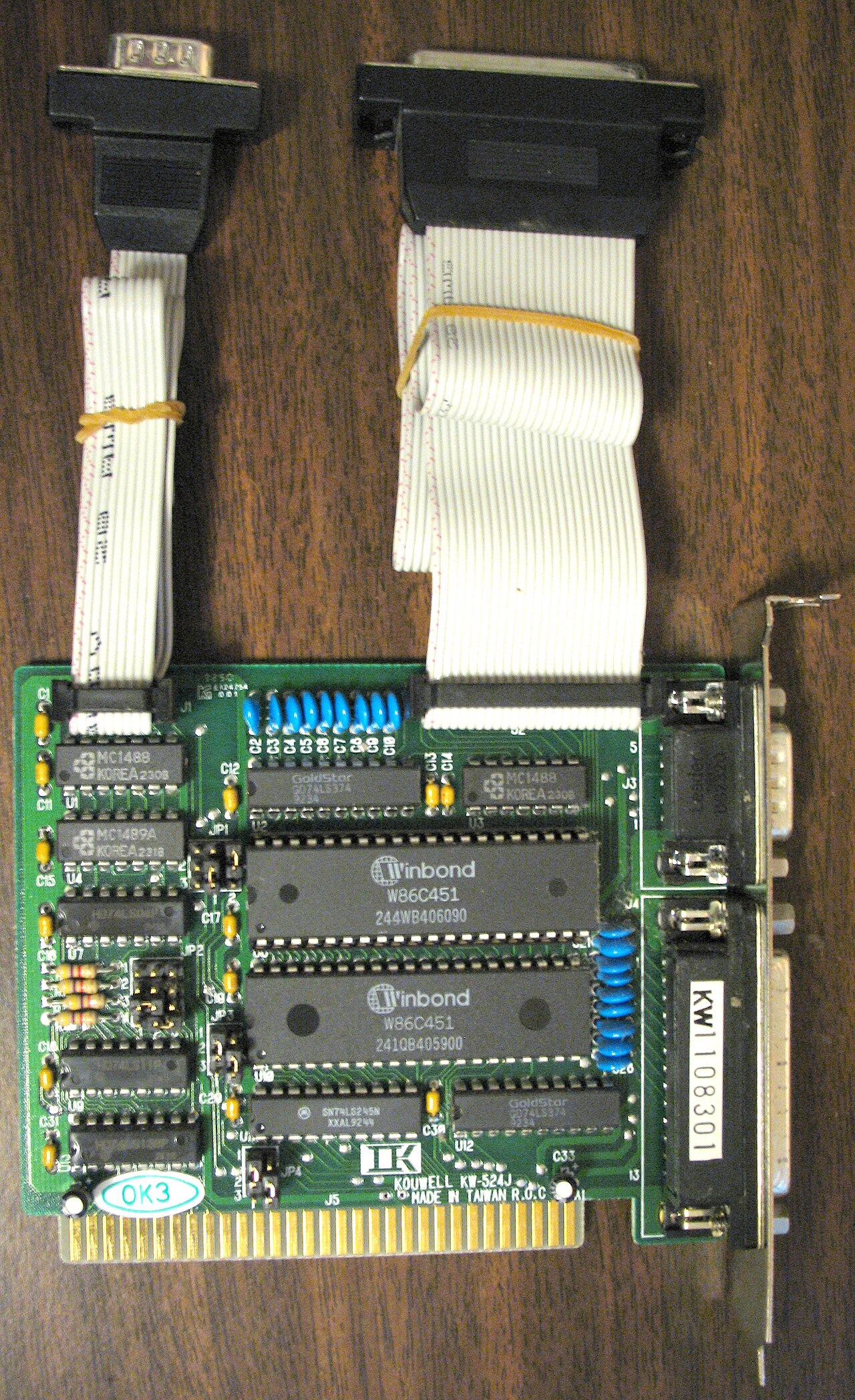

How it works
At the technical level, plug and play relies on a combination of standardized bus protocols, unique device identifiers, and an operating system service that performs device enumeration. When a peripheral is attached, the bus reports identification data to the host; the host then matches that information against driver libraries or online catalogs. Some implementations support hot-plugging (adding or removing devices while the system runs) while others perform configuration only during boot.
Typical components
- Bus standards and controllers that communicate device identity (technologies such as USB or similar layers).
- Firmware or descriptors built into the peripheral that declare its capabilities.
- Operating system services that map devices to drivers and allocate resources (interrupts, memory ranges).
- Optional user-space helpers for installing drivers, presenting prompts, or managing permissions.
History and development
The concept of plug and play emerged as personal computers and peripheral buses evolved toward greater user convenience. Early personal computers required manual configuration of jumpers, IRQs and I/O addresses. Over time, bus designs and OS frameworks incorporated auto-configuration, and consumer-focused standards for hot-pluggable peripherals became widespread. Today, many consumer devices use plug-and-play-friendly protocols to reduce setup complexity.
Uses, advantages and limitations
Plug and play improves usability by shortening setup time for keyboards, mice, storage devices, audio peripherals and many more. Advantages include quicker installation, fewer configuration errors, and better resource sharing. However, complete automation is not guaranteed: missing or unsigned drivers, firmware incompatibilities, or operating system limitations can require manual intervention. Security and driver-source trust are also practical considerations.
Notable distinctions
The phrase "plug and play" is sometimes used loosely. True plug-and-play capability depends on both the peripheral and the host platform: a device that is plug and play on one operating system may need manual drivers on another. When researching or troubleshooting, check both the device documentation and the host's support for the underlying bus standard or configuration framework.
Further reading and technical references can clarify how specific bus types, driver models and firmware descriptors interact in modern plug-and-play ecosystems. For vendor-specific guidance or protocol details, consult developer resources and platform documentation via the links above.
Related articles
Author
AlegsaOnline.com Plug and Play (computing) Leandro Alegsa
URL: https://en.alegsaonline.com/art/77496
Sources
- pcguide.com : The PC Guide - Plug and Play
- pcmag.com : plug and play Definition