
Webpage: structure, history, and common uses on the web
An accessible overview of webpages: what they are, how they are built, their history, typical uses, and differences between static and dynamic pages.
Overview
A webpage is a single document delivered over the internet that a person can view with a web browser. Each page has a unique address called a URL (Uniform Resource Locator) that identifies where it lives on the network. One or more pages grouped together under the same name or domain form a website. Webpages commonly include text, images, video, and links that connect to other pages.
Image gallery
2 Images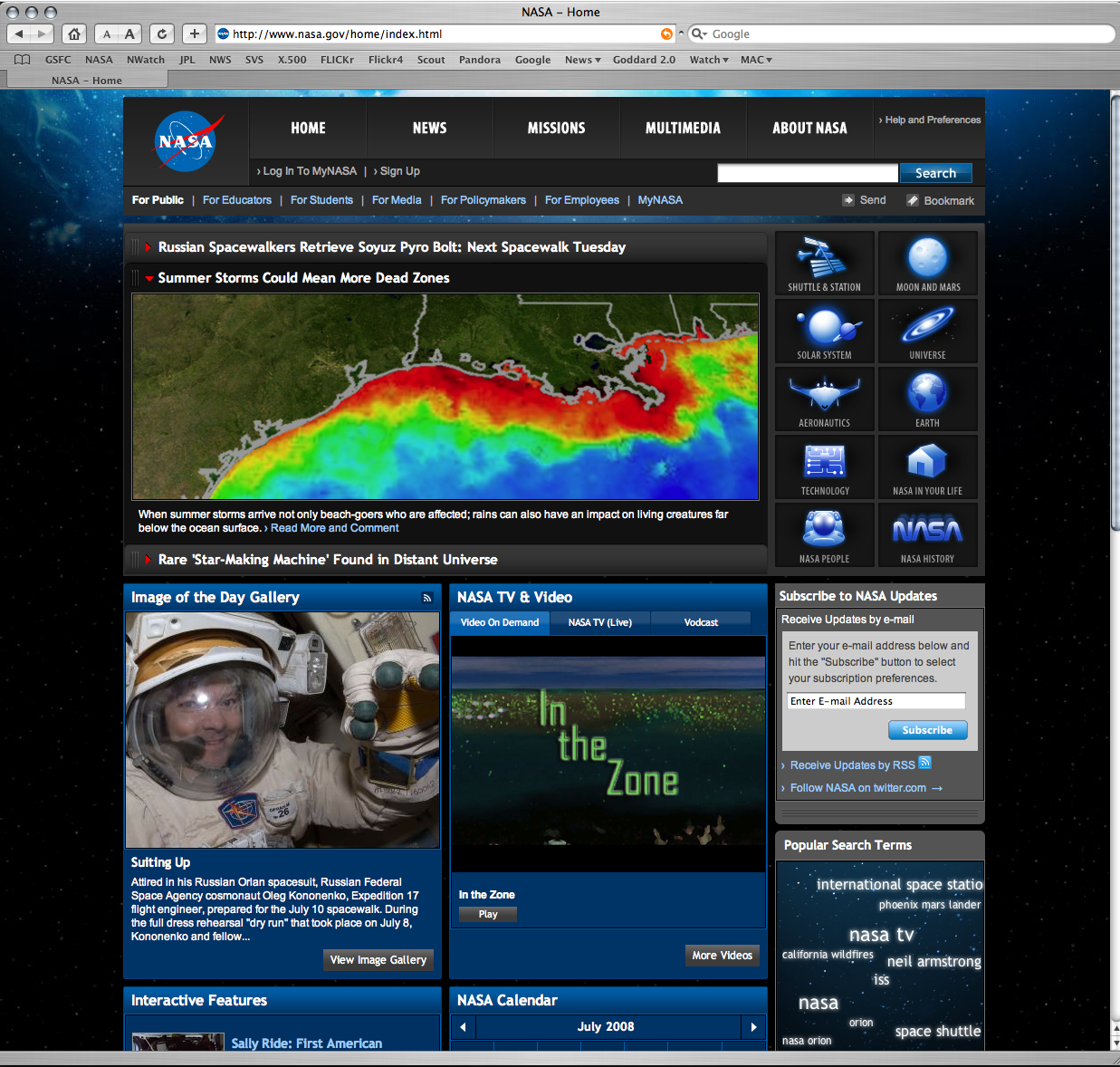

Structure and common technologies
Most webpages are authored using several complementary technologies. HTML defines the document structure and content; CSS governs visual presentation and layout; and JavaScript enables interactivity and dynamic behavior in the browser. When a user requests a page, a web server responds with the document and related resources, which the browser renders for display. Pages can be optimized for accessibility and for small screens using responsive design techniques.
Characteristics and types
- Static pages: content is fixed until someone edits the source files; useful for simple informational pages.
- Dynamic pages: assembled on demand by server-side programs or client scripts, often drawing content from a database.
- Interactive pages: include forms, embedded media, or scripts that respond to user actions without reloading the whole page.
- Linked structure: hyperlinks form a web-like graph allowing navigation between pages and sites.
History and development
The concept of the webpage emerged with the World Wide Web, developed in the early 1990s as a system for sharing documents and resources. Early pages were largely textual with inline links; over time pages gained multimedia, layout control, and scripting. Advances in browser capabilities, standards from organizations that publish web specifications, and the rise of mobile devices have continuously influenced how webpages are designed and delivered.
Uses, examples and importance
Webpages serve many roles: presenting news and educational material, providing product information and services, hosting applications, and enabling social interaction. Examples range from a single personal profile page to complex application interfaces like banking or email that run inside the browser. Because webpages are a primary way people access information online, designers focus on usability, performance, and search visibility (SEO).
Notable distinctions and best practices
When creating or evaluating webpages, consider loading speed, accessibility for assistive technologies, semantic markup to aid search engines and users, and privacy implications of tracking scripts. Caching and content delivery networks (CDNs) are commonly used to improve performance. Understanding the difference between a single webpage and an entire website is helpful: a webpage is one document, while a website is the organized collection of pages and resources that form a broader presence on the web.
For further technical reference or beginner guides, follow general resources linked from web standards organizations and learning sites to explore examples and tutorials.
Related articles
Author
AlegsaOnline.com Webpage: structure, history, and common uses on the web Leandro Alegsa
URL: https://en.alegsaonline.com/art/107082