
Scilab: open-source environment for numerical computation
Scilab is an open-source numerical computation environment and high-level language similar to MATLAB, used for matrix operations, simulation, visualization and engineering analysis with extensible modules.
Overview
Scilab is a free, open-source environment for numerical computation that provides a high-level interpreted language and a collection of mathematical functions for technical computing. It is often described as MATLAB-like because its syntax and capabilities support similar workflows: matrix operations, visualization, algorithm development and prototyping. As a programming language focused on numeric tasks, Scilab targets engineers, scientists and educators.
Image gallery
2 Images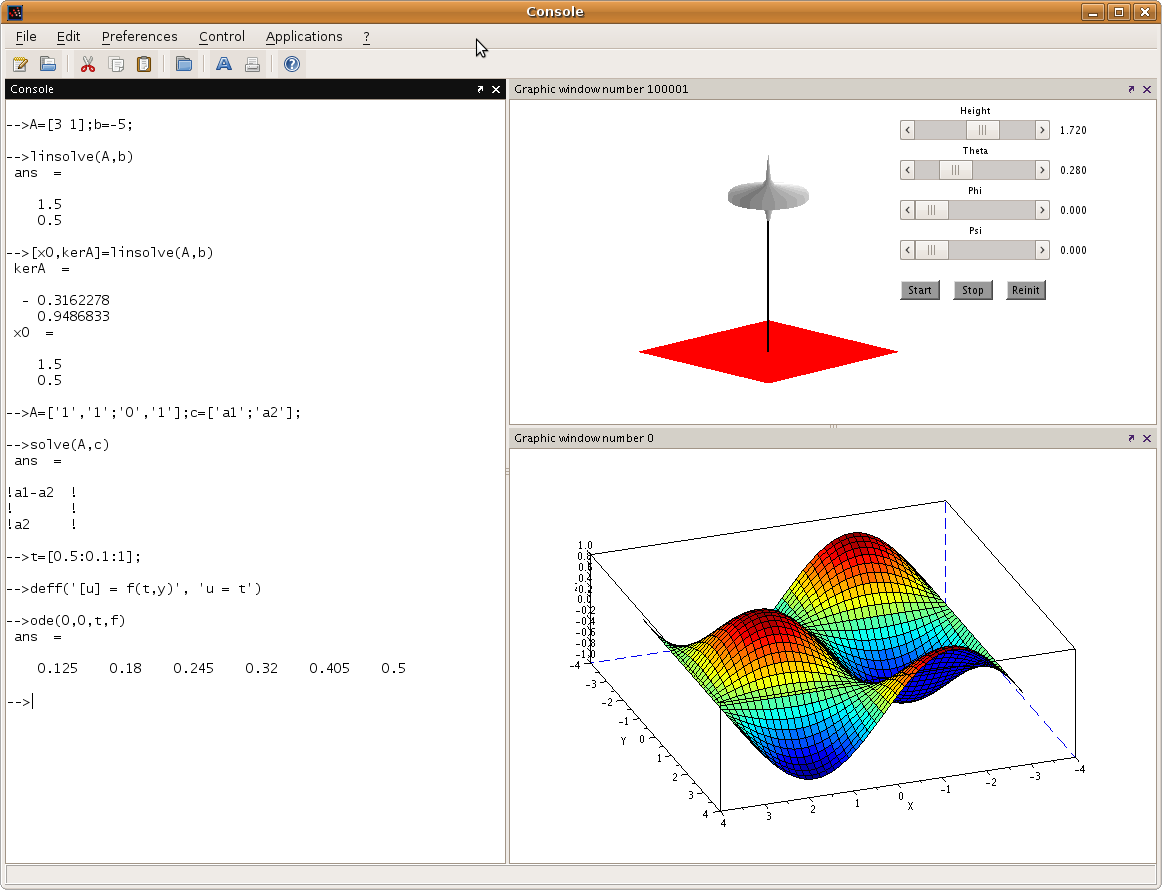

Key characteristics
Scilab combines an interactive command prompt with a scripting language and graphical tools. Notable attributes include:
- Rich matrix and array operations optimized for linear algebra.
- Built-in plotting and visualization for 2D and basic 3D graphics.
- Extendable modules and toolboxes that add functions for control, signal processing, optimization and more.
- A block-diagram modeling tool similar in purpose to other simulation environments.
- Interfaces to external code and libraries so routines in C, Fortran or Java can be called from scripts.
History and development
Scilab originated as an academic project and evolved through contributions from research institutions, companies and an active user community. Over time it matured from a simple numerical interpreter to a broader ecosystem with add-ons and third-party modules. Development emphasizes portability and use across different operating systems and language regions.
Uses and examples
Typical uses of Scilab include numerical linear algebra, data visualization, signal and image processing, control system design, and rapid algorithm prototyping. In teaching, it provides an accessible way to demonstrate numerical methods without proprietary licenses. In engineering practice, it can be used to test models, run simulations and generate plots for reports.
Distinctions and community
While Scilab shares many concepts with other technical computing systems, it is distinguished by its open-source nature and the availability of community-contributed modules. Documentation, user forums and contributed toolboxes help extend capabilities. For more formal descriptions or downloads consult resources on numerical analysis, language references and community repositories.
Further reading
To learn practical details about compatibility, packages and examples, users often consult language tutorials, module catalogs and community forums. Comparisons with commercial products can help identify which tool best fits a given project.
Author
AlegsaOnline.com Scilab: open-source environment for numerical computation Leandro Alegsa
URL: https://en.alegsaonline.com/art/145521