
Power supply unit (PSU)
A power supply unit converts mains alternating current to the direct currents used by electronic components. PSUs define form factor, connectors, efficiency ratings, protections and power delivery behavior.
Overview
A power supply unit, commonly abbreviated PSU, is the component that converts mains electrical energy into the direct current (DC) voltages required by electronic devices. In a desktop context a PSU receives alternating current from the wall and provides regulated outputs such as 12 V, 5 V and 3.3 V for motherboards, storage drives and peripherals. The PSU also communicates with the system: when the motherboard requests startup it switches the unit from a standby state into full operation, and it supplies a low-power standby rail for features like wake-on-LAN.
Image gallery
10 Images





Design and key parts
Modern computer PSUs are usually switched-mode supplies. Compared with older linear designs, switched-mode PSUs are lighter, more efficient and can tolerate a wide range of input voltages and frequencies without large transformers. Internally a PSU contains an input rectifier, power factor correction (in many units), high-frequency switching circuitry, transformers or inductors, output regulators, filtering capacitors to reduce ripple, and monitoring/protection circuits.
Common connectors and rails
PSUs provide a set of standardized connectors that deliver specific voltages. Typical rails and connectors include:
- ATX main 20/24-pin connector for the motherboard (multiple voltages carried on separate pins)
- 4/8-pin CPU power connector for additional 12 V supply
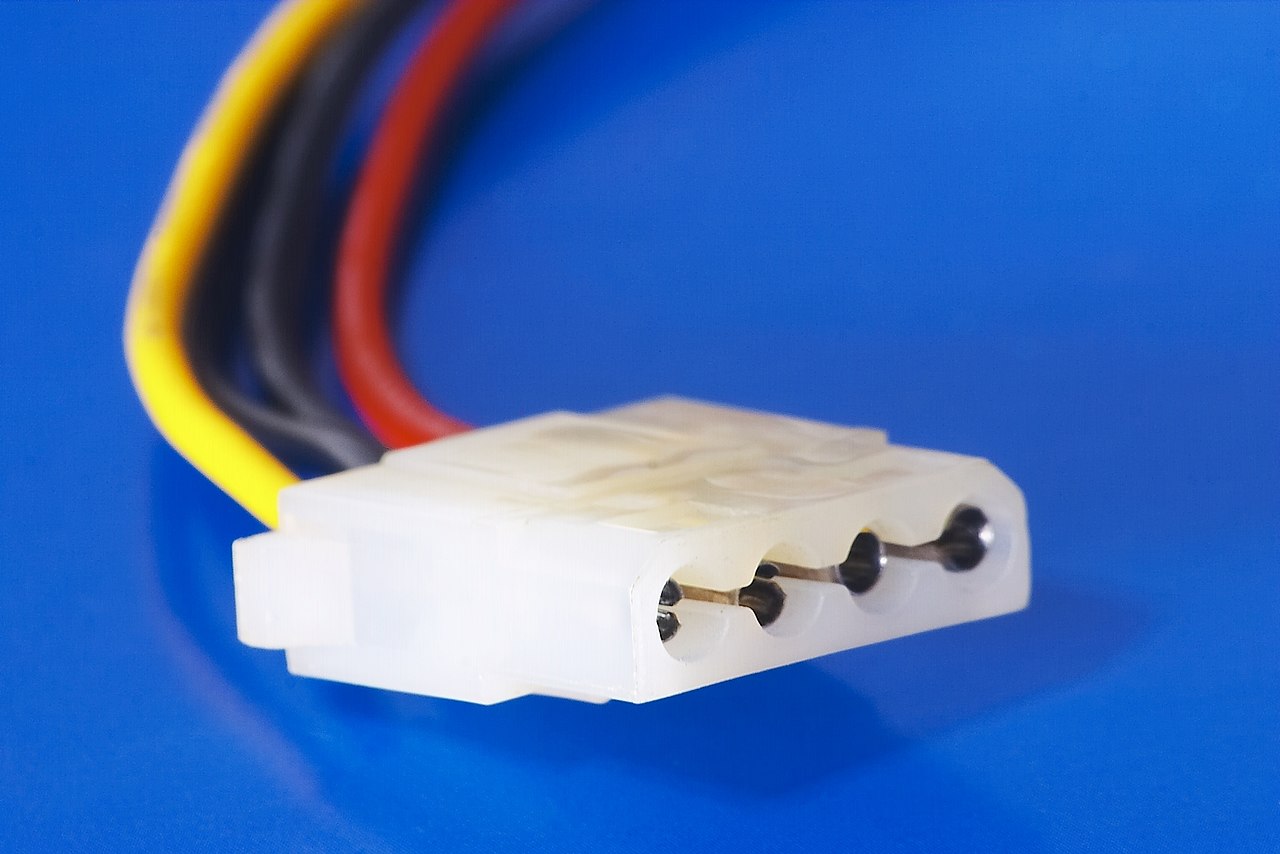
- SATA and Molex connectors for drives and some peripherals
- PCI Express 6/8-pin connectors for dedicated graphics cards
Standards, history and form factors
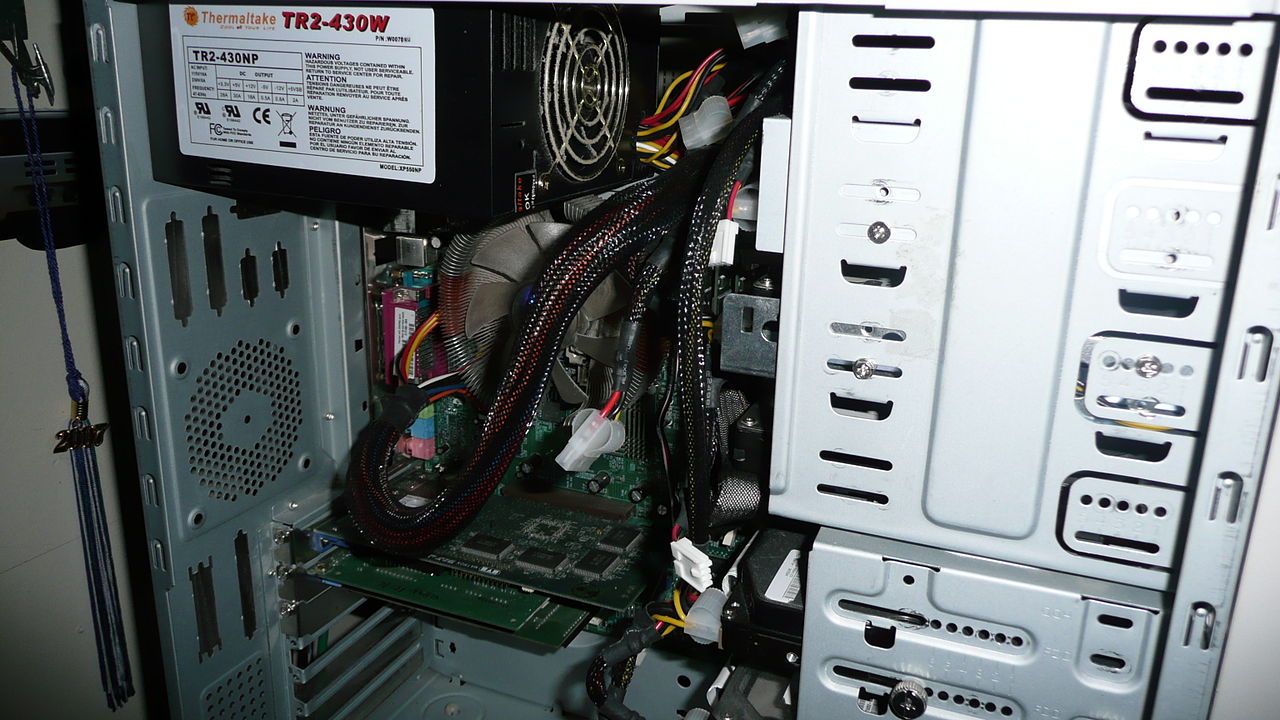
The ATX family of standards established a common footprint, voltages and control signals for desktop PSUs, enabling interchangeability between cases and motherboards. Over time these standards added features such as a dedicated 5 V standby rail and a motherboard-controlled power-on signal. Larger systems and servers use different form factors and redundant PSUs, while laptops use integrated external adapters and battery systems rather than internal ATX-style units. The evolution from large linear supplies to compact switched-mode units is a defining development in PSU history.
Performance, efficiency and protection
PSU quality is judged by factors including continuous power rating (watts), voltage stability under load, electrical noise and ripple, cooling and reliability. Efficiency certifications such as the 80 PLUS series indicate how much input power is converted to useful DC rather than lost as heat. Good PSUs implement protections like over-voltage, under-voltage, over-current, over-power and short-circuit protection to prevent damage to components. Power factor correction and thermal-controlled fans are common in higher-quality units.
Choosing and using a PSU
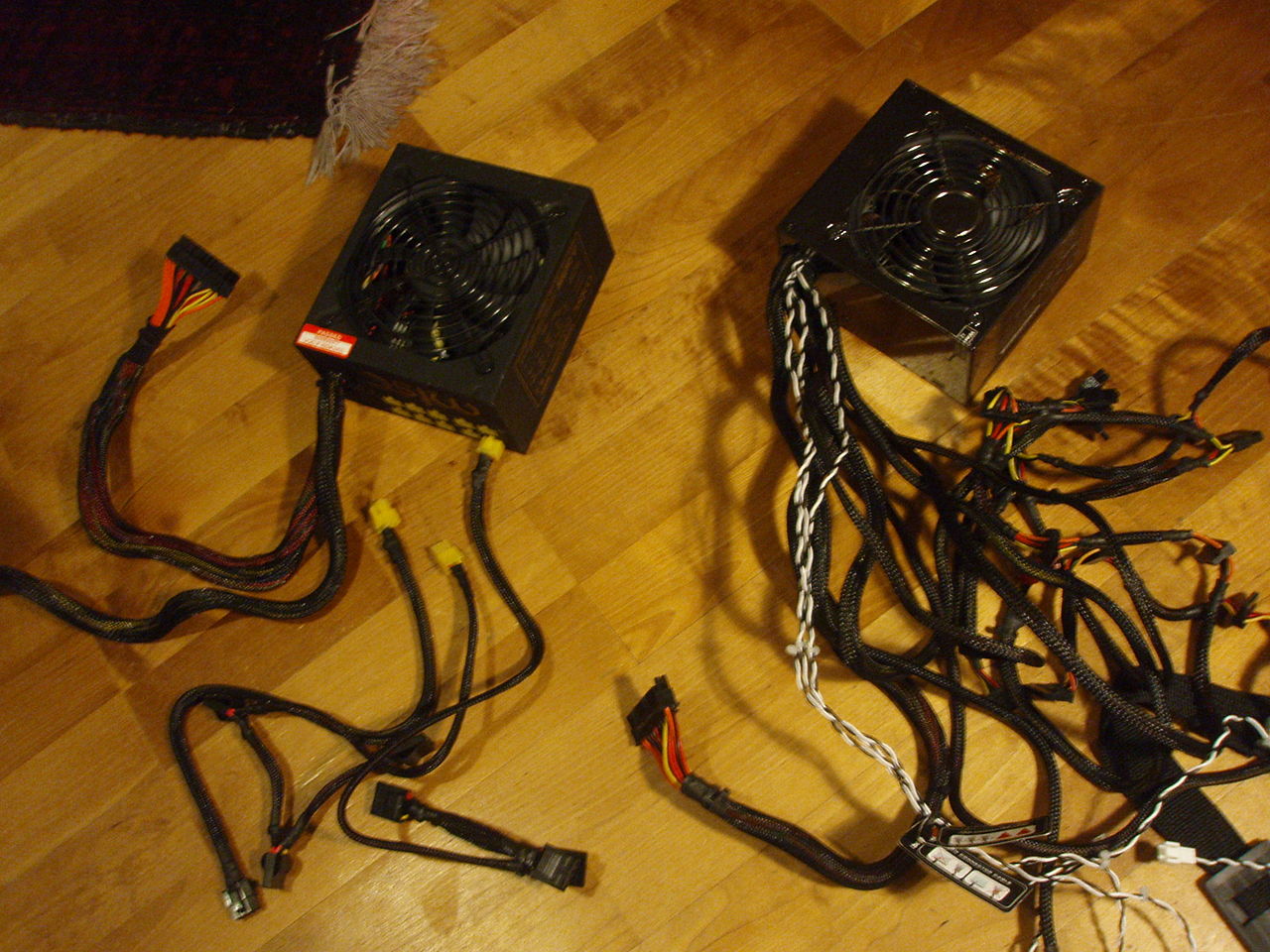
Select a PSU by matching or exceeding the expected system power draw, choosing the correct form factor, and verifying required connectors. Consider modular designs if cable management is important; modular cables allow unused leads to be removed to improve airflow and reduce clutter. When comparing models, look for reputable manufacturers, clear specifications for continuous wattage (not peak), efficiency ratings and protections. For more general information about how a PSU interacts with a computer or the differences between direct current outputs and input voltage expectations, consult technical guides and standards documents.
Notable facts: Many modern PSUs auto-select input range to work internationally rather than requiring a physical voltage switch. High-end systems sometimes use multiple power supplies or redundant modules to improve reliability and uptime.
Questions and answers
Q: What is a power supply unit (PSU)?
A: A power supply unit is a part of the computer that converts alternating current (AC) to direct current (DC), which is needed by other parts of the computer to function.
Q: What are the efficiency advantages of modern PSUs?
A: Most modern PSUs use switched-mode power supplies, which have efficiency advantages and make it easier to design for multiple voltage inputs.
Q: How do PSUs handle voltage inputs in different countries?
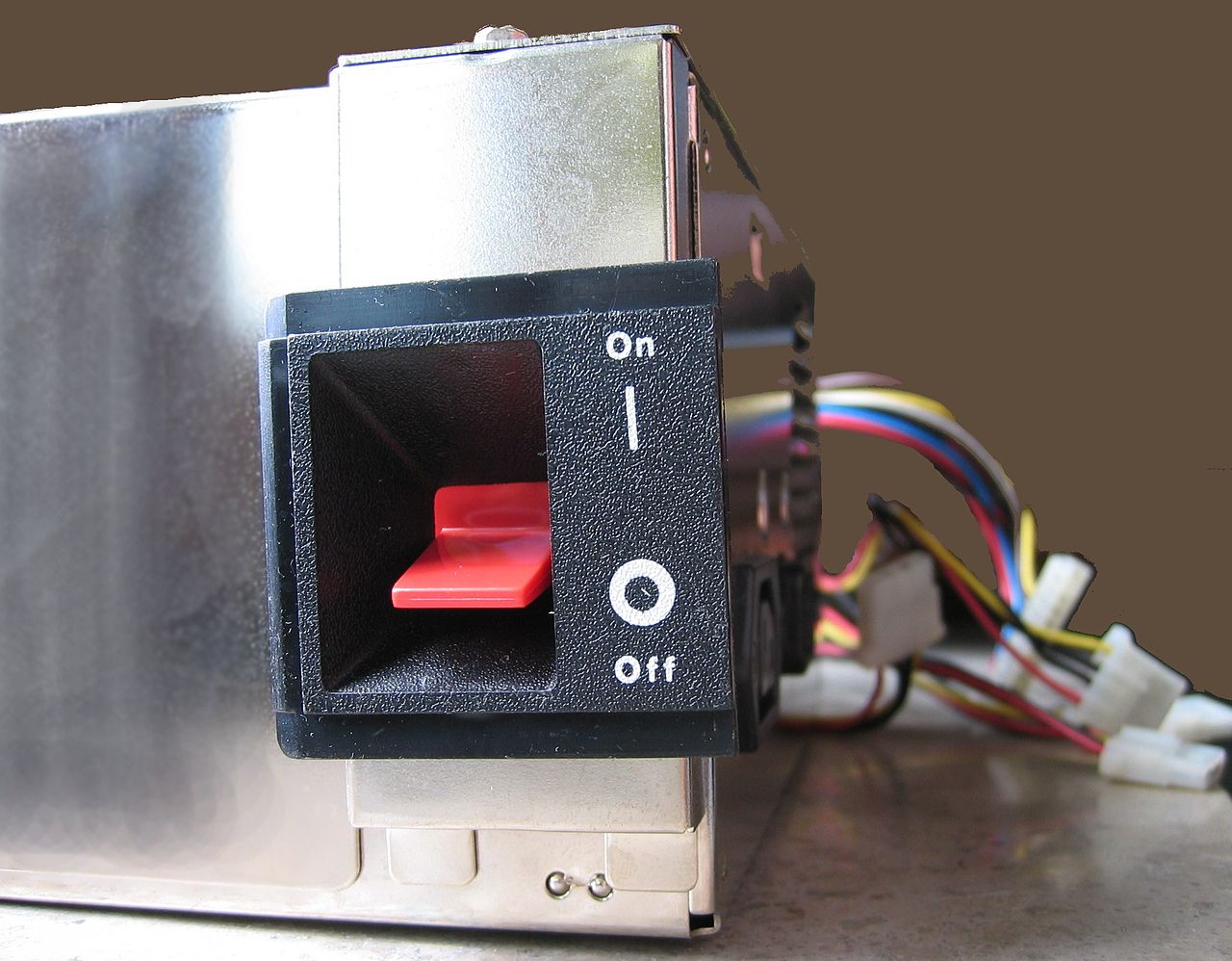
A: PSUs can operate in different countries where the power input might change, and some have a manual switch for selecting input voltage, while others automatically adapt to the mains voltage.
Q: What is the voltage in the UK, USA, and Australia?
A: The voltage in the UK is 240V 50Hz, in the USA it is 120V 60Hz, and in Australia it is 230V 50Hz.
Q: What specification do most modern desktop PC power supplies conform to?
A: Most modern desktop PC power supplies conform to the ATX specification, which includes form factor and voltage tolerances.
Q: What is the function of the 5-volt standby power provided by an ATX power supply?
A: While an ATX power supply is connected to the mains supply, it always provides a 5-volt standby (5VSB) power so that the standby functions on the computer and certain peripherals are powered.
Q: How are ATX power supplies turned on and off?
A: ATX power supplies are turned on and off by a signal from the motherboard.
Related articles
Author
AlegsaOnline.com Power supply unit (PSU) Leandro Alegsa
URL: https://en.alegsaonline.com/art/78550