
Microsoft Excel
Microsoft Excel is a spreadsheet application for data calculation, analysis, visualization and automation, available on desktop, web and mobile as part of Microsoft Office and Microsoft 365.
Overview
Microsoft Excel is a spreadsheet program used for organizing, calculating and visualizing numerical and tabular information. It is developed and maintained by Microsoft and is distributed as part of the Microsoft Office family and through the Microsoft 365 subscription service. Excel runs on major desktop operating systems and in browser and mobile editions, making it widely available across platforms.
Image gallery
10 Images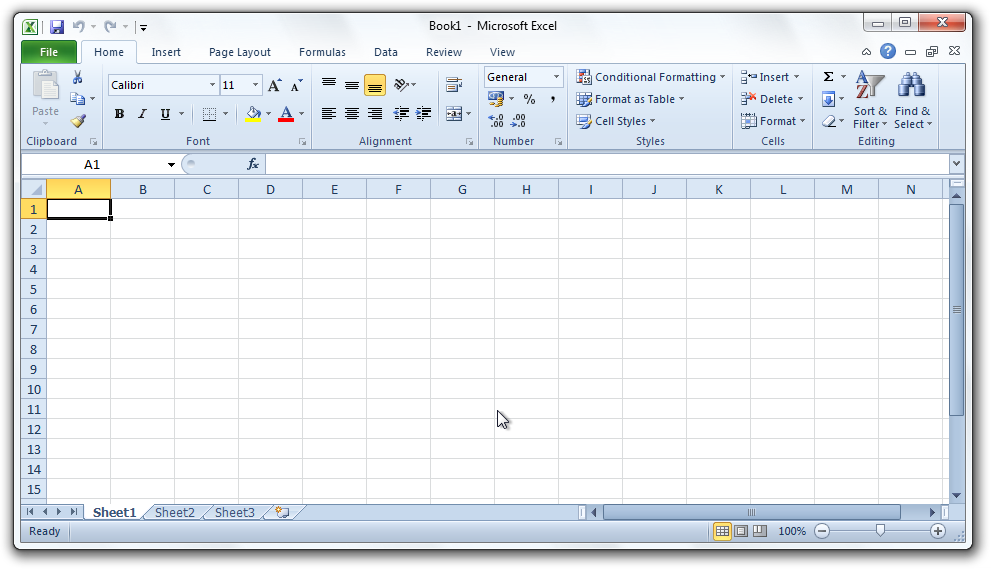



Core features
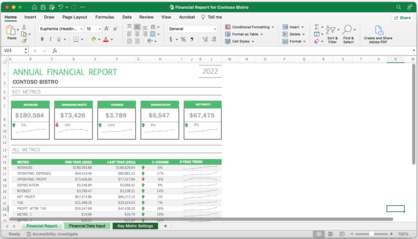
At its core Excel provides a grid of cells arranged in rows and columns where users enter values, formulas and functions. Common capabilities include calculation with built-in functions, conditional formatting, named ranges, charting and printing. Visual outputs such as charts and graphs can be created from worksheet data and customized for presentation or reports. Excel supports file formats including legacy binary workbooks and modern XML-based files.
Advanced tools and automation
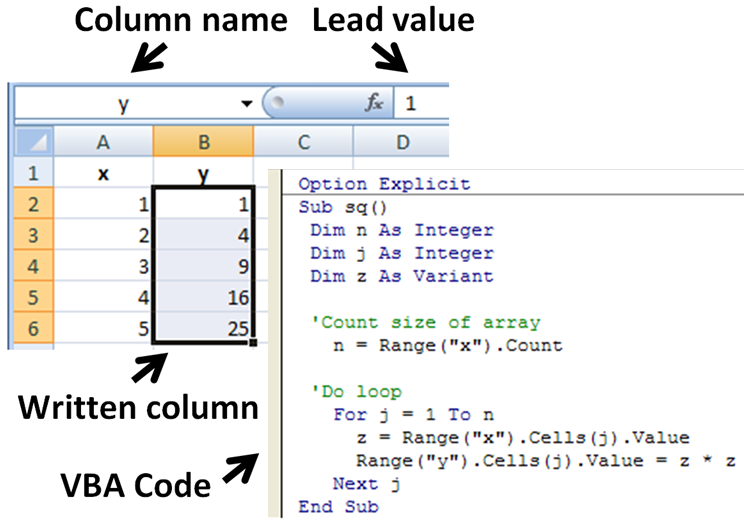
For more advanced analysis Excel offers tools such as pivot tables, data sorting and filtering, Power Query for data import and transformation, and Add-ins to extend functionality. Automation is commonly implemented with the Visual Basic for Applications (VBA) macro language; VBA lets users write scripts to automate repetitive tasks, though macro security settings should be managed carefully. The program can also interoperate with other Microsoft services and external data sources.
History and platforms
Excel has evolved from an early desktop spreadsheet into a multi-platform product available on Windows, macOS and via the web and mobile apps. It is proprietary software distributed by Microsoft; readers can find licensing and product information through official channels linked from the vendor pages. Desktop editions co-exist with online and mobile variants that emphasize collaboration and cloud storage.
Common uses and importance
- Financial modeling and budgeting
- Statistical analysis and business intelligence
- Reporting, charting and dashboards (visualization)
- Data cleaning and preparation for other tools
- Task automation using macros and scripts
Excel's ubiquity in business, education and research makes it a standard tool for many data-related tasks. For platform-specific details and downloads consult the vendor's platform pages for supported operating systems, specific Windows guidance at Windows resources, and Mac-specific information at macOS resources. Additional manufacturer or licensing notes can be found via official product documentation and related support links.
Further reading and product updates are available from manufacturer pages and community resources; users often combine Excel with other tools and services to build reproducible workflows and dashboards that meet their domain needs.
Questions and answers
Q: What is Microsoft Excel?
A: Microsoft Excel is a software used for calculations and graphics.
Q: What is the full name of Microsoft Excel?
A: Microsoft Excel's full name is Microsoft Office Excel.
Q: Who made Microsoft Excel?
A: Microsoft made Microsoft Excel.
Q: What is the macro programming language for Microsoft Excel?
A: Excel has a macro programming language called Visual Basic for Applications (VBA).
Q: On what operating systems can Microsoft Excel be used?
A: Microsoft Excel can be used on the operating systems Microsoft Windows and macOS.
Q: What can be made using Excel?
A: Excel can create charts and other pictures from data tables.
Q: What are the current versions of Microsoft Excel?
A: The current versions of Microsoft Excel are 2016 for Windows and 2016 for Mac.
Related articles
Author
AlegsaOnline.com Microsoft Excel Leandro Alegsa
URL: https://en.alegsaonline.com/art/64619