
Media center — home entertainment systems and HTPCs
A media center is hardware or software that organizes and plays audio, video and photos for TV-based viewing, recording, streaming and home-networked libraries.
A media center is a device or application that organizes, plays and records audiovisual content for use in a living-room or home-theater setting. It can be a purpose-built appliance, a dedicated consumer box, or software installed on a standard personal computer to create a Home Theater PC (HTPC). Modern media centers bring together music, movies, photos and live or recorded television into a single, TV-friendly interface and often support remote control, mobile apps or voice input.
Image gallery
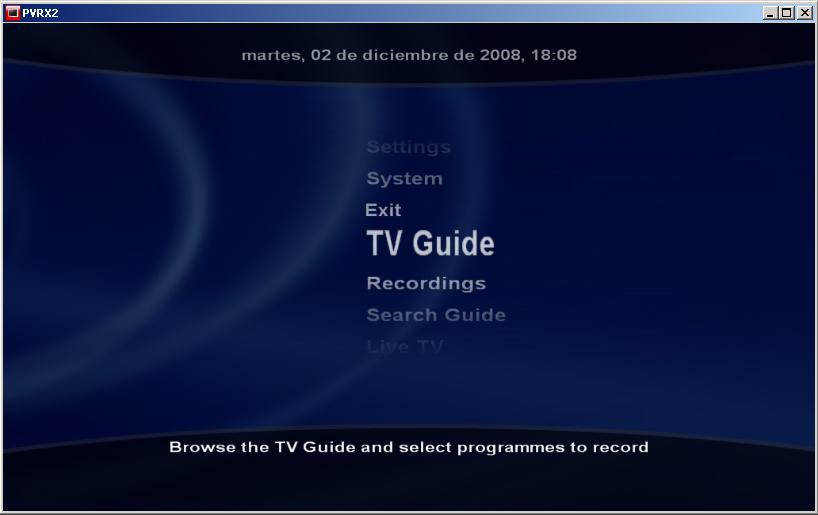
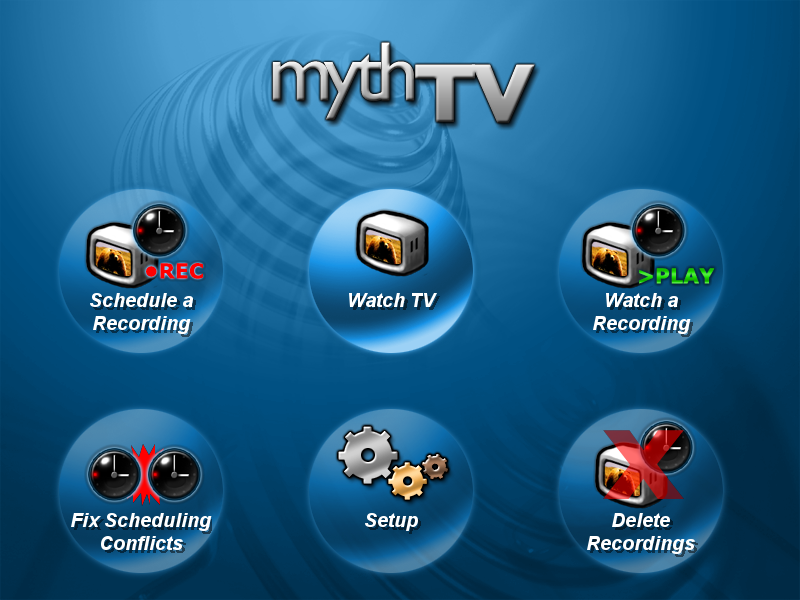
10 Images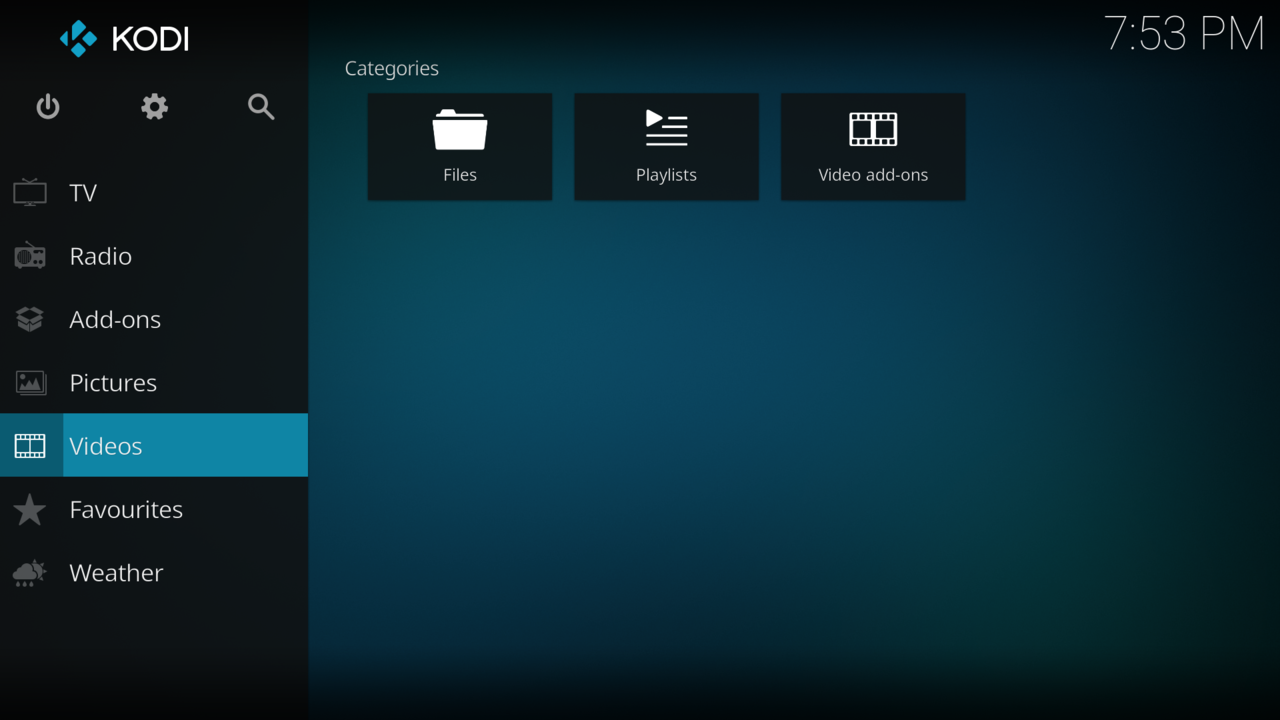


Characteristics and components
Typical media centers present a graphical user interface tuned for viewing from a distance (commonly called a 10-foot user interface) and are controlled with a remote, gamepad or smartphone. They handle many media types including music, movies, and photos, and support popular file formats and disc types such as DVD, Blu-ray and compressed audio like MP3 or WMA. Key hardware elements may include a TV output, GPU for video decoding, an optional TV tuner for broadcast reception, local hard drives or connection to network-attached storage, and network interfaces for streaming.
Content sources vary: stored files on a local disk, media on a wireless or wired NAS, live reception via terrestrial or broadcast links, and Internet streaming. Broadcast input can arrive over terrestrial, satellite or cable feeds, while on-demand content typically uses Internet delivery and metadata services to present cover art, descriptions and automatic organization.
History and development
The concept evolved from early HTPC projects and set-top boxes. In the 2000s consumer and PC makers introduced integrated media-center software to simplify media playback and DVR functions. Video game consoles such as the Xbox family and other video game consoles expanded this role: for example, the PlayStation 3 and Xbox 360 added streaming and media playback features, blurring lines between gaming systems and media hubs. More recently, smart TVs and dedicated streaming boxes have adopted and extended media-center functionality with app ecosystems and cloud services.
Uses, examples and importance
- Playback of movies and TV shows from discs, files or streaming services.
- Recording and time-shifting of broadcast television (DVR functionality).
- Centralized music libraries and playlists for multi-room audio.
- Photo slideshows and archival viewing of personal media collections.
- Integration with home networks to serve media to other devices and to access NAS storage.
Distinctions and notable facts
"Media center" can mean either the software interface or the hardware device. It differs from a simple media player in that it aims to serve as a single organized hub with metadata, search and recording features. Some implementations prioritize open standards and extensibility; others are closed, appliance-style systems. When choosing or building a media center, consider supported codecs, DRM and licenses, tuner compatibility, and network capabilities. For further technical details and community projects, see related resources on PC-based solutions and commercial platforms, or explore software lists and comparisons via online references about Internet services.
Many modern households now use combination approaches: a smart TV or dedicated streaming stick for casual viewing, a NAS for centralized storage, and an HTPC or console for advanced playback, gaming and recording. This flexibility has made the media center a central component of contemporary home entertainment.
Questions and answers
Q: What is a media center?
A: A media center is either a dedicated computer appliance or an application software designed to run on standard personal computer hardware, both of which are adapted for playing various kinds of media such as music, movies, and photos.
Q: How does one use a media center?
A: A media center typically has a GUI (Graphical User Interface) designed to be used with a living-room TV using a remote control. This remote control is commonly known by their designers as a 10-foot user interface.
Q: What types of media can be played on a media center?
A: Media centers are capable of playing movies (DVD, Blu-ray, and other digital video formats), watching and recording television broadcasts, and playing audio (CDs as well as MP3s, WMAs, and other audio formats).
Q: Where does the stored media come from?
A: The stored media may be kept either on the local hard drive or on a network attached storage device. It can also be received by terrestrial, satellite or cable broadcasting or streamed from the internet.
Q: Are there any additional tasks that some software can do?
A: Yes - some software is capable of finding news (RSS) from the Internet.
Q: Can any computer become a media center with the right software installed?
A: Yes - individuals can add media center software to any PC or other computer in order to create their own personalised version of it. Additionally, some video game consoles such as PlayStation 3 and Xbox 360 have network services that allow them to act as basic media centers by default.
Related articles
Author
AlegsaOnline.com Media center — home entertainment systems and HTPCs Leandro Alegsa
URL: https://en.alegsaonline.com/art/63389