
Interactive whiteboard: digital, collaborative display for classrooms and meetings
An interactive whiteboard is a large touch-sensitive display that links a computer and projector, enabling direct control, annotation, and collaboration in education, business, and training.
Overview
An interactive whiteboard is a large, touch-sensitive display surface that allows users to control a connected computer and annotate projected content directly on the board. Typically the computer is linked to the display and a projector so the computer desktop appears on the board; users then interact by touching the surface with a finger, stylus or other tool. Interactive whiteboards blend the functions of a traditional marker board with digital capabilities such as saving notes, playing multimedia and accessing internet resources.
Image gallery
3 Images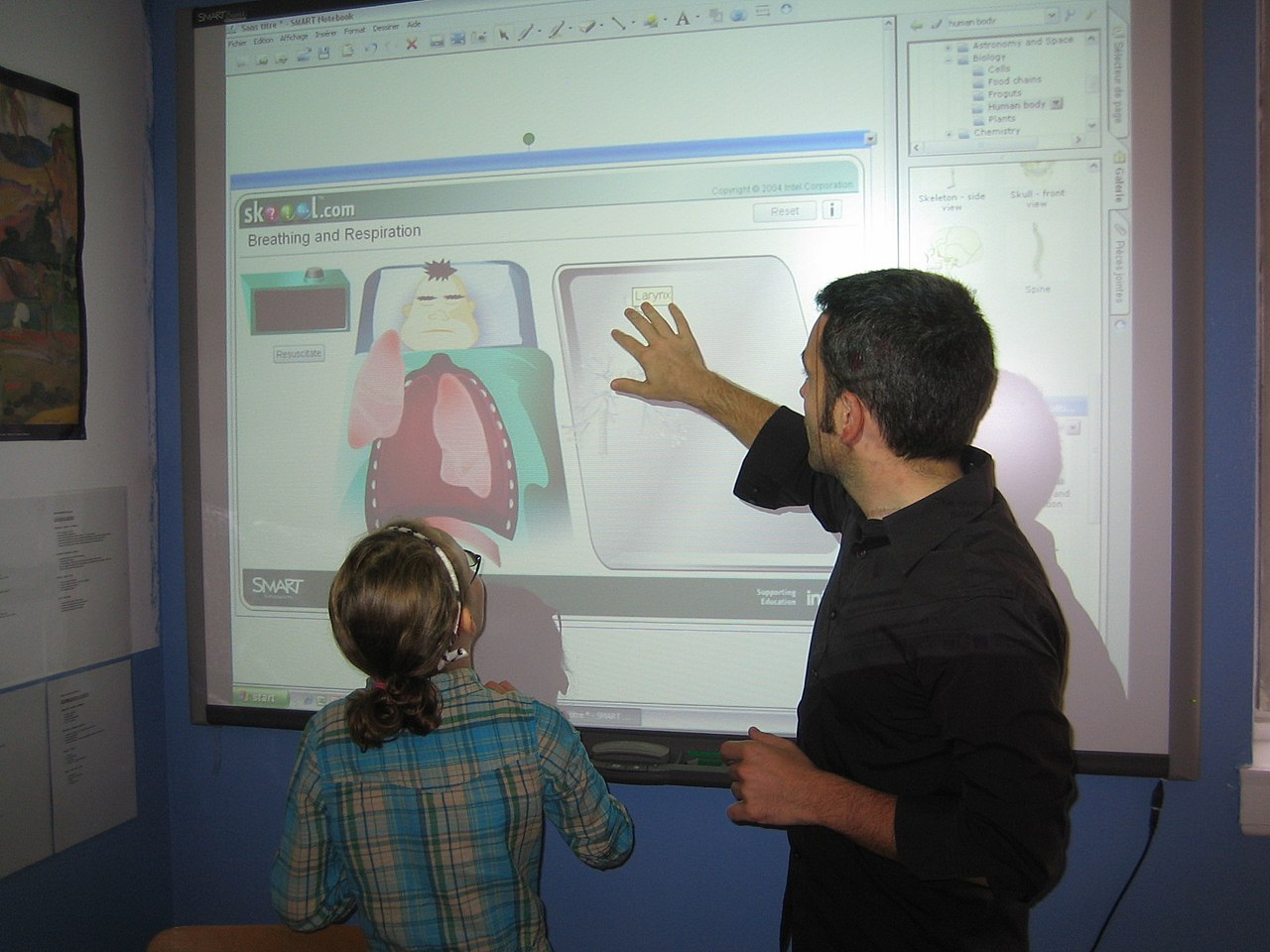

Core components and characteristics
Most systems consist of a display surface, an input device, a computer and a projector or integrated display. Key elements include:
- Computer link: The board operates as an input/output device for a computer; users control software and files through the board surface (computer link).
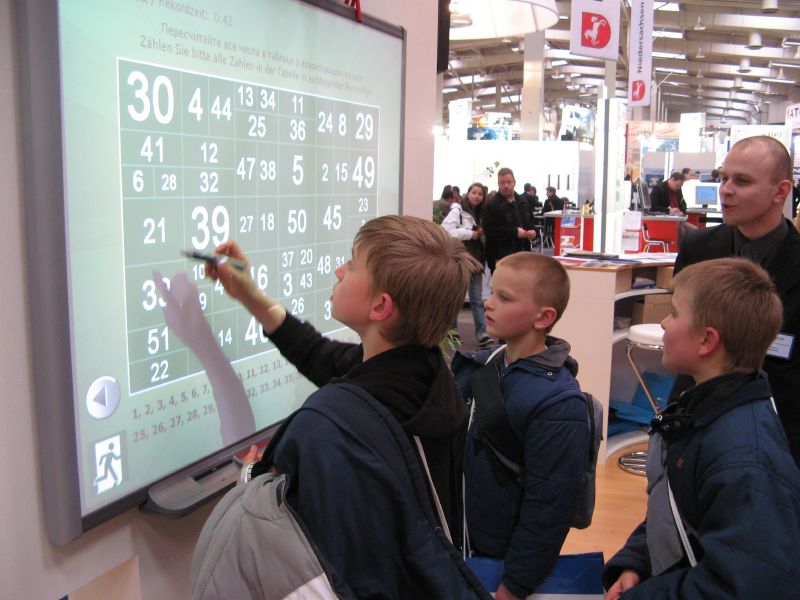
- Input tools: Interaction can use a dedicated pen or stylus, touch from a finger, or other instruments (special stylus, finger touch).
- Mounting and mobility: Most are wall-mounted but portable models exist for flexible use (wall mounting).
- Software: Bundled applications enable annotation, screen capture, multi-user collaboration and integration with learning or presentation platforms.
History and development
Interactive whiteboards evolved from simple projection and touch-detection experiments in the late 20th century. Early adopters were schools and corporate training centers that wanted to combine visual presentations with interactive activities. Over time, improvements in touch technology, digital ink, wireless connectivity and large-format displays expanded capabilities and reduced costs, making interactive boards common in classrooms and meeting rooms.
Uses and practical importance
Interactive whiteboards are used across education, business and professional training. In classrooms they support lesson delivery, student participation and multimedia resources, often complementing or replacing traditional whiteboards in modern schools. In corporate settings they facilitate collaborative workshops, remote meetings and visual brainstorming. Training and simulation environments use them to present complex scenarios with annotatable visuals.
Advantages, limitations and notable distinctions
Advantages include increased engagement, the ability to save and distribute notes, and support for multimedia and collaborative tools. Limitations may include setup complexity, cost, maintenance of projectors or sensors, and variable touch accuracy. Variants range from projector-based boards to all-in-one interactive displays with embedded touchscreens and networked features. Selecting a system depends on room size, intended use and budget.
Further resources
For technical specifications, compatibility and training materials, consult vendor documentation and educational technology guides (see computer integration, stylus options, touch modes, installation, comparison with traditional boards, classroom deployment).
Questions and answers
Q: What is an interactive whiteboard?
A: An interactive whiteboard is a large screen that connects a computer and a projector.
Q: How does an interactive whiteboard work?
A: The projector projects the computer's desktop onto the screen of the interactive whiteboard. The user can control the computer by using a special pen, finger or another tool to touch the screen of the interactive whiteboard.
Q: Where are interactive whiteboards used?
A: Interactive whiteboards are used in many different places such as in classrooms, in work groups and in training rooms for professional coaching.
Q: Are interactive whiteboards portable?
A: Normally, interactive whiteboards are fixed on walls. However, there are some mobile interactive whiteboards available.
Q: What is the benefit of using an interactive whiteboard over a traditional whiteboard?
A: Interactive whiteboards offer more features and technology than traditional whiteboards, making them more versatile and effective for teaching and presenting.
Q: Who can use an interactive whiteboard?
A: Anyone who wants to teach, present, or collaborate with others can use an interactive whiteboard.
Q: Are interactive whiteboards expensive?
A: Interactive whiteboards can be expensive, but the cost varies depending on the size and features.
Related articles
Author
AlegsaOnline.com Interactive whiteboard: digital, collaborative display for classrooms and meetings Leandro Alegsa
URL: https://en.alegsaonline.com/art/47563
Sources
- davsindia.com : davsindia.com/davs-india-interactive-board/
- www2.smarttech.com : www2.smarttech.com
- prometheanworld.com : prometheanworld.com