
Graphics Interchange Format (GIF): overview, features, history, and uses
GIF is an indexed-color raster image format introduced in 1987 that supports simple transparency, interlacing and frame-based animations; widely used for icons and short looping clips on the web.
Overview
The Graphics Interchange Format (GIF) is a raster image file format introduced by CompuServe in 1987. As a raster format, a GIF represents an image as a fixed grid of pixels rather than vector primitives. It became popular on the early World Wide Web because of broad software support, small files for simple graphics and the ability to store short animations without video codecs.
Image gallery
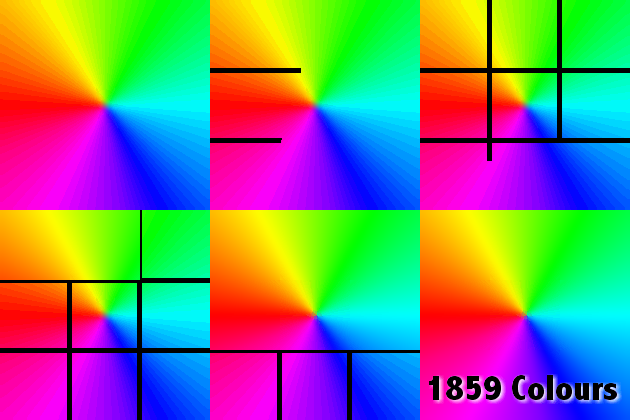
7 Images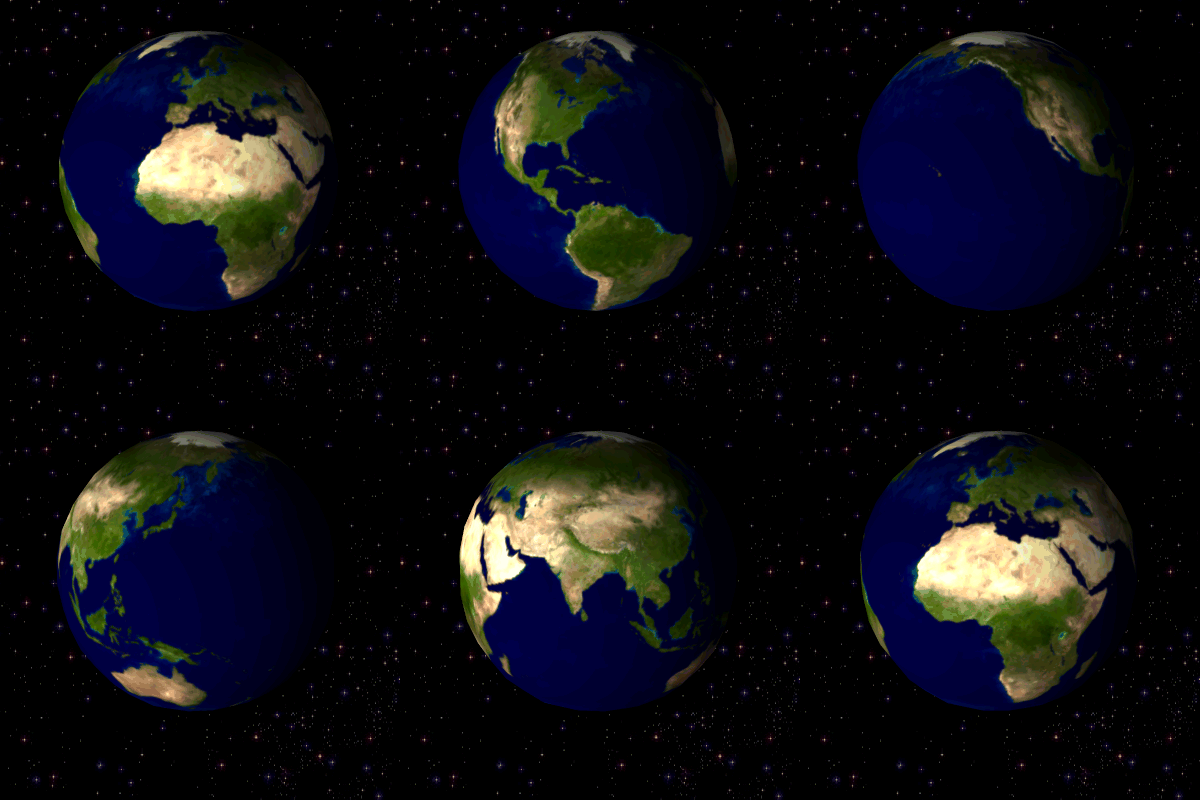


File structure and color model
GIF uses indexed (palette) color: each pixel holds an index into a color table with up to 256 entries (8 bits per pixel). A GIF file may contain a global color table shared by all frames and optional local color tables for individual frames. Because of the limited palette, GIF is well suited to images with flat, solid areas of color such as logos, icons, diagrams and pixel art; it is less suited for continuous-tone photographs unless heavy color reduction and dithering are applied. GIF also supports a single transparent color entry, which allows non-rectangular sprites and simple compositing.
Animation and extensions
Multiple images can be stored in a single GIF file to create frame-based animations. The format includes extensions for controlling animation timing, transparency per frame, and how frames are combined or replaced (disposal methods). An application extension originally introduced by browser makers added looping control so that an animation can repeat a specified number of times or loop indefinitely. Interlacing is available for still frames: interlaced GIFs are encoded in multiple passes so a progressively clearer preview appears as data arrives.
Compression and patents
To reduce file size, GIF uses the lossless dictionary compression algorithm known as Lempel–Ziv–Welch (LZW). LZW preserves exact pixel values when compressing and decompressing. The use of LZW led to licensing and patent disputes in the 1990s because the algorithm was covered by patents held by a third party. Those concerns affected software distribution and encouraged the development of alternative formats and codecs. Over time the relevant patents expired, removing the principal legal barrier to widespread GIF usage.
Standards and revisions
GIF has two widely referenced revisions in its early history commonly called GIF87a and GIF89a. GIF89a added animation control, a transparent color entry and extension blocks for simple metadata. The format specification defines blocks for image data, extension records and a trailer that marks the file end. For web use, GIF is identified by the MIME type image/gif and is supported by nearly all browsers, image editors and viewing tools.
Uses, limitations and alternatives
Typical GIF applications include small graphics, interface elements, icons, simple animations and short looping clips taken from video. Because of the palette limit, photographic images generally use formats with higher color depth, such as PNG or JPEG; PNG was developed in part as an unrestricted, lossless alternative to GIF, addressing both color depth and earlier licensing concerns. Newer animated formats and codecs provide better compression and higher color fidelity for many uses, but GIF remains popular for its simplicity and cultural presence. For general explanations of raster concepts and format choices see introductions to raster graphics and to compression.
Cultural impact and common practices
GIFs became an established part of online communication and meme culture because they are easy to create, loop automatically in many viewers and embed in webpages and messages without specialized players. Common production techniques include palette optimization to reduce color count, temporal trimming to shorten loops, and dithering to approximate colors in photographic frames. Developers often choose GIF for short animated icons and reaction images, while reserving formats with greater color fidelity for photographic content.
Further notes
- Indexed palette (up to 256 colors) — efficient for flat-color artwork.
- Lossless LZW compression — exact recovery of encoded pixel indices.
- Frame-based animation with timing and disposal controls.
- Single-color transparency and optional interlacing for progressive display.
For technical details, specification texts and implementation notes consult authoritative format summaries and archives, or general resources covering file formats, LZW compression and patent histories. Background material on the web ecosystem and compression techniques is available through general overviews of the web and of compression.
Questions and answers
Q: What is GIF?
A: GIF stands for Graphics Interchange Format and is a type of file format for images that was developed and introduced by CompuServe in 1987.
Q: What kind of graphics format is GIF?
A: GIF is a raster graphics format meaning that the image has a fixed size.
Q: How many colors does GIF support?
A: GIF supports up to 8 bits per pixel, or 256 colors.
Q: Can GIF support animations?
A: Yes, GIF can support animations.
Q: Why is GIF not used for showing photographs very much?
A: GIF is not used to show photographs very much because having only 256 colors is limiting for such a task.
Q: How are images in GIF format compressed?
A: Images in GIF format are compressed using Lempel–Ziv–Welch compression, which is a lossless compression technique that does not lose information when compressing or uncompressing.
Q: Why was another format called PNG developed?
A: Another format called PNG was developed due to some problems with the patent of the LZW compression. That patent was not held by CompuServe, but by Unisys. These issues led to the development of another format, called PNG. However, the patent has since expired making it no longer a problem.
Related articles
Author
AlegsaOnline.com Graphics Interchange Format (GIF): overview, features, history, and uses Leandro Alegsa
URL: https://en.alegsaonline.com/art/40352
Sources
- olsenhome.com : "The GIF Pronunciation Page"
- bbc.com : "Gif inventor says pronounce it 'Jif'"