
GIMP: GNU Image Manipulation Program — overview, features, history, and uses
GIMP is a free, extensible image editor used for photo retouching, composition, and format conversion; developed by volunteers as part of the GNU project.
Overview
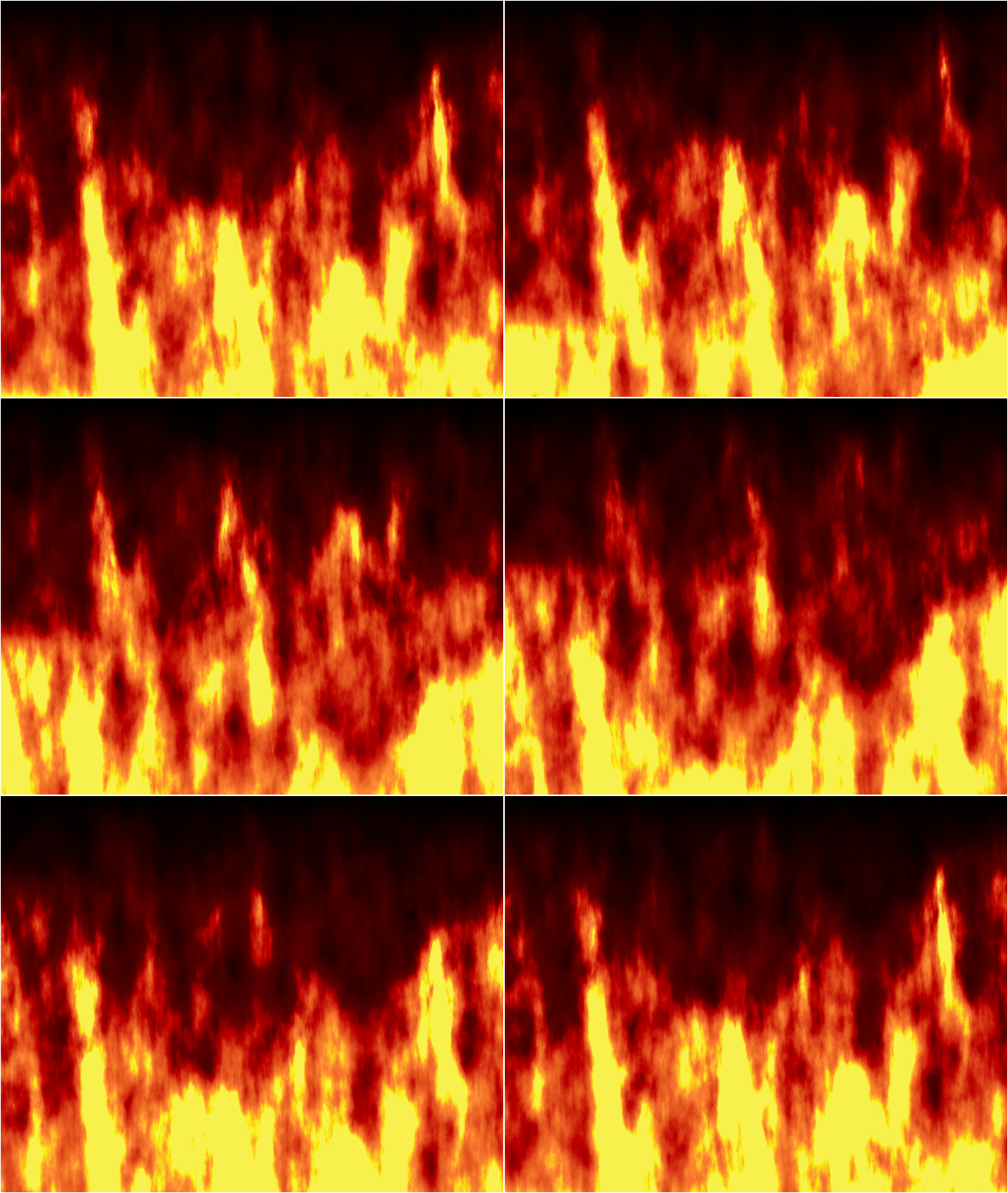
The GNU Image Manipulation Program (GIMP) is a raster graphics editor distributed as free software. It provides tools for image retouching, composition, and authoring and is widely used by hobbyists, educators, designers, and developers. GIMP is suitable for tasks such as photo enhancement, creating logos, resizing images, adjusting color and tone, combining multiple images into a single composition, and converting between various file formats.
Image gallery
7 Images



Main characteristics and tools
GIMP offers a conventional layer- and mask-based workflow with selections, paint tools, and a range of filters. Important built-in capabilities include:
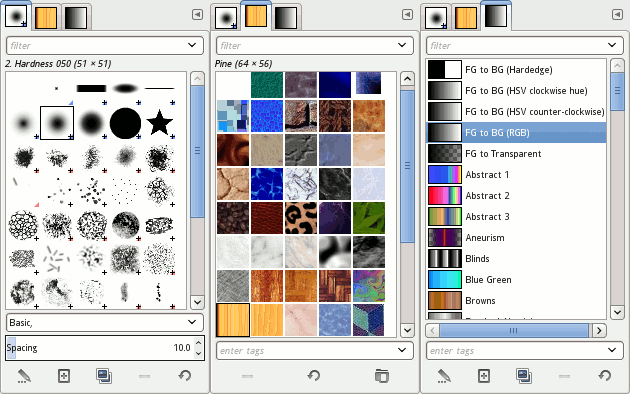
- Painting tools (brushes, pencils, airbrushes) and customizable brushes and patterns.
- Selection and transformation tools for precise editing of regions and layers.
- Adjustment tools for color balance, levels, curves, and exposure correction.
- Filter and effects library for sharpening, blurring, noise reduction, and creative effects.
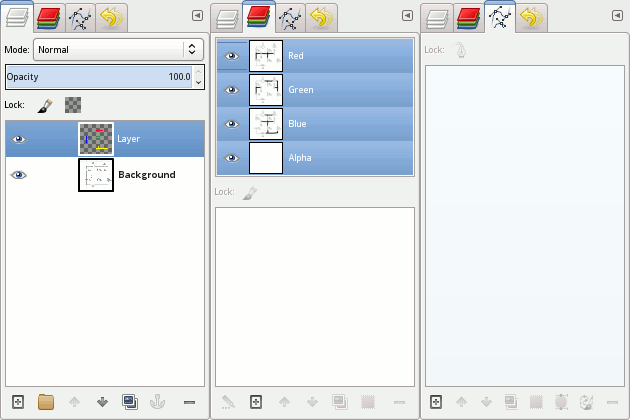
- Support for layers, channels, paths and vector-like features for precise compositions.
- Scripting and automation through built-in script languages and an extensible plugin system.
File formats and native format
GIMP reads and writes many popular image formats, which makes it useful for converting and preparing images for the web or print. Commonly supported formats include bitmap formats, JPEG, PNG, GIF and TIFF. It can also import and export vector path data like SVG paths and can open documents in formats such as PDF and various camera raw formats (read support may vary by plugin). The program’s native file format is XCF, designed to preserve layers, channels, paths, and metadata for continued editing.
History and development
Work on GIMP began in 1995 when university students Spencer Kimball and Peter Mattis started the project. From those beginnings it has grown into a volunteer-driven project maintained within the GNU ecosystem. Significant milestones include the formalization as part of the GNU Project and major releases that improved the user interface, performance, and plugin APIs. For example, the 2.8 series, which introduced single-window mode and other user-focused features, became widely adopted after its release around March 2009. Development has continued with later 2.x series releases focused on stability, color management, and format support.
Uses, workflows, and extensibility
GIMP fits many workflows: basic photo editing and batch processing; digital painting and illustration; preparing web graphics and icons; and producing print-ready images. Its extensibility is a major strength—users can install plugins and scripts written in languages such as Scheme, Python, or other supported scripting interfaces to automate repetitive tasks or add new features. A broad community shares brushes, patterns, scripts, and tutorials that help newcomers and advanced users alike.
Relationship to other software and licensing
GIMP is often positioned as a free alternative to commercial editors such as Adobe Photoshop, but it is not designed to be a direct clone; its interface, extension model, and feature set reflect different priorities and design choices. The program is released under the license of the GNU General Public License, ensuring users are free to run, study, modify, and redistribute the software.
Notable facts and community
GIMP’s mascot, Wilber, is a familiar symbol of the project. A global community of volunteer contributors maintains the code, documentation, translation, and packaging for different platforms. Because it is open source, GIMP integrates with other free graphics tools and libraries and can be adapted to many specialized tasks, from scientific imaging to web design.
For newcomers, the best way to learn GIMP is to experiment with basic tools and follow community tutorials; for developers, the source code and plugin APIs invite customization and deeper integration into graphics workflows.
Questions and answers
Q: What is GIMP?
A: GIMP is a free software picture maker that is often used to make logos, change colors, make photographs bigger or smaller, combine multiple pictures into one, make pictures nicer to look at, and change file formats.
Q: What is GIMP often used as an alternative for?
A: GIMP is often used as a free software alternative for the most popular Adobe Photoshop, but it is not made to be an Adobe Photoshop clone.
Q: Who developed GIMP?
A: GIMP was developed by Spencer Kimball and Peter Mattis in 1995, and is now taken care of by a group of volunteers as part of the GNU Project.
Q: What is GIMPs mascot named?
A: GIMP's mascot is named Wilber.
Q: What is the newest version of GIMP and when was it made available?
A: The newest version of GIMP is v.2.8 and it was available since March 2009.
Q: What is the license for GIMP?
A: GIMP's license is the GNU General Public License, making it free software.
Q: What are some file formats that GIMP can read and write?
A: GIMP can be used for opening and changing many types of file formats such as bitmap, JPEG, PNG, GIF, and TIFF. It can also read and write path information from SVG files and can read Adobe PDF files and raw image formats used by digital cameras, but cannot write to these formats.
Related articles
Author
AlegsaOnline.com GIMP: GNU Image Manipulation Program — overview, features, history, and uses Leandro Alegsa
URL: https://en.alegsaonline.com/art/38874
Sources
- gimp.org : "GIMP 2.10.4 Released"
- gimp.org : List of available languages of the user manual