
File folder (physical and digital)
A file folder is a folded sheet or sleeve used to hold and protect documents. Physical folders vary by material and design; the term is also used for digital directories in computing.
A file folder is a simple organizing tool: a folded piece of material designed to contain, protect and group sheets of paper. Most commonly made from heavier paper or thin card stock known as manila, folders are also manufactured from plastic, vinyl and other durable materials. They provide an accessible way to keep documents together, reduce wear at the edges, and allow quick retrieval by using tabs, labels or color coding.
Image gallery
4 Images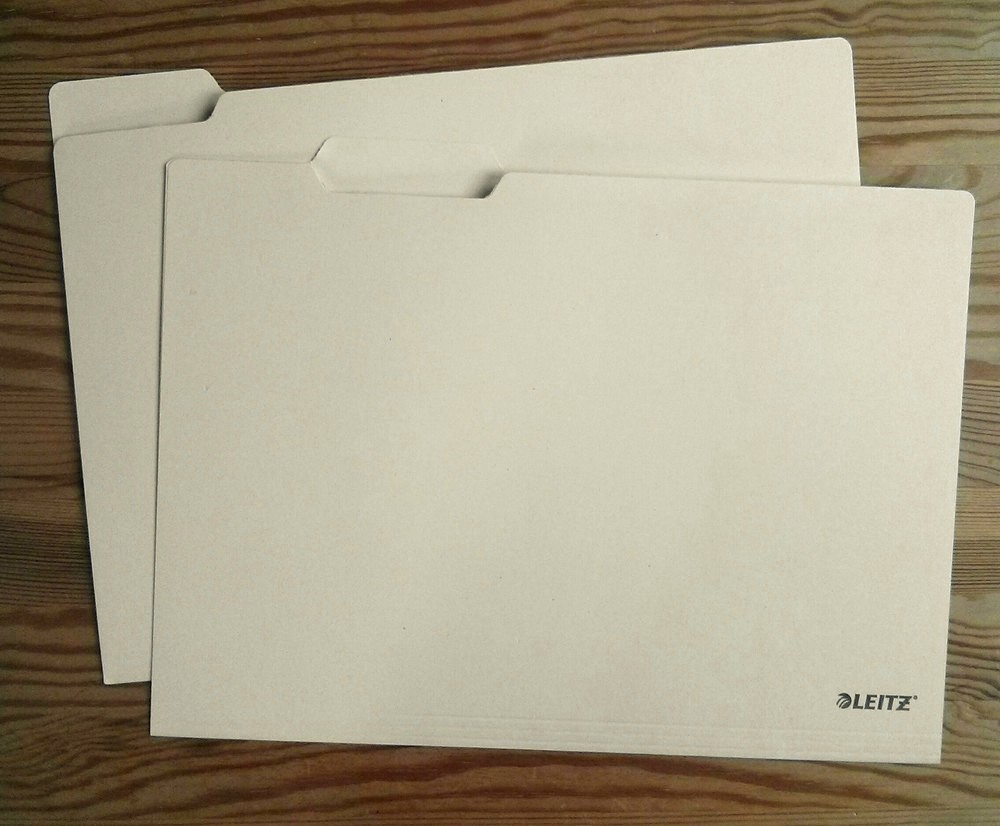


Types and common features
Folders exist in many formats tailored to particular tasks. Typical elements include a tab for labeling, a pocket or flap to prevent sheets from falling out, and sometimes integral fasteners to hold punched documents. Common designs include:
- Manila or letter folders: the standard folded card stock with a tab for labeling.
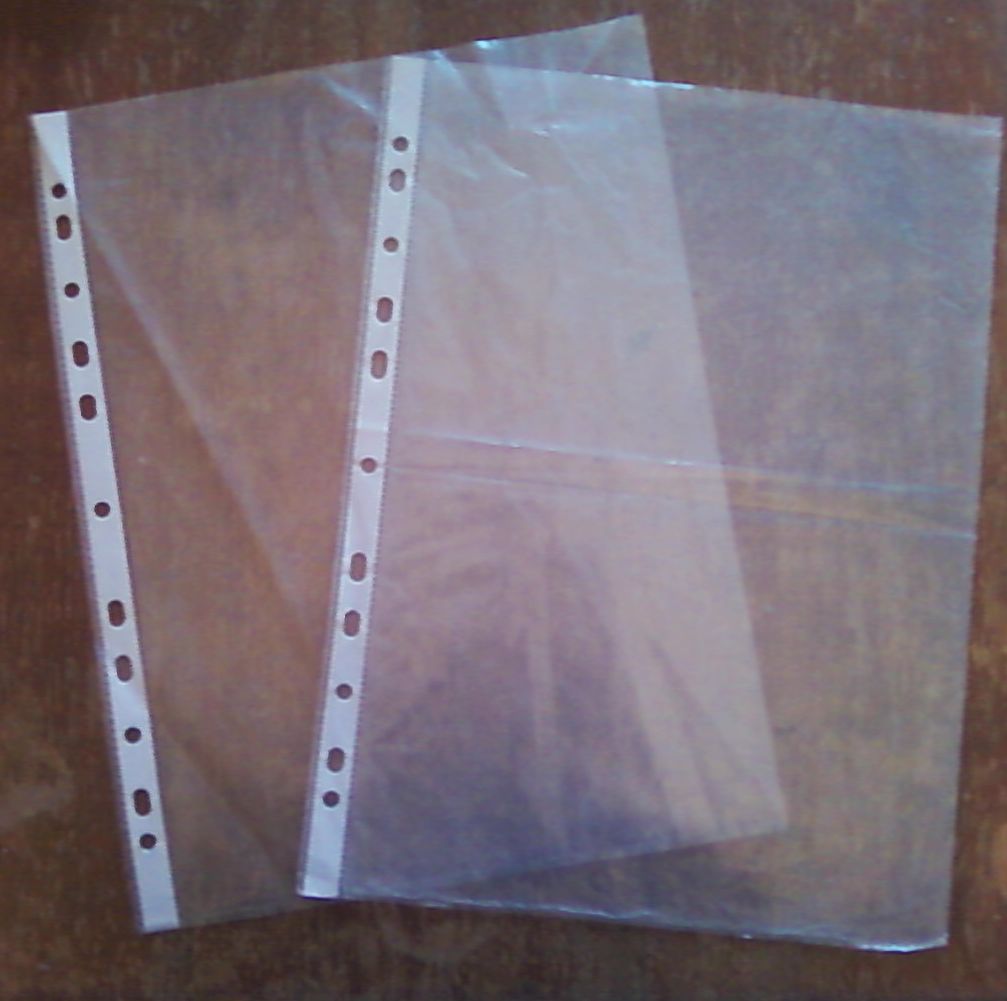
- Pocket folders: include one or more interior pockets to hold loose pages or small items.
- Expanding or accordion files: feature multiple gusseted compartments for separating subjects or dates.
- Hanging folders: designed to hang on rails inside drawers for vertical filing.
- Plastic and archival folders: offer moisture resistance and greater durability for long-term storage.
History and development
The folder evolved as offices and record keeping became more complex. As clerical work and paper records expanded, simple folded sheets provided an inexpensive and portable solution for grouping documents. Over time, specialized designs and materials appeared to address needs such as transport protection, long-term preservation and standardized filing systems used in libraries, law offices and government agencies.
Uses, importance and digital analogy
Physical folders remain central in settings where paper documents are used: legal files, medical records, classroom handouts and business correspondence. They serve both practical and organizational roles—protecting contents while providing visible cues (labels, colors) to speed retrieval. The word "folder" was later adopted in computing to describe containers for electronic files; see the concept of a computer folder for how the metaphor maps to digital storage.
Notable distinctions and best practices
When choosing folders, consider durability, capacity and archival quality. Color coding and clear labeling improve usability; choosing acid-free materials helps preserve important documents. For hybrid workflows, combine physical folders with a consistent digital indexing routine to make paper records easier to locate and reduce duplication. Proper storage—upright in cabinets, away from humidity and direct light—extends the life of both ordinary and archival folders.

See also
- Clip-on folder
Author
AlegsaOnline.com File folder (physical and digital) Leandro Alegsa
URL: https://en.alegsaonline.com/art/34286