
E-mail (electronic mail): definition, history, structure, and uses
Comprehensive overview of e-mail: what it is, how addresses and protocols work, history, common services and clients, security concerns, spam, and practical uses.
Overview
E-mail, short for electronic mail, is a widely used Internet service that enables people to exchange digital messages between registered accounts. A typical e-mail address follows the familiar username@domain pattern defined by standards such as RFC 2822, and messages can be composed as simple plain text or formatted using an HTML layout. Like physical correspondence, e-mail delivers content to an inbox where recipients can read, archive, forward or delete messages, but delivery is usually near-instant and globally accessible.
Image gallery
3 Images
Structure and common components
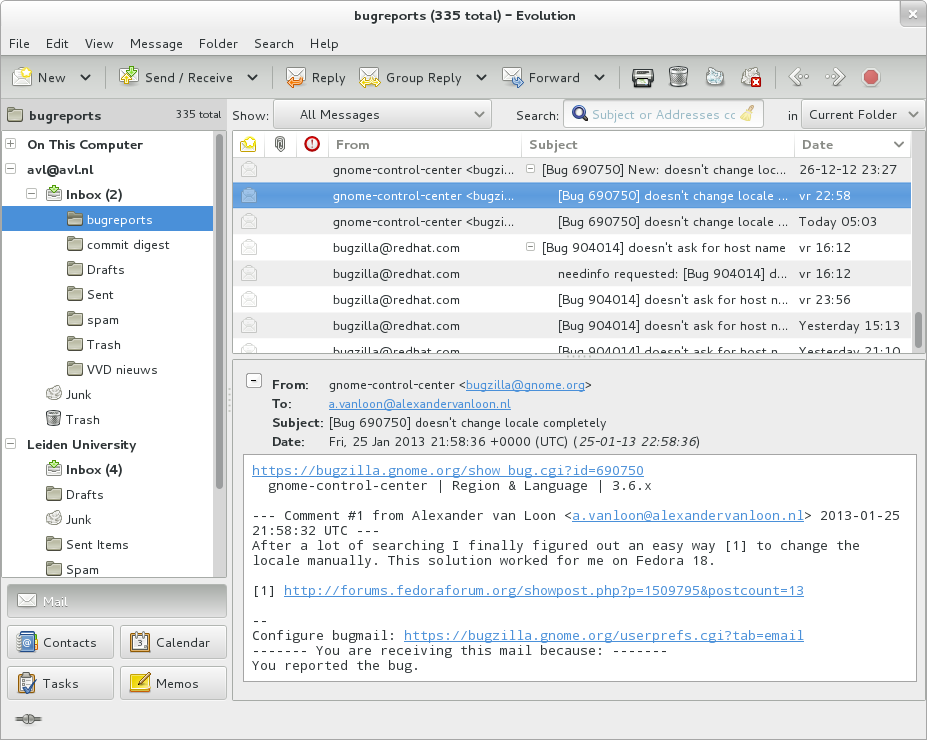
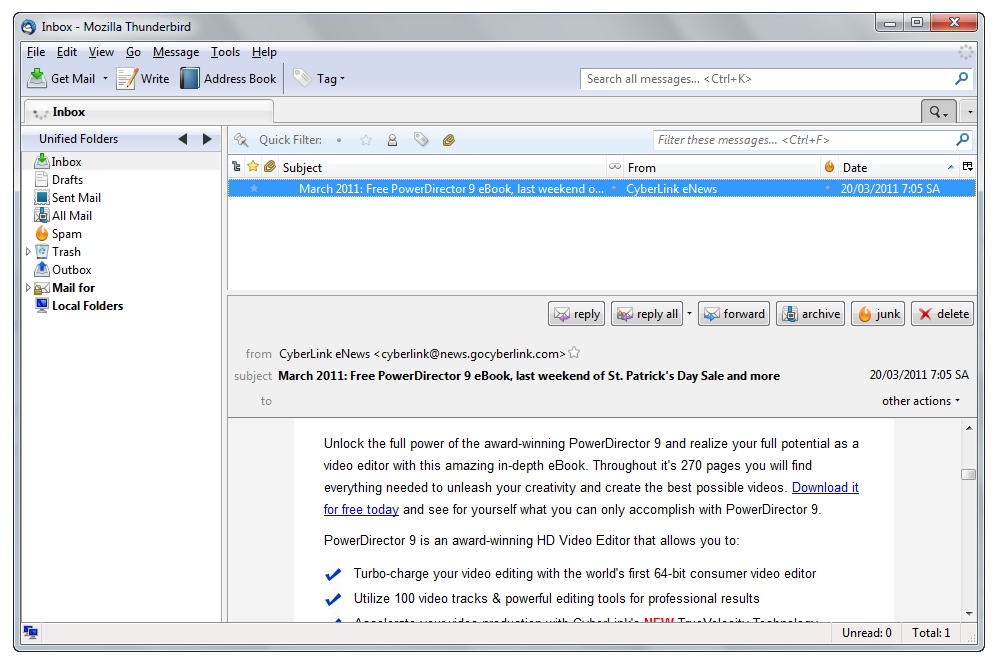
An e-mail message is made up of a set of header fields and a body. Headers record routing and metadata such as From, To, Subject, Date and Received lines; the body contains the main content. Modern e-mail commonly uses MIME (Multipurpose Internet Mail Extensions) to carry multiple parts: plain text, HTML renditions, and file attachments that are encoded for transport. Because e-mail resembles traditional electronic letters, most clients present it in a readable, letter-like format while managing technical details behind the scenes.
Protocols, clients and webmail
Message delivery is handled by a set of standard protocols. SMTP (Simple Mail Transfer Protocol) is used to send messages between servers, while POP3 and IMAP are used to retrieve mail from a server to a client. Users interact with mail either through dedicated mail programs (mail clients) or through browser-based services called webmail, which run as a web application. Popular webmail providers include Gmail and Yahoo!, and many people also access e-mail from smartphones and other mobile devices. Some organizations deploy proprietary solutions such as Microsoft Exchange, which integrates server, client and calendar services in a single ecosystem and uses its own protocols and features distinct from basic SMTP/IMAP flows Exchange.
History and development
E-mail emerged from early networked systems and research networks. Initially developed as a way to send messages between users on the same host and later across connected hosts, it grew rapidly as networks expanded. Over decades e-mail moved from command-line tools to graphical mail programs and then to large-scale, free webmail services that broadened access for consumers. Its basic metaphor — addressing, sending, receiving and storing messages — echoes conventional postal mail, but the technical and social scale of electronic delivery has transformed communication patterns in business and daily life.
Uses, advantages and common practices
E-mail is used for personal communication, formal business correspondence, transactional notifications (bank alerts, receipts), newsletters and mailing lists, software updates and collaborative workflows. Advantages include speed, low cost, ease of archiving and the ability to attach documents. Typical features that improve usability are folders, search, filters and rules, automated out-of-office replies, and integration with calendars and contacts. Organizations often combine e-mail with additional tools for scheduling and document sharing to support work processes.
Problems, security and best practices
E-mail also presents challenges. Unsolicited bulk messages, known as spam, are common; filtering systems attempt to block or quarantine unwanted mail. Phishing and e-mail-based malware are frequent vectors for fraud and compromise. To reduce risk, users and administrators apply techniques such as server-side spam filters, sender authentication standards (SPF, DKIM, DMARC), and message encryption methods (S/MIME, PGP) for confidentiality and signing. Good practices include careful handling of attachments, verifying sender identity, using strong passwords and multifactor authentication, and maintaining backups and retention policies.
Notable distinctions and final notes
- E-mail vs instant messaging: e-mail is generally asynchronous and archival; instant messaging emphasizes real-time chat.
- Webmail vs client mailers: webmail centralizes storage on remote servers, while clients can download and locally archive messages.
- Standards and governance: the Internet Engineering Task Force (IETF) maintains many of the technical standards that ensure interoperability across providers and clients.
Overall, e-mail remains a foundational digital communication tool because of its flexibility, ubiquity and integration with broader internet services. For technical detail and standards references, consult implementation guides or protocol specifications through appropriate resources.
Questions and answers
Q: What is electronic mail?
A: Electronic mail (or e-mail or email) is an Internet service that allows people who have an e-mail address (accounts) to send and receive electronic letters.
Q: How does it compare to regular postal mail?
A: Electronic mail is much faster than snail mail when sending over long distances, and usually free.
Q: What is spam in the context of email?
A: Spam in the context of email refers to unwanted emails that users may receive.
Q: How can programs be used to detect spam?
A: Programs used for sending and receiving mail can detect spam and filter it out nearly completely.
Q: What do you need in order to send or receive emails traditionally?
A: To send or receive an email in the traditional way, one needs a device (computer, phone etc.) connected to the Internet and an e-mail program (simply called mailer).
Q: What does a typical email address look like?
A: The most common format for email addresses looks like [email protected].
Q: Is there a different way of sending/receiving emails other than the traditional method?
A: Yes, some companies let people send and receive emails for free from a remote website - this is known as "webmail". Additionally, Microsoft invented its own "communication protocol" called "Exchange" which works differently from the traditional method.
Related articles
Author
AlegsaOnline.com E-mail (electronic mail): definition, history, structure, and uses Leandro Alegsa
URL: https://en.alegsaonline.com/art/29468