
Disk Operating System (DOS): Overview, History, and Uses
An accessible overview of disk operating systems (DOS): what they are, how they work, their history including MS‑DOS and QDOS, common commands and file systems, legacy uses and notable distinctions.
Overview
A disk operating system (DOS) is an operating system that is loaded from removable or fixed disk media and provides a simple, usually text‑based, environment for running software. Early DOS implementations were commonly distributed on a floppy disk that the computer read during startup; later they were installed on hard drives as those devices became more affordable and offered greater capacity and reliability. DOS environments typically present a command interpreter, file management utilities, and a small set of system services for programs.
Image gallery
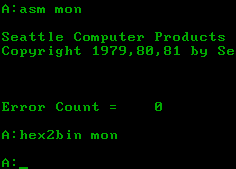
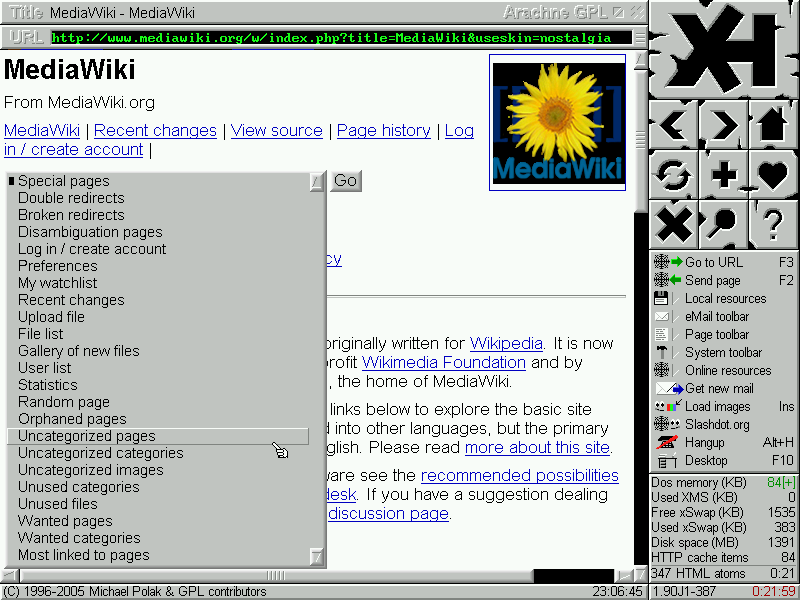
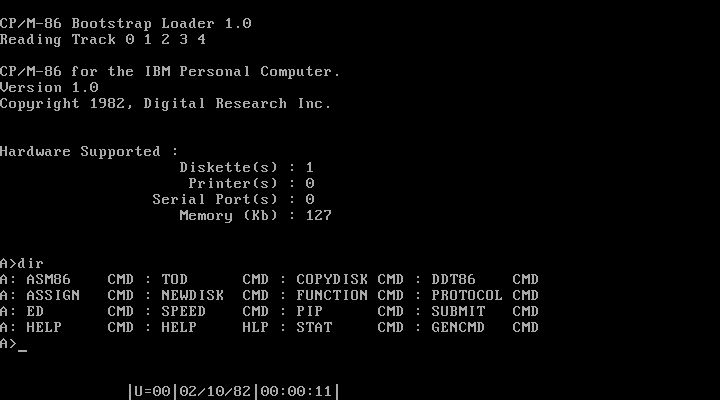
10 Images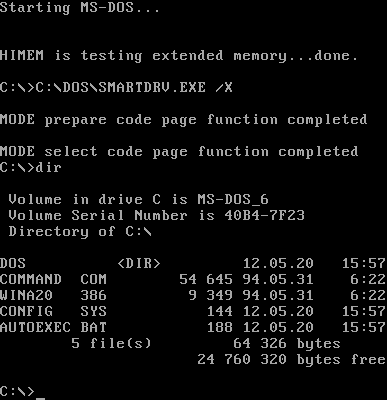





Characteristics and components
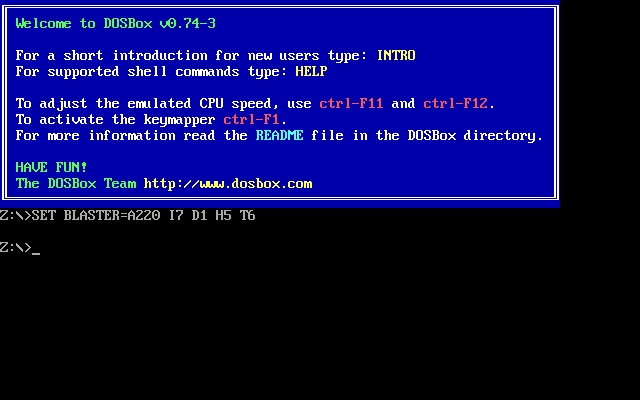
DOS systems are generally lightweight and focused on direct control of hardware. They expose a command line where users type commands to list directories, copy files, format disks, run programs and configure the system. Typical features include a simple file system (commonly variants of the FAT family), a command interpreter, and configuration files that affect boot behavior. On many DOS systems, plain text files such as AUTOEXEC.BAT and CONFIG.SYS control startup settings and device drivers.
History and development
One of the best known DOS variants is MS‑DOS, which became widely used on IBM PC compatibles after Microsoft acquired a small operating system known as QDOS. Other notable DOS distributions include vendor versions and later open replacements. Over time, graphical operating systems such as Windows, Macintosh systems and Linux grew in capability and popularity, offering multitasking and graphical user interfaces that replaced DOS as the primary desktop platform for most users.
Common commands and file systems
- Typical commands: DIR (list files), COPY (copy files), DEL/ERASE (remove files), FORMAT (prepare media), and RUN or command names to launch programs.
- File systems: early DOS versions used simple, small‑overhead file systems, often identified with the FAT family, designed to be efficient and compatible across tools.
Uses and modern relevance
Although DOS is no longer the mainstream desktop environment, it remains important for several reasons. Some legacy software and industrial control systems were written specifically for DOS and continue to run on original or emulated DOS environments. Hobbyists and retrocomputing enthusiasts preserve old machines out of interest or nostalgia. Free and open DOS projects also provide a minimal environment for recovery, disk utilities and bootable rescue media, and are useful for installing or repairing other operating systems.
Notable distinctions and examples
Different DOS distributions and derivatives have varied in features, licensing and compatibility. For practical use today, bootable floppy or USB rescue disks emulate the old workflow of starting into a DOS environment when special maintenance, low‑level disk access or compatibility is required. Many modern tools offer DOS‑like command shells or emulation layers so that classic utilities and scripts can still be used alongside contemporary systems.
For further reading, see introductions to the general concept of a disk operating system, historical notes on MS‑DOS and the QDOS acquisition by Microsoft, and resources on floppy‑based booting and legacy software support. Additional contextual resources cover graphical transitions from DOS to systems such as Windows and comparisons with modern alternatives like Linux. For hobbyist and archival projects, community sites and open replacements provide practical downloads and documentation for running and maintaining DOS environments.
See also: boot disks and floppy legacy workflows used when installing or repairing systems, and the continuing role of DOS‑compatible utilities in embedded or constrained hardware scenarios. For technical help, search introductory guides and community forums linked through trusted sources floppy resources and software archives.
Related links: platform comparisons, corporate histories, and community documentation and downloads via archived and open projects Linux interoperation notes.
Questions and answers
Q: What is a disk operating system (DOS)?
A: A disk operating system (DOS) is a type of operating system that loads from a floppy disk each time a computer starts and accesses that disk for software to complete operations.
Q: What is MS-DOS?
A: MS-DOS is a well-known DOS that was purchased by Microsoft Corporation from a system known as QDOS.
Q: Why have operating systems become permanently installed on hard drives?
A: Operating systems have become permanently installed on hard drives because they are faster and more reliable than floppy disks and can store more data. Additionally, there has been a steady drop in hard drive prices.
Q: Are DOSes text-based or graphical?
A: DOSes are usually text-based and without graphics to save space on a floppy disk.
Q: Are DOSes still in use today?
A: Yes, DOSes are still in use in some places, mostly on older computers. This may be due to a lack of money or the need to use software that still runs on a DOS system. Some people may also have nostalgia for an older operating system or believe that text-based systems are more efficient.
Q: What is a boot disk?
A: A boot disk allows a user to start his or her computer into a DOS. This is useful in times of emergency or when one needs to install special software.
Q: What are some examples of GUI operating systems?
A: Examples of GUI operating systems include Windows, Macintosh, and Linux systems.
Related articles
Author
AlegsaOnline.com Disk Operating System (DOS): Overview, History, and Uses Leandro Alegsa
URL: https://en.alegsaonline.com/art/28611