
Chromebook — cloud-centric laptops running Chrome OS
Chromebooks are laptops that run Chrome OS, prioritize web apps and cloud storage, and are designed for speed, security and simplicity. They are widely used in education and for lightweight computing needs.
A Chromebook is a type of laptop that uses Google's Linux-based Linux distribution called Chrome OS. Designed from the start to work with the internet, Chromebooks emphasize web applications and store much user data in the cloud. Early models behaved much like a thin-client: they relied on remote servers to host services and data, and could be simpler and less expensive than traditional laptop offerings.
Image gallery
7 Images

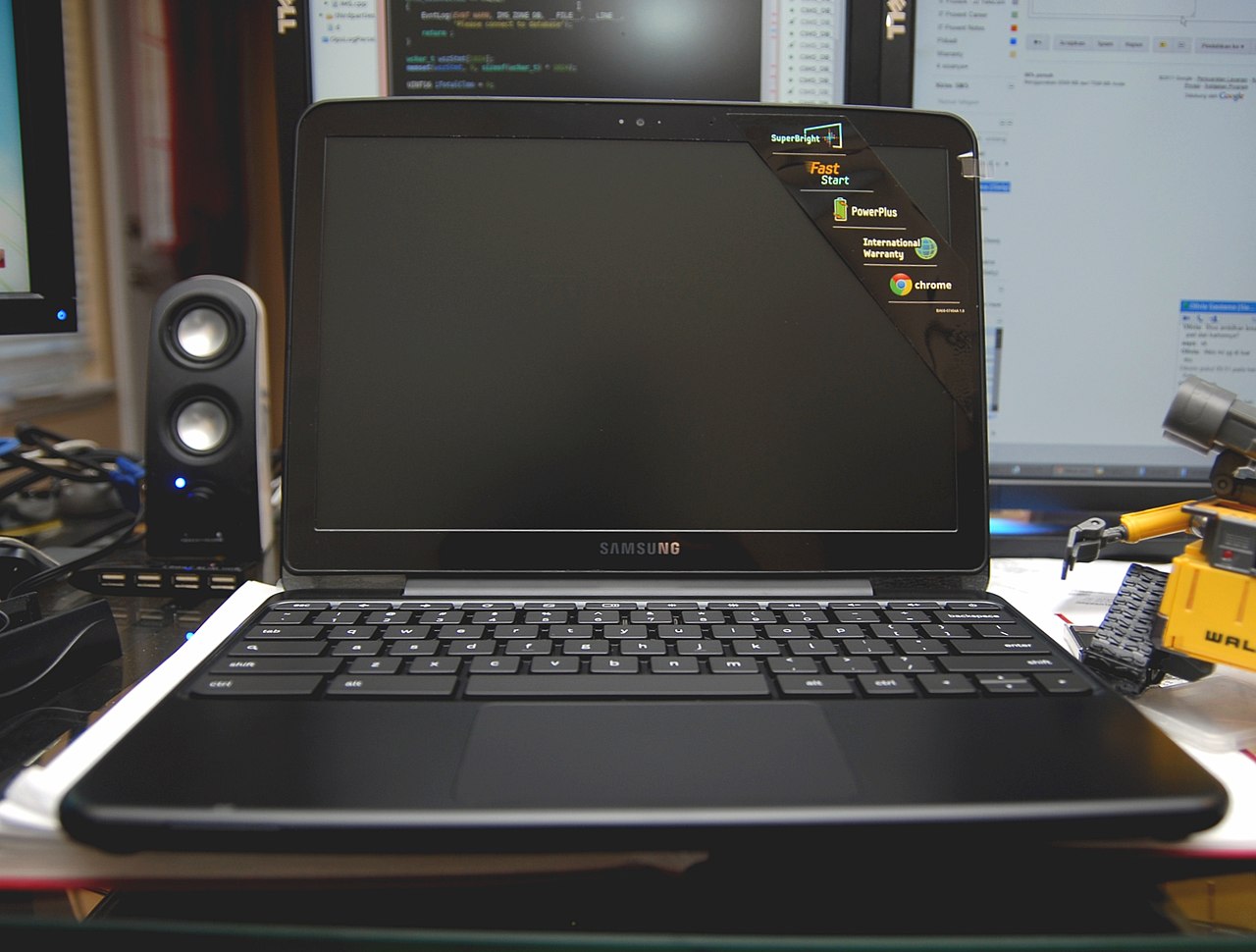


Design, features and software
Chromebooks typically boot quickly, apply automatic updates, and include security features such as sandboxing and verified boot. Many models can run Android apps from Google Play and, more recently, can run Linux applications through built-in containers. Hardware varies from low-cost, entry-level machines to premium designs with high-resolution displays, detachable keyboards or touchscreens. The thin-client heritage means some Chromebooks offer seamless integration with cloud-hosted services and remote desktop connections to a server.
History and development
Google announced Chrome OS in the late 2000s and the first commercial Chromebooks shipped in the early 2010s through partnerships with hardware manufacturers. Over time the platform evolved from a device for primarily web-based tasks into a more versatile system supporting offline-capable apps, Android titles, and Linux developer tools. In 2018, manufacturers such as Acer and Google expanded the form factor with devices like tablet-style Chromebooks aimed at schools.
Examples and notable devices
- The Acer Chromebook Tab 10 was an early Chrome OS tablet introduced for education in 2018; it competed with low-cost iPad models and included a built-in stylus but, like many tablets of its class, shipped without a full detached keyboard.
- Chromebooks range from compact, low-cost designs suited to schools to premium models with metal cases and high-end screens.
Uses, adoption and impact
Chromebooks became especially prominent in education because of their affordability, manageability and tight integration with web-based learning tools. During the global disruptions of 2020 associated with COVID-19, many schools deployed Chromebooks for remote learning and video conferences using apps such as Google Meet and other meeting platforms. Their combination of simple administration, long battery life and low price has driven broad adoption in classrooms worldwide.
Advantages, limitations and distinctions
Advantages include fast startup, simplified maintenance, strong sandboxing for security, and low hardware cost for basic tasks. Limitations can include dependence on internet services for some workflows, reduced compatibility with traditional desktop software, and variations in performance on more demanding tasks. Compared with full desktop systems, Chromebooks trade some local software flexibility for ease of management and cloud integration, making them suited to users who prioritize web-based workflows and schools or organizations managing many devices.
For further information on specific models, software support and enterprise use, consult product pages and technical resources linked by manufacturers and platform documentation through official channels.
Questions and answers
Q: What is a Chromebook?
A: A Chromebook is a laptop that uses the Linux-based Chrome OS as its operating system.
Q: What does a Chromebook use?
A: A Chromebook uses the internet. Most applications and data are in the "cloud".
Q: What is a thin client?
A: A thin client is a lightweight computer which uses remote access to a server. It depends heavily on another computer (its server) to do its computation.
Q: What is the Chromebook Tab 10?
A: The Chromebook Tab 10 is the first Chromebook tablet created by Acer and Google to compete with the discount Apple iPad tablets in the education market.
Q: What apps were put onto Chromebooks by schools during the COVID-19 pandemic?
A: During the COVID-19 pandemic, schools put apps like Google Meet and Zoom onto Chromebooks to do school online.
Q: How many Chromebooks were bought by schools in 2020 alone?
A: 30 million Chromebooks were bought by schools in 2020 alone.
Q: Why did some schools choose Chromebooks over iPads?
A: Some schools chose Chromebooks over iPads because iPads cost too much money for them.
Related articles
Author
AlegsaOnline.com Chromebook — cloud-centric laptops running Chrome OS Leandro Alegsa
URL: https://en.alegsaonline.com/art/20205
Sources
- computerworld.com : "It's 2016, and Chrome OS is ascendant"
- digitaltrends.com : "Why Google's Chromebooks are born to lose"
- chrome.google.com : "Offline Apps"