
Vim (Vi IMproved): modal text editor — history, features, and uses
Vim is a modal, extensible text editor descended from vi. This article summarizes its history, core concepts (modes, motions, registers), customization, platforms, community and common use cases.
Overview
Vim, short for "Vi IMproved," is a widely used modal text editor created and maintained by Bram Moolenaar. First released publicly in 1991, Vim retained the editing philosophy of the original vi while adding many extensions, facilities for scripting and plugins, and support for multiple platforms. For official downloads and documentation see the Vim project site. Vim is often praised for its editing efficiency and low resource use, and it continues to be distributed freely with publicly available source code.
Image gallery
6 Images


Core concepts and characteristics
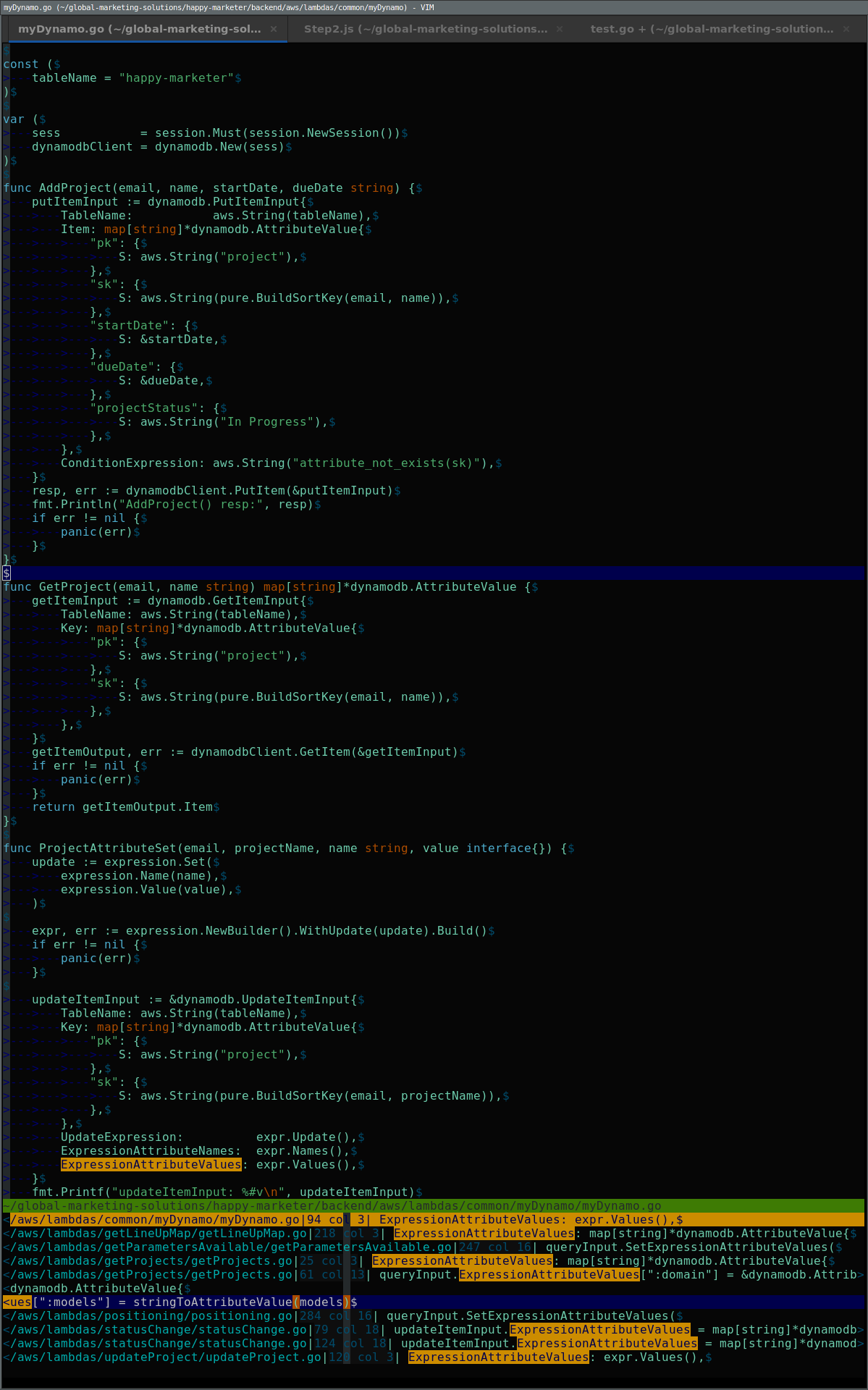
Vim's distinguishing feature is modal editing: the same keystrokes have different meanings depending on the active mode. The primary modes are Normal (command) mode, Insert mode, Visual mode and Command-line mode. Normal mode is used to navigate and manipulate text with concise commands and motions; Insert mode enters text; Visual mode selects text objects; and Command-line mode runs extended commands, searches and file operations. These modes, together with motions (movements by word, sentence, or pattern), text objects (such as words or surrounding parentheses), registers (small clipboards), and macros, allow users to perform complex edits with very few keystrokes.
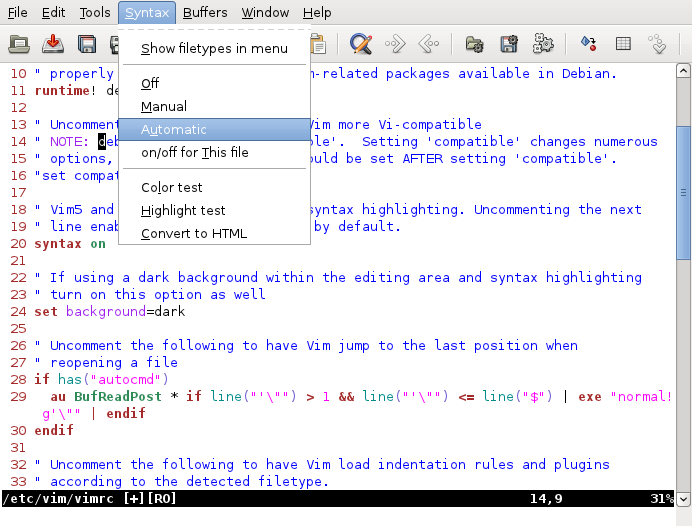
Vim supports powerful search and replace with regular expressions, undo branches, named buffers, multiple windows and tab pages. It can run entirely in a terminal (see the command-line interface) or via graphical front-ends that add menus and toolbars (see graphical front-ends). Its small footprint and predictable behavior make it suitable for remote sessions, servers, and constrained environments.
History and development
Vim was conceived as an improved, compatible replacement for Bill Joy's vi editor from the 1970s. Bram Moolenaar guided its development for decades, and the project grew through contributions from many volunteers. Vim's source code has been hosted in public repositories and is available to inspect and build. The project long used a charityware model: users were encouraged to donate to charitable causes associated with the maintainer. Over time, third-party forks and distributions (including Neovim) emerged to address different design goals, but Vim remains widely installed and maintained.
Platforms and interfaces
Vim runs on a wide range of operating systems. Official builds and ports exist for many Unix-like systems and distribution packaging covers most Linux releases (Linux), Microsoft Windows (Windows) and macOS (macOS). Information about supported platforms and packaging options may be found through the project's resources on supported platforms. Because it can operate in a terminal, Vim is commonly available on remote machines and minimal installations.
Customization, scripting and plugins
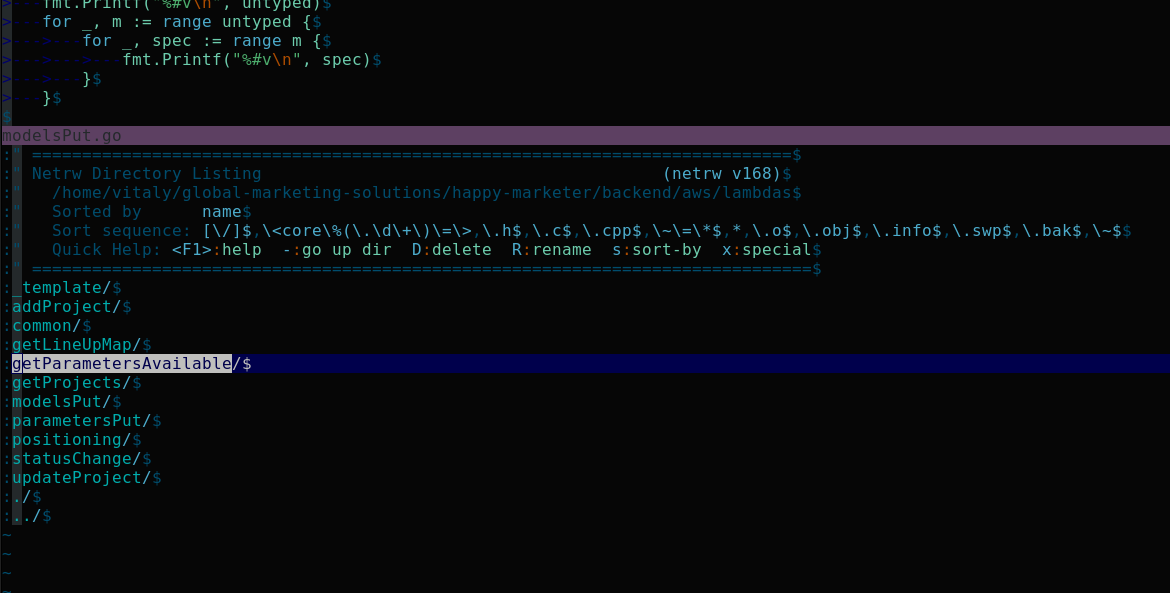
Vim is highly configurable. Users often create a personal configuration file called .vimrc to set options, define mappings (custom keybindings) and configure plugins. Vim includes its own scripting language, Vim script, which can automate tasks, define functions, and extend editor behavior. A large ecosystem of third-party plugins provides language-specific support, file explorers, status lines, fuzzy finders and more. Popular plugin managers and conventions simplify installation and update of these extensions.
Learning, community and cultural notes
Vim has a reputation for a steep learning curve, but it offers built-in resources to help new users: the interactive vimtutor program and the integrated help system (accessible with the :help command) teach essential motions and commands. An active community offers tutorials, cheat sheets, and plugin repositories online. The editor often appears at the center of a long-running preference debate among developers; some programmers prefer Vim-style modal editing while others favor alternatives like Emacs, a rivalry sometimes called the "editor war" in developer culture. Discussions and resources about Vim are widely available on forums and documentation pages online.
Common uses and practical examples
- Programming: fast navigation and text-object editing speed up refactoring and repetitive edits.
- System administration: editing config files on remote servers via terminal sessions.
- Writing and note-taking: flexible search/replace and macros assist structured text manipulation.
- Data cleanup: regular expressions, block selections and column edits simplify bulk edits.
Typical simple tasks in Vim include moving by sentence or paragraph, changing text objects (for example, "ci(" to change inside parentheses), recording a macro to repeat a sequence of edits, and using registers to copy and paste between files. While opinions vary about its interface, Vim's design emphasizes repeatable, composable commands that reward practice with greater speed and control.
For newcomers, start with the vimtutor lesson, read the built-in help, and try common motions and edits in small steps. Advanced users can explore scripting and plugins to tailor Vim to their workflow. For more detailed project resources and downloads visit the official Vim site or related documentation on platform support.
Questions and answers
Q: Who created Vim?
A: Vim was created by Bram Moolenaar.
Q: When was Vim publicly released?
A: Vim was publicly released on November 2, 1991.
Q: What does Vim stand for?
A: Vim stands for Vi IMproved.
Q: What is the source code of Vim available on?
A: The source code of Vim is publicly available on GitHub.
Q: What operating systems does Vim work on?
A: Vim works on multiple operating systems, including Windows, Linux, and macOS.
Q: How can new users learn commands for Vim?
A: New users can learn commands for Vim by reading the Vim user manual, running the :help command in Vim, or using the vimtutor command in a terminal.
Q: What programming language does Vim have?
A: Vim has Vim script, its built-in programming language, that users can use to add new features like keyboard shortcuts.
Related articles
Author
AlegsaOnline.com Vim (Vi IMproved): modal text editor — history, features, and uses Leandro Alegsa
URL: https://en.alegsaonline.com/art/105369