
Video card (graphics card): function, components, history and uses
A video card (graphics card) is hardware that renders 2D and 3D images, controls display outputs and accelerates graphics and parallel compute tasks for games, design, media and scientific workloads.
A video card, also called a graphics card or GPU (graphics processing unit), is the hardware component in a computer that produces images for one or more displays. It receives drawing commands and data from the CPU and software and performs the computations needed to convert that information into pixels on a monitor. Video cards range from simple integrated chips intended for everyday tasks to powerful discrete boards engineered for gaming, professional design, visualization and parallel computing.
Image gallery
10 Images

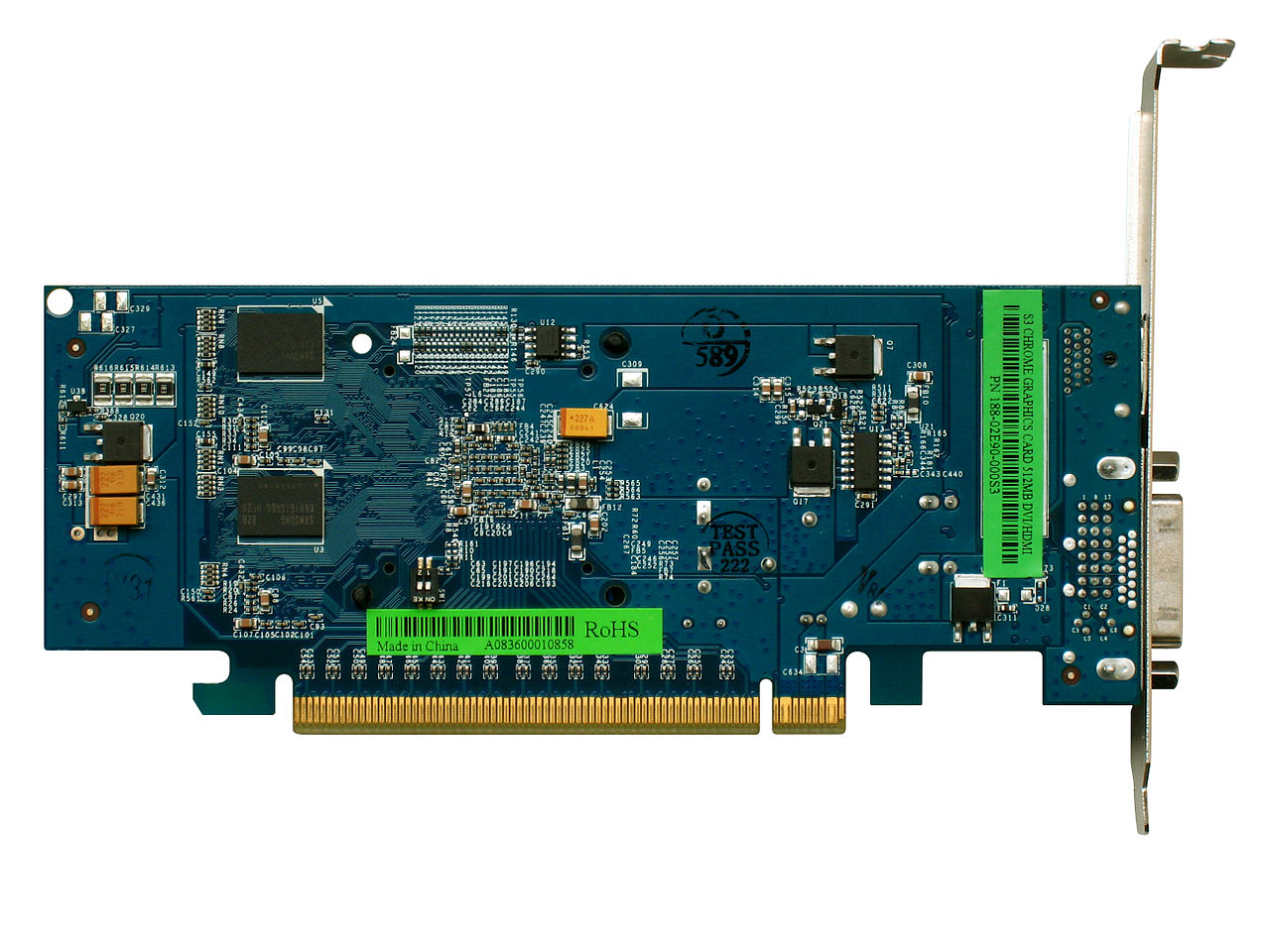


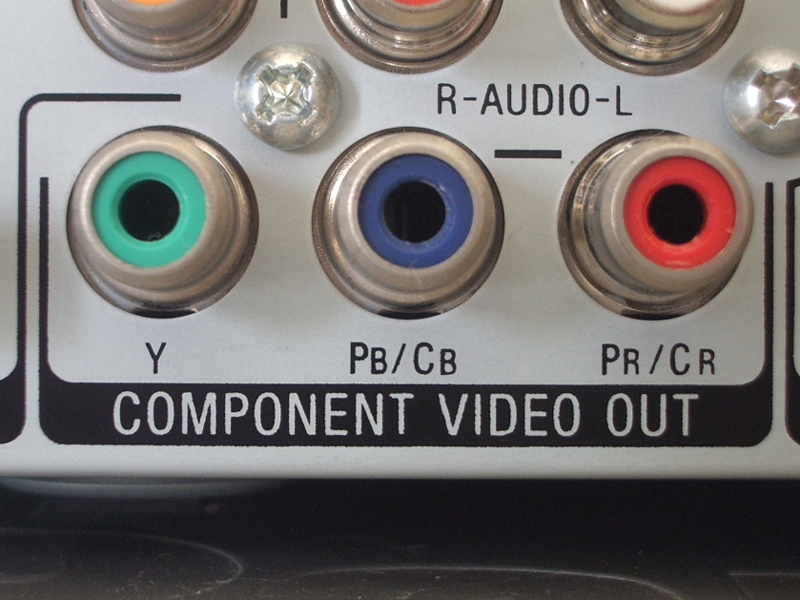

Core components
A typical discrete video card includes a GPU chip that executes graphics and shader programs, dedicated video memory (VRAM) that stores textures and framebuffers, a printed circuit board with power delivery circuits (voltage regulators and capacitors), a cooling solution (heatsink, heat pipes and fans), and one or more display outputs. The card also contains firmware and connectors for power from the system supply. For compact systems, the GPU may be integrated into the CPU or motherboard and share main system memory.
How a video card works
For 3D graphics, the GPU processes large numbers of vertices and fragments in parallel, performing stages such as vertex transformation, primitive assembly, rasterization, shading and texture sampling. Modern GPUs include programmable shader units and fixed-function hardware for tasks like texture filtering, blending and video decoding. Many cards also provide hardware encoders and decoders to accelerate media playback and streaming.
Performance and distinctions
- GPU architecture: the structure and capabilities of shader cores and compute units determine what workloads the card excels at.
- Memory: type and size of VRAM affect how large textures and framebuffers can be handled.
- Bandwidth: bus width and memory clock determine data transfer speed between GPU and VRAM.
- Thermals and power: cooling and power delivery constrain sustained performance under load.
Integrated vs discrete
Integrated graphics are built into the CPU or motherboard and share system memory. They are sufficient for office tasks, web browsing and older or undemanding games. Discrete cards are separate expansion cards with their own VRAM and power circuits; they deliver much higher performance for modern gaming, professional rendering and compute workloads.
Common uses
- Gaming: real-time 3D rendering, high frame rates and advanced visual effects.
- Professional graphics: CAD, 3D modeling, animation and video production.
- Media playback: hardware decoding and high-resolution video rendering.
- Compute: parallel processing for machine learning, simulations and data analysis (GPGPU).
Installation and compatibility
When installing a discrete video card, users should check physical fit in the case, available expansion slots, sufficient power supply connectors and wattage, and compatible drivers for their operating system. Multi-monitor setups require appropriate outputs and sometimes adapter cables. For technical guidance and driver downloads, consult manufacturer resources and support pages: hardware basics, driver and OS support, and installation guides.
History and development
Video controllers began as simple adapters for text and basic bitmapped graphics. Over decades they evolved from fixed-function accelerators to highly parallel, programmable processors capable of general-purpose computing. API and driver advances, along with shader languages, expanded GPU roles from display output to essential accelerators for rendering, scientific computation and machine learning.
Troubleshooting and maintenance
Common issues include driver conflicts, overheating, insufficient power, and physical installation problems. Routine maintenance includes keeping drivers up to date, ensuring adequate airflow and cleaning dust from cooling components. If problems persist, testing with alternate drivers or hardware can help isolate faults. For performance tuning and safe overclocking, consult reputable guides and manufacturer recommendations: cooling and power tips and performance tuning.
Trends and considerations
Recent developments include hardware ray tracing, specialized AI accelerators on cards, and growing use of GPUs for non-graphics compute tasks. Multi-GPU setups are less common for consumer gaming but remain useful in some professional and research contexts. When choosing a card, balance workload needs, display resolution and refresh rates, power and thermal limits, and software compatibility. For comparisons and deeper technical reading see: GPU architecture, VRAM and memory types, and display connector standards.
Understanding these aspects helps users select and maintain the right video card for their needs, whether for everyday computing, immersive gaming, creative work or high-performance computing tasks.
Questions and answers
Q: What is a video card?
A: A video card is a special circuit board that controls what is displayed on a computer monitor and computes 3D images and graphics.
Q: What can a video card be used for?
A: A video card can be used to display both 2D and 3D images such as a desktop or a computer game.
Q: Who uses Computer-Aided Design (CAD) programs and why?
A: Architects, engineers, and designers often use CAD programs to create 3D models on their computers.
Q: How can a very fast video card affect the creation of 3D models?
A: If a computer has a fast video card, the user can create very detailed 3D models.
Q: What is the difference between integrated video chips and separate video cards?
A: Integrated video chips are built into the computer's motherboard and are not as fast as separate video cards.
Q: Are integrated video chips sufficient for basic computer use?
A: Yes, integrated video chips are fast enough for basic computer use and old or simple computer games on lower graphic settings.
Q: Can a video card be installed for faster and more detailed graphics?
A: Yes, if a computer user wants faster and/or more detailed graphics, a video card can be installed.
Related articles
Author
AlegsaOnline.com Video card (graphics card): function, components, history and uses Leandro Alegsa
URL: https://en.alegsaonline.com/art/105026