
Universal Serial Bus (USB): Overview, Connectors, History and Uses
An accessible overview of the Universal Serial Bus (USB): its purpose, architecture, connector types, data-rate generations, power delivery, common uses, compatibility and recent developments.
Overview
The Universal Serial Bus (USB) is an industry standard that defines cables, connectors and communications protocols used to connect a wide range of peripheral devices to host systems such as personal computers, tablets and other electronics. USB was created to simplify the connection of devices, to support plug-and-play installation and to allow safe hot swapping so devices can be connected or removed while power is applied. The standard combines data transfer and the ability to deliver electrical power on the same cable, enabling many small devices to operate without a separate power adapter.
Image gallery
10 Images




Architecture and operation
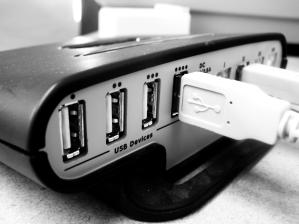
USB uses a host–device topology in which a single host controller (typically in a computer or hub) manages one or more devices. Devices are discovered and configured when connected: the host enumerates the device, assigns an address and loads or selects an appropriate driver so the operating system can use the hardware. Hubs extend the number of available ports and preserve the same logical topology to hosts and devices.
Connectors and cables
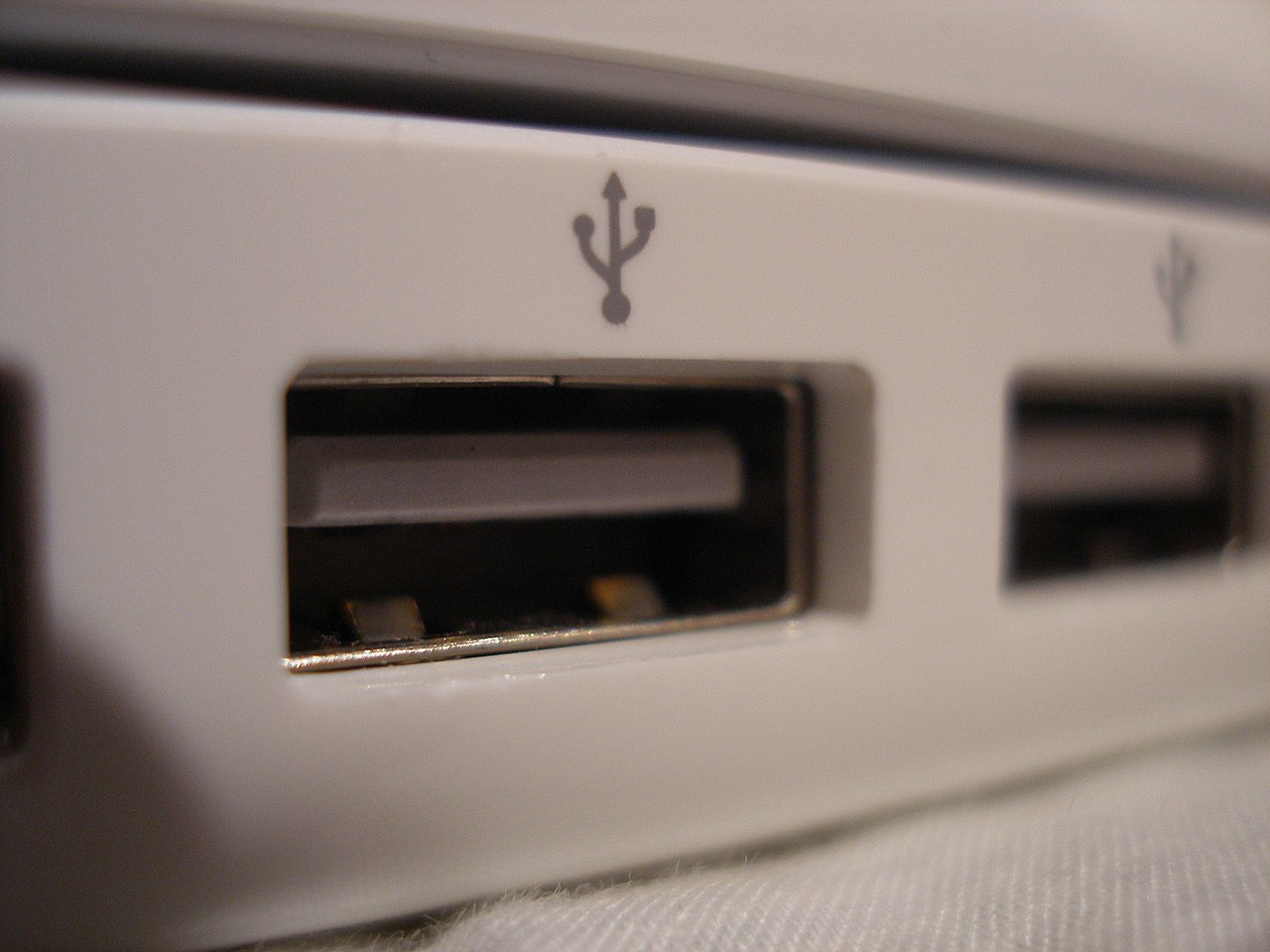
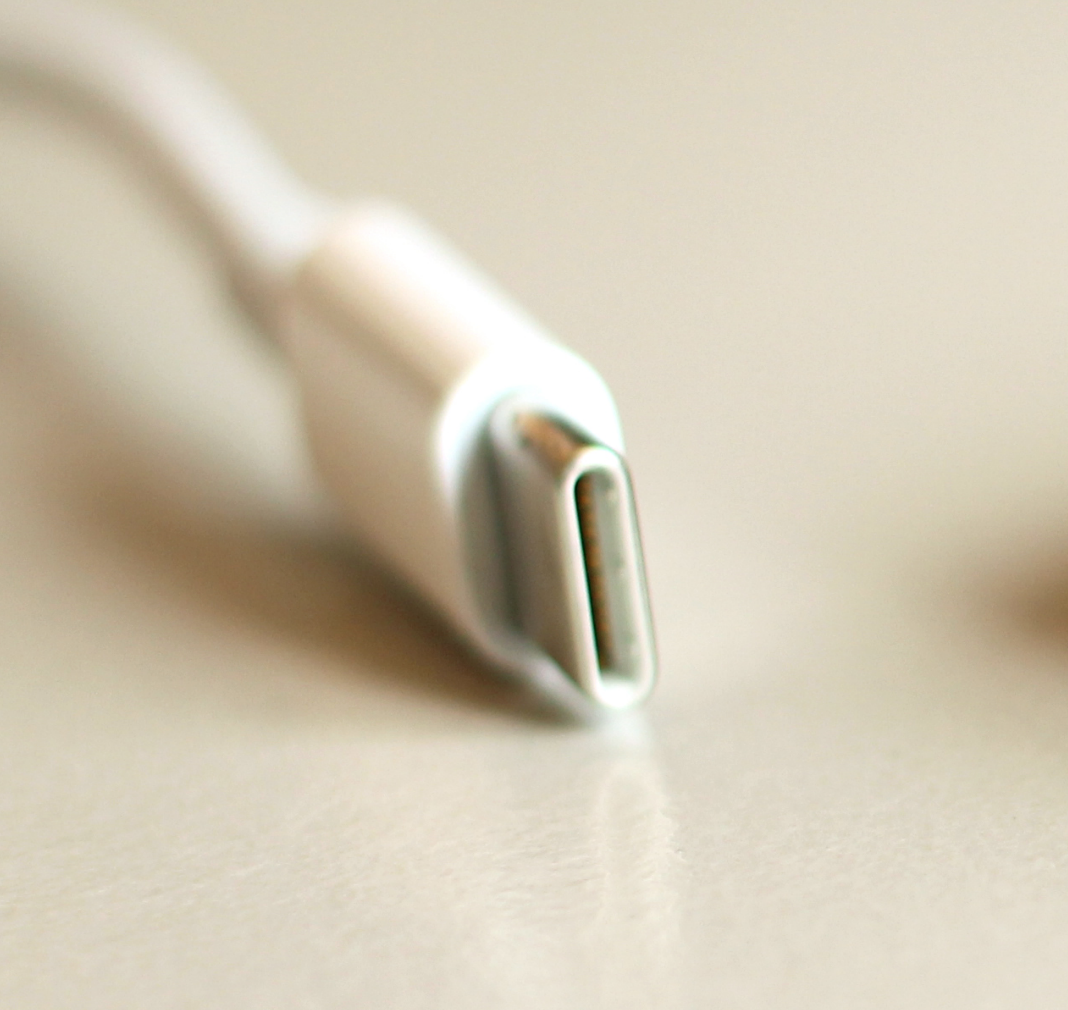
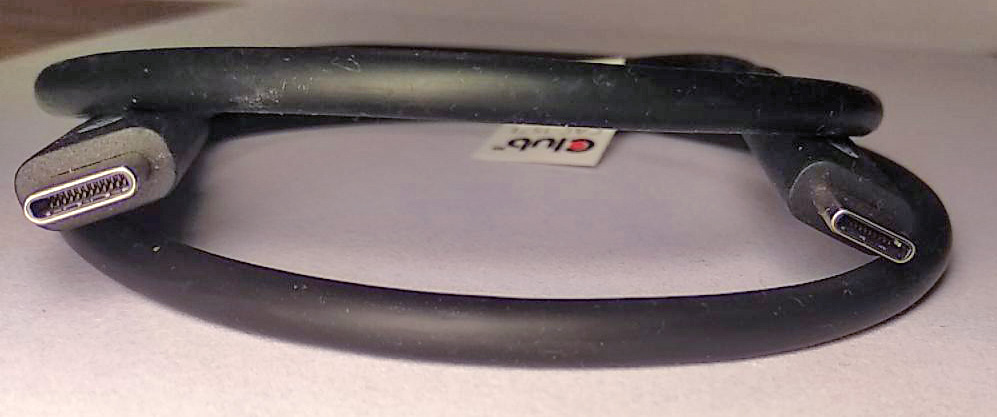
Over time USB has used several connector families. The traditional flat Type-A plug is usually on host devices, while various Type-B shapes have been used for peripherals. Smaller form factors (Mini and Micro) were common on older mobile devices. The reversible USB-C connector is now widely adopted for modern phones, laptops and accessories; it supports higher data rates, greater power delivery and alternate modes such as video over the same port.
Data rates and evolution
The USB family has evolved through multiple generations. Early versions provided low and full speeds suitable for keyboards and mice. USB 2.0 introduced a much faster rate (commonly called Hi‑Speed), and the USB 3.x family brought multi‑gigabit operation: USB 3.0 (often called SuperSpeed) and later updates increased bandwidth to 5 Gbit/s, 10 Gbit/s and beyond. USB3.2 and USB4 continued this progression; USB4 integrates technology that allows tunneling of other protocols and supports data and display traffic at still higher negotiated rates.
Power and charging
In addition to data lines, USB cables carry power. Early USB supplied modest current sufficient for small accessories; later specifications expanded power delivery so devices can negotiate higher voltages and currents. USB Power Delivery (PD) is a standardized way for connected devices to request and provide more power, enabling safe charging of larger devices such as laptops and monitors from a single port when both ends support the protocol.
Device classes, drivers and use cases
USB defines device classes that let operating systems use generic drivers for common peripherals. Examples include Human Interface Device (HID) for keyboards and mice, Mass Storage for external drives and flash drives, Audio for sound devices, and many others. This wide support made USB the default interface for input devices, storage media, printers, cameras, smartphones, game controllers and audio interfaces across consumer and business systems.
Compatibility, limitations and security
One of USB's strengths is backward compatibility: newer hosts generally support older devices at their native speeds, though features tied to newer hardware or cables (higher throughput, extra power) require matching support. Limitations include cable length for reliable high‑speed links, the need for compatible connectors or adapters, and the potential for security risks when untrusted devices are connected. Practices such as using trusted hubs, disabling unused ports or applying software policies help reduce exposure.
History and future directions
USB emerged in the mid‑1990s as a collaboration among technology companies to replace a variety of legacy ports with a single, simple interface. Milestones include broad adoption of USB 2.0 in the 2000s, the introduction of USB 3.x and SuperSpeed features, and more recent adoption of USB‑C and USB4 that emphasize reversible connectors, increased power and flexible protocol tunneling. Work continues on improving power delivery, charging compatibility and support for ever higher data rates and new use cases.
Further reading and related topics
- USB specification overview
- Connecting devices and hosts
- USB on personal computers
- Serial communication basics
- Bus architectures and topologies
- USB adoption in desktops and laptops
- USB on smartphones and tablets
- Use in video game consoles and peripherals
- Common input devices: mice
- Keyboards and human interface devices
- Scanners and imaging equipment
- Printers and multifunction devices
- Digital cameras and media transfer
- Flash drives and portable storage
- Scale and installed base of USB devices
- Plug-and-play and driver models
- Device drivers and operating system support
- Legacy parallel port comparison
- RS-232 and traditional serial interfaces
- SCSI and other legacy interfaces
Questions and answers
Q: What is USB?
A: USB stands for Universal Serial Bus and it is technology that allows a person to connect an electronic device to a computer.
Q: What types of devices can be connected with USB?
A: Most people use USB for computer mice, keyboards, scanners, printers, digital cameras, and USB flash drives. It can also be used on other devices such as smartphones and video game consoles.
Q: What does "hot swapping" mean?
A: Hot swapping means that a device can be plugged into a free socket and simply work without the need to turn off the computer or power down the device when changing it out.
Q: Does USB provide power?
A: Yes, USB can provide a small amount of power to the attached device through the USB cord. Devices that only need a little power can get it from the bus instead of needing a separate electric power plug.
Q: Are older standards like parallel port still in use?
A: Older standards like parallel port, serial port and SCSI are rare nowadays but very few computers in the world still use these old connectors for jobs where USB cannot replace them.
Q: How many devices around the world use USB?
A: There are over six billion USB devices around the world.
Related articles
Author
AlegsaOnline.com Universal Serial Bus (USB): Overview, Connectors, History and Uses Leandro Alegsa
URL: https://en.alegsaonline.com/art/103661
Sources
- cnet.com : Meet the new reversible USB
- usb.org : USB Class Codes